EasyManua.ls Logo

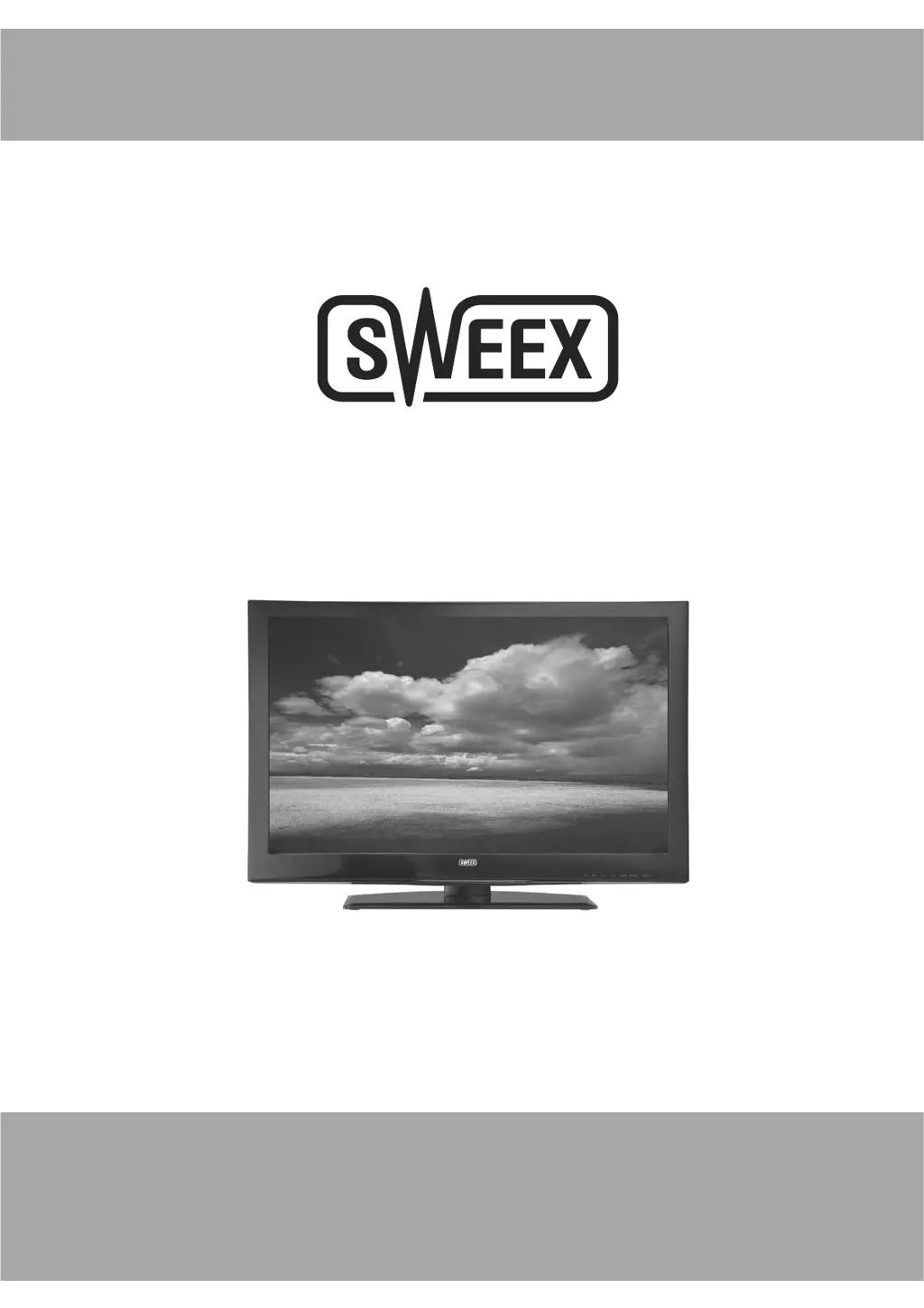
SWEEX TV122 - User Manual

SWEEX TV122
26 pages
Print Icon
To Next Page IconTo Next Page
Loading...
LED TV
TV122
INSTRUCTION MANUAL

Questions and Answers

  • C
    Craig SmithAug 18, 2025
    Why is there no sound and picture on my SWEEX TV122 LED TV?
    • J
      Jeffrey EatonAug 18, 2025
      If your SWEEX LED TV has no sound and picture, make sure the main plug is connected to a wall outlet and that you've pressed the POWER button on the front of the TV. Also, check the picture contrast and brightness settings.
  • P
    Patricia FordAug 20, 2025
    What to do if the SWEEX LED TV remote control does not work?
    • R
      rebecca96Aug 21, 2025
      If the remote control for your SWEEX LED TV isn't working, check for any obstructions between the remote and the TV. Ensure the batteries are installed with the correct polarity (+ to +, - to -). Verify the correct remote operating mode is set (TV, VCR, etc.). If these steps don't work, try installing new batteries.
  • D
    Diane LarsenAug 23, 2025
    What to do if my SWEEX LED TV has normal picture but no sound?
    • M
      morriskristinAug 23, 2025
      If your SWEEX LED TV has a picture but no sound, first check the volume level. Ensure the sound isn't muted by pressing the MUTE button. If that doesn't work, try another channel to rule out a broadcast issue. Also, verify that the audio cables are properly installed.
  • B
    Brooke MitchellAug 26, 2025
    Why does my SWEEX LED TV power suddenly turn off?
    • R
      rsmithAug 26, 2025
      If your SWEEX LED TV is suddenly turning off, check if the sleep timer is set. Also, examine the power control settings. The power may have been interrupted, or there may be no broadcast on the tuned station with auto-activation enabled.
  • J
    Jennifer JohnsonAug 28, 2025
    Why is there no or poor color on my SWEEX LED TV?
    • K
      Kimberly HernandezAug 28, 2025
      If your SWEEX LED TV has no or poor color, try adjusting the color in the menu options. Ensure there is sufficient distance between the TV and any VCRs. Try changing the channel to see if the issue is with the broadcast. Check that the VIDEO cables are properly installed. You can also try activating a function to restore the brightness of the picture.
  • D
    dianefordAug 30, 2025
    Why is there poor reception on some channels on my SWEEX TV122?
    • S
      Suzanne BradyAug 30, 2025
      If you're experiencing poor reception on some channels with your SWEEX LED TV, the station or cable product may be experiencing problems, so try tuning to another station. The station signal might be weak, so reorient the antenna to improve reception. Also, check for any sources of possible interference.
  • K
    Kristina KimSep 1, 2025
    Why is my SWEEX TV122 showing horizontal or vertical bars or picture shaking?
    • J
      Jennifer NicholsSep 1, 2025
      If your SWEEX LED TV is displaying horizontal or vertical bars, or the picture is shaking, check for local interference from electrical appliances or power tools.
  • M
    Mariah MccarthySep 3, 2025
    Why do lines or streaks appear in pictures on my SWEEX TV122?
    • W
      weissaliciaSep 3, 2025
      If you see lines or streaks in the pictures on your SWEEX LED TV, check the antenna and try changing its direction.
  • A
    Amy HurstSep 6, 2025
    Why is there no output from one of the speakers on my SWEEX TV122?
    • J
      jennamezaSep 6, 2025
      If there's no output from one of the speakers on your SWEEX LED TV, adjust the balance in the menu options.
  • R
    ronaldhallSep 8, 2025
    Why does the picture on my SWEEX TV122 appear slowly after switching it on?
    • D
      David RobertsSep 8, 2025
      The image is muted during the product startup process, this is normal for SWEEX LED TV.

SWEEX TV122 Specifications

General IconGeneral
Aspect Ratio16:9
Brightness250 cd/m²
Contrast Ratio1000:1
Response Time5 ms
Speakers2 x 3W
Screen Size22 inches
Viewing Angle170° horizontal, 160° vertical
InputsHDMI, VGA
Weight3.5 kg