6
5.TELETEXT function buttons
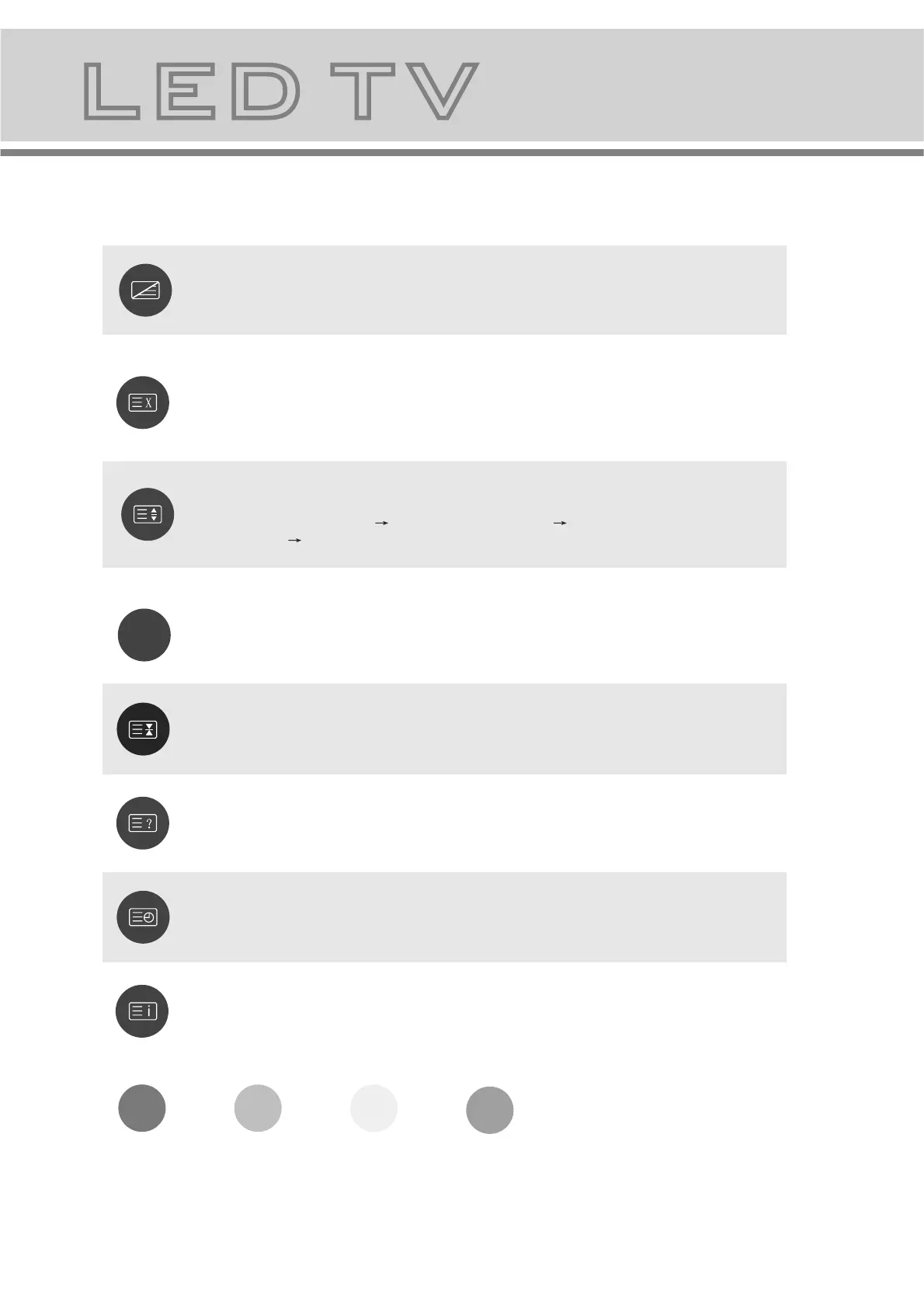
Press this button once, turn on the teletext function,
Press twice, enter picture and text mix mode.
Press once more, turn off the teletext function.
After searching for some page, press this key once to
go back to the text mode.
While the searching result will be displayed at the top
of the TV picture, press again to go back to the text
mode.
Press this key to change the size of the character of
the current text page as following:
Normal Display the upper half Display the bottom
half Normal Display.
Keep the current page not to refreshed and press
again to cancel the holding state.
Reveal/Conceal the concealed information of the
current text page.
To enter the subpage.
To show teletext index.
Press this key to turn on or off the subtitle of TV
programs.
RED GREEN YELLOW BLUE:Fast teletext buttons
SUBTITLE


 To Next Page