Parental
Video
Video
Audio
TV
Setup
Digital Teletext Language
Decoding Page Language
TTX Presentation Level
English
WEST EUR
Level 2.5
Teletext
Select
EXIT
Exit
17
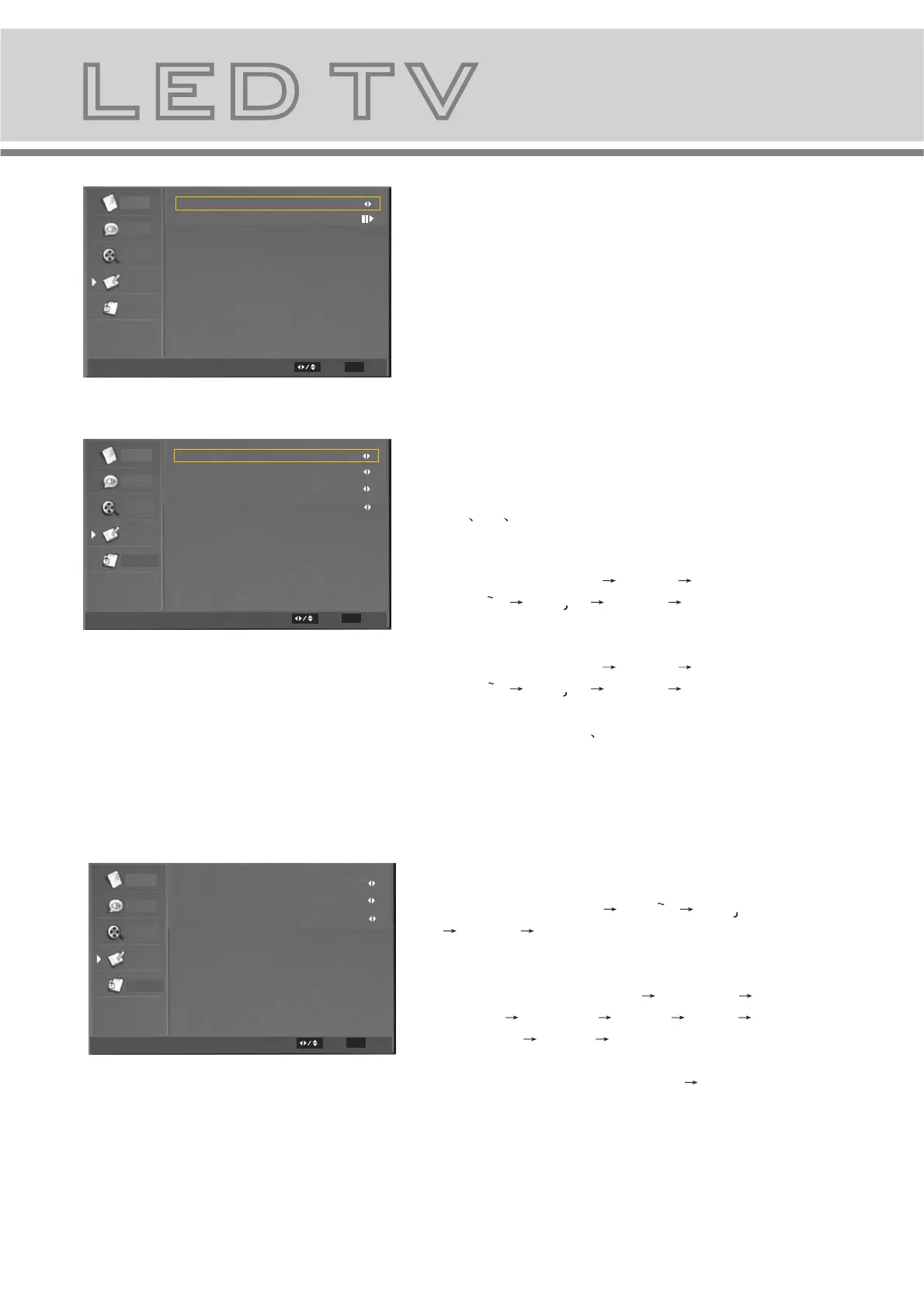
The Submenu of Time Setup
b-5-1. Time Zone: Change the time zone
by user.
b-5-2. Time: set the time. and set power
on/off time.
The submenu of Subtitle Item.
b-6-1. Analog Subtitle: Change the
analog subtitle in the sequence as:
Off On Mute
b-6-2. Digital Subtitle Language:
Change the subtitle language in
the sequence as: Off English
Espanol Francais Deutsch Nederlands,etc .
b-6-3. Digital Subtitle Language 2nd:
Change the subtitle language in
the sequence as: Off English
Espanol Francais Deutsch Nederlands,etc .
b-6-4. Subtitle Type: Change the subtitle type in the
sequence as: Normal Hearing Impaired.
Parental
Video
Video
Audio
TV
Setup
Time Zone
Time
As Broadcaster
Time Setup
Select
EXIT
Parental
Video
Video
Audio
TV
Setup
Analog Subtitle
Digital Subtitle Language
Digital Subtitle Language 2nd
Subtitle Type
Off
Off
Off
Normal
Subtitle
Select
EXIT
Exit
Exit
b-7-1. Digital Teletext Language: Change
the digital teletext language in the
sequence as: English Espanol Francais
Deutsch Nederlands,etc.
b-7-2. Decoding Page Language: Change
the decoding page language in the
sequence as: WEST EUR EAST EUR
RUSSIA RUSSIA-2 GREEK Turkey
Arab/Hbrw Farsian Arab,etc.
b-7-3.TTX Presentation Level: Change TTX
Presentation Level as:Level 1.5 Level 2.5


 To Next Page