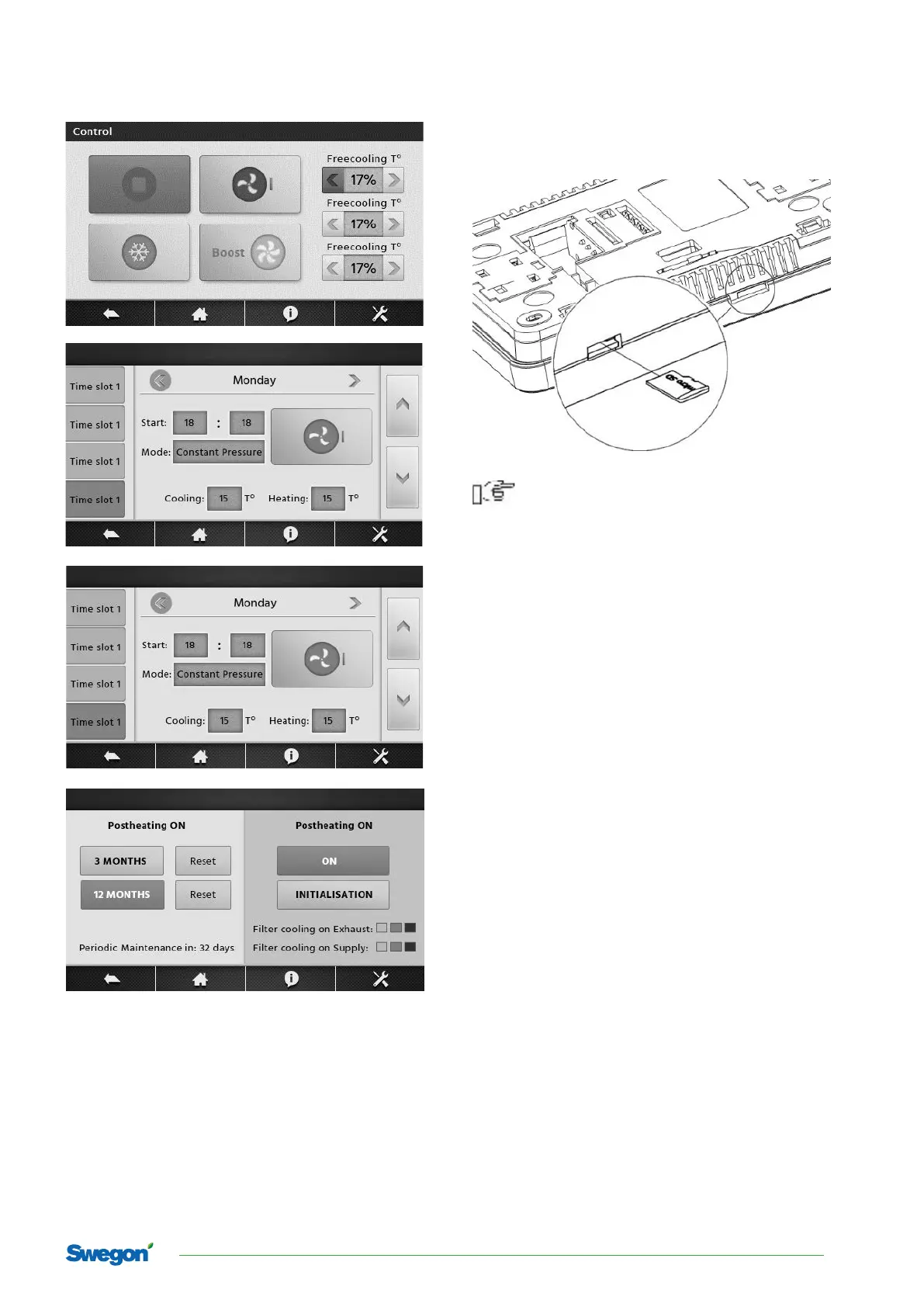
Below are examples screens with the parameters.
Software update
Possibility to update the control panel software via
memory card microSDHC inserted in the slot in the panel
interface.
Only microSD HC type memory cards should be
used (FAT32 format, max. 32 GB).
In order to replace a program, the TAC5 controller’s
electric power supply should be disconnected. Insert the
memory card into the slot in the TACTouch panel control.
The card should contain new software in a *.pfc format.
New software should be copied directly to the memory
card, not to a subfolder. Connect the supply to the con-
troller and open software update from main menu and
replace the program in the TACTouch control panel.
Technical data
Supply power 5..24 VDC - from the TAC5
controller socket
Consumed current (at 12
VDC supply voltage)
0.15 A
Protection class IP20
Work temp. / Storage
temp.
0..50°C / 0..65°C
Temperature measuring
range
0…50°C
Relative humidity 5…85%, without conden-
sation.
Display Graphic, color 480x272
pix. with touch screen.
Dimensions 144x97x20 mm
Weight 0.2 kg
Standards PN-EN 60730-2-9
PN-EN 60730-1
Assembly method On wall
5
Swegon reserves the right to alter specications.
TACTouch



 To Next Page