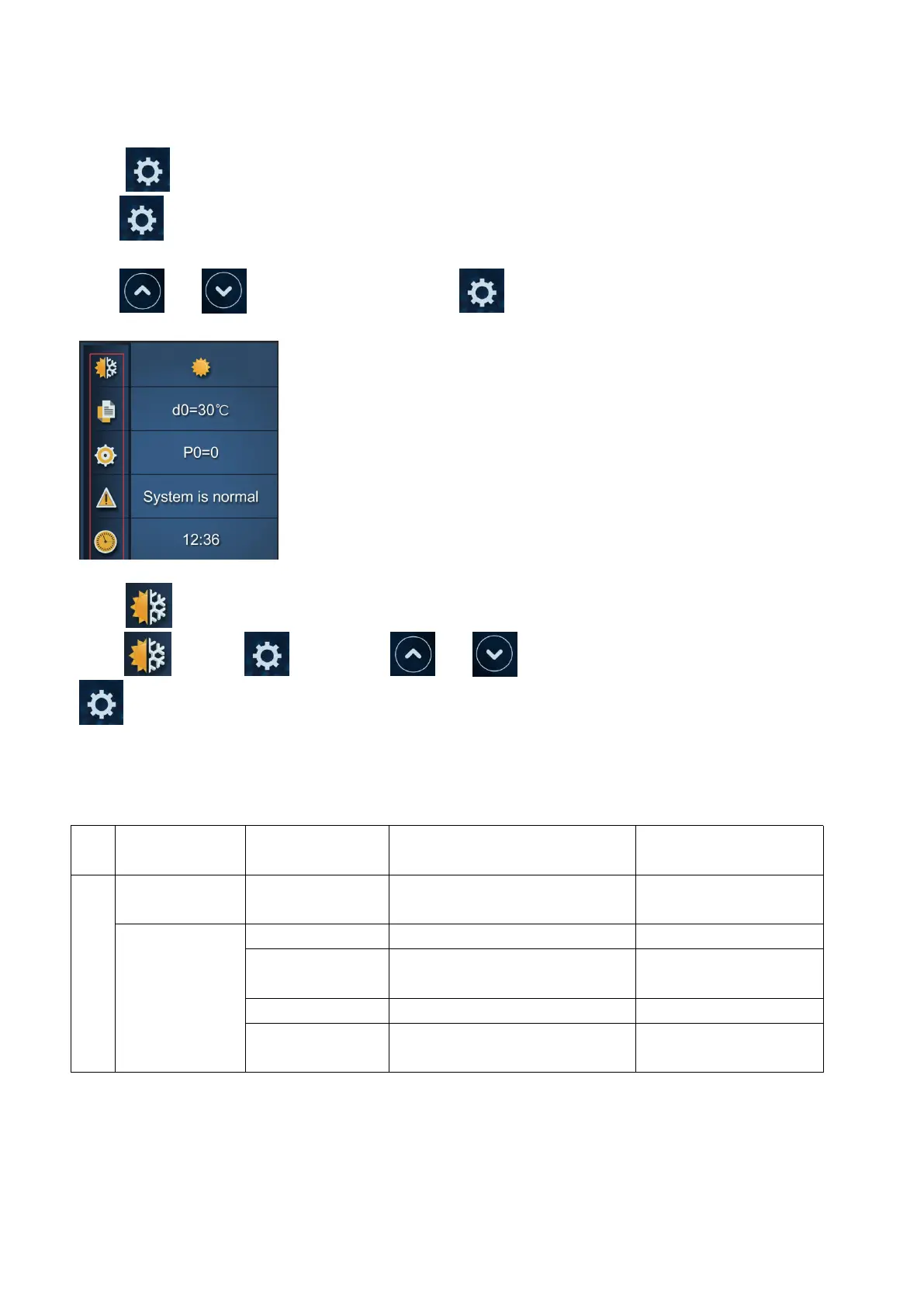
7.2.4 button
Press for 2 seconds to enter secondary page.
Press and to select the functions and press to enter.
7.2.5 Heating/Cooling/Auto mode
Select and press to enter, press and to choose Heating/ Cooling/ Auto mode, press
again to exit. The default mode is Heating mode.
Note:Under Automatic mode, it is useless to set parameter P1 .
Operation logic of Auto Mode:
T1=Water inlet temperature /Tset= set temperature=28
℃
When the heat
pump is running
T1≥29℃, last for 3 minutes
It switches to cooling
mode
T1=28
℃
, last for 3 minutes
T1≤27
℃
, last for 3 minutes
It switches to heating
mode


 To Next Page