5
English
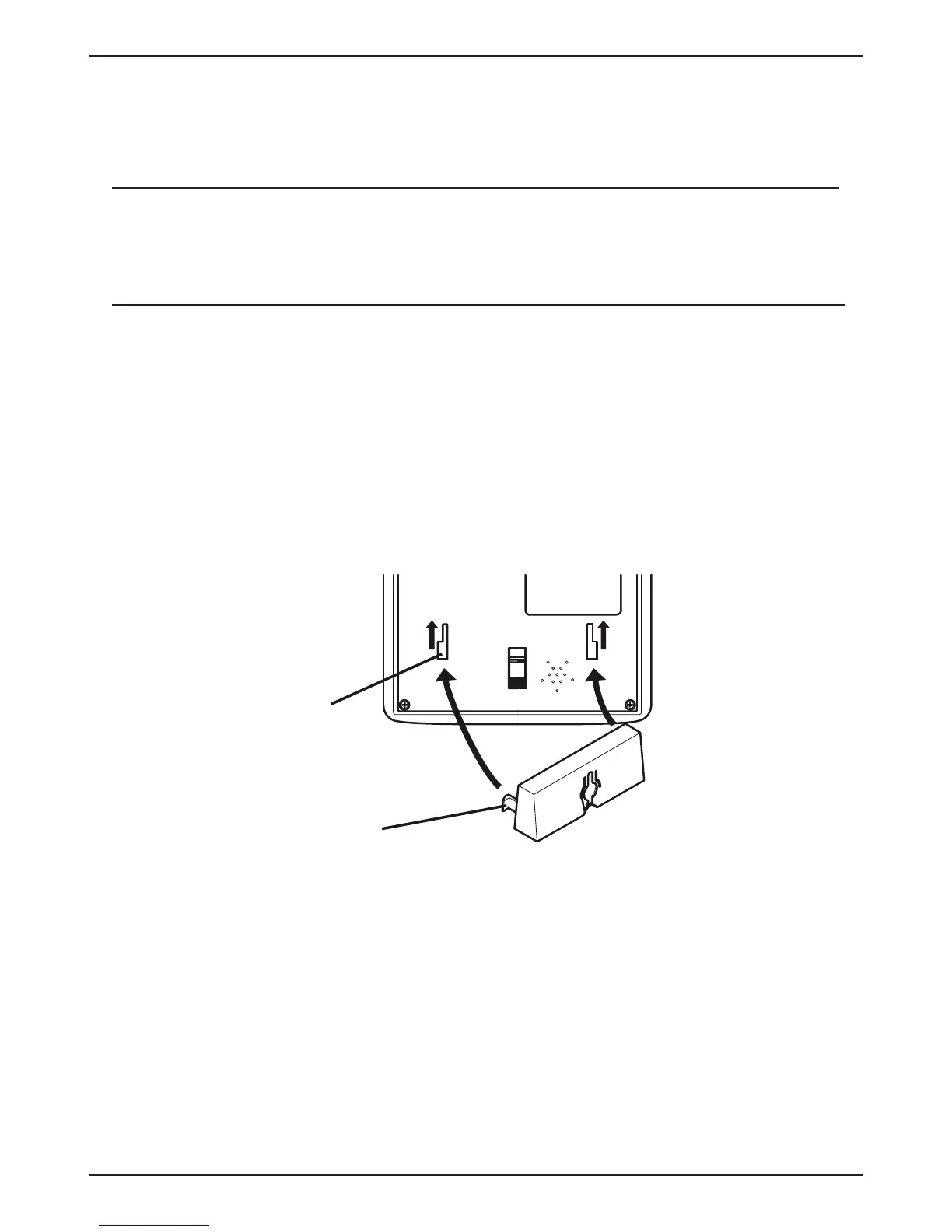
Wall mounting
The telephone can be wall mounted by using the included
wall mount bracket and two screws (not included).
Warning!
Make sure that no cables, water pipes or gas pipes are
located inside the wall before drilling into it.
1. Drill two holes in the wall, vertically 83 mm apart.
2. Insert the screws, allowing them to project
~5 mm out from the wall.
3. Unplug and remove the handset.
4. Fit the guide tabs (A) on the bracket into the slots (B) on
the back of the telephone, then slide the bracket upwards
until it snaps into place.
B
A



 To Next Page