–
9
–
EN
Setup
Hint
Hint
• To go back one step, hit [
ss
] (during the
steps 2) to 7) ).
• Your clock setting will be lost if either there
is a power failure or this unit has been
unplugged for more than 30 seconds.
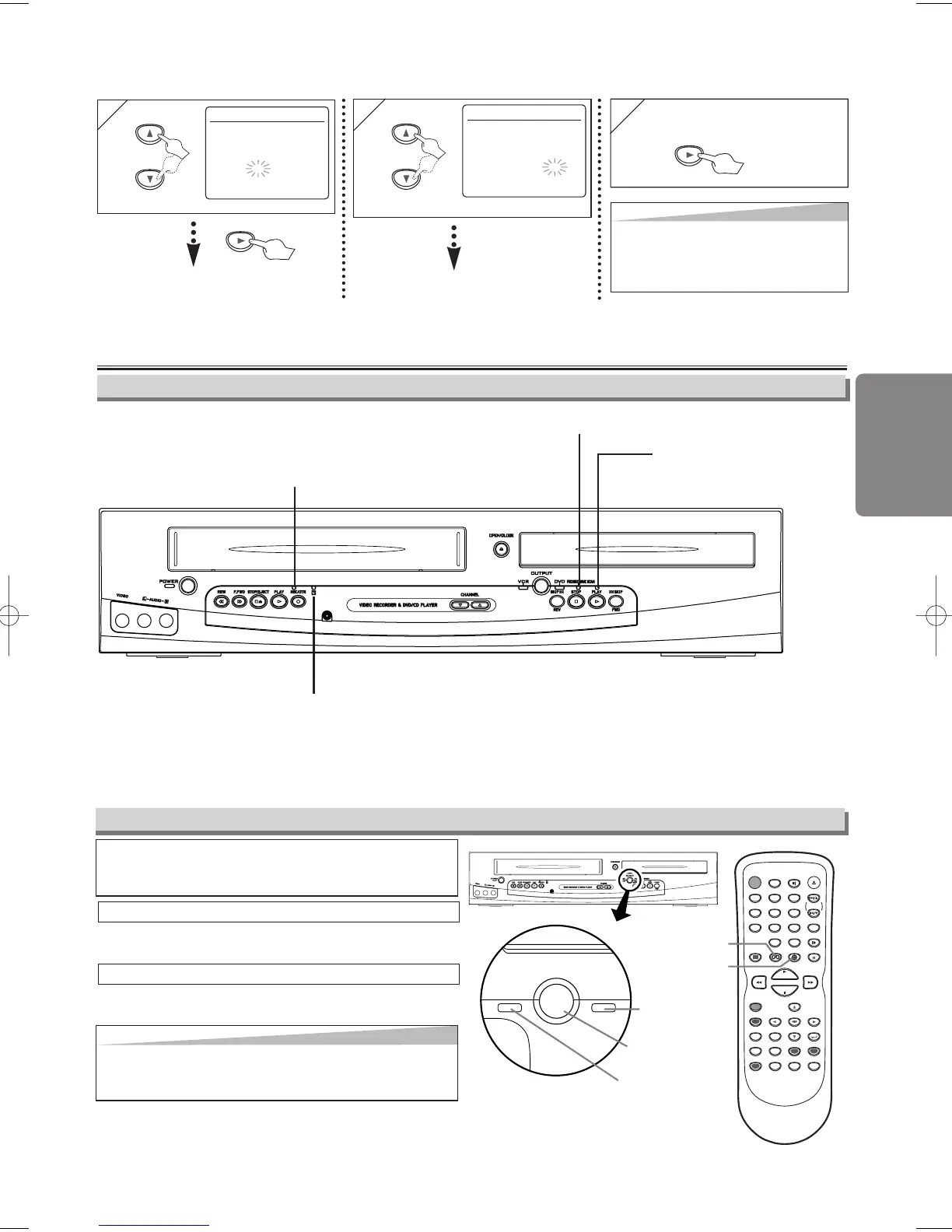
6
6
CLOCK SET
MONTH DAY YEAR
1 0 / 0 3 MON 2 0 0 5
HOUR MINUTE AM/PM
0 5 : 4 0 – –
7
7
CLOCK SET
MONTH DAY YEAR
1 0 / 0 3 MON 2 0 0 5
HOUR MINUTE AM/PM
0 5 : 4 0 P M AM
B PM
Select “AM” or “PM”.
8
8 To exit the CLOCK SET
screen
Select the current minute.
or
or
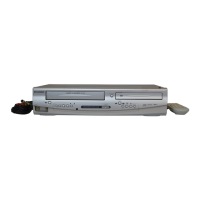
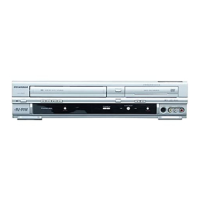
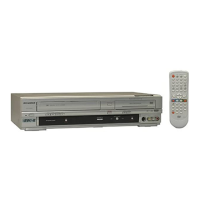
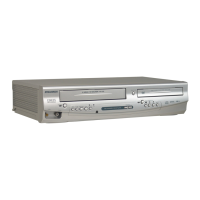
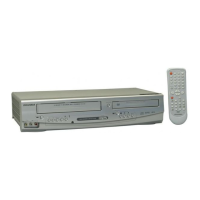
Because this product is a combination of a VCR and
a DVD player, you must select first which compo-
nent you wish to operate with
[OUTPUT].
OUTPUT
DVDVCR
OUTPUT button
DVD OUTPUT
light
VCR OUTPUT light
DVD button
VCR button
POWER
DISPLAY VCR DVD PAUSE
SLOW
VCR/TV
SKIP/CH.
PLAY
STOP
REC/OTR
MENU
SETUP TOP MENU
MODE ZOOM
SUBTITLE
T-SET
ANGLE
ENTER
RETURN
SEARCH
MODE
REPEAT A-B
OPEN/CLOSE
/EJECT
SPEED AUDIO
CLEAR/
C. RESET
123
456
789
0
+1 0
Hit
[VCR]
on the remote control.
(Verify that the VCR OUTPUT light is lit.)
VCR MODE
Hit [DVD] on the remote control.
(Verify that the DVD OUTPUT light is lit.)
DVD MODE
Hint
Hint
• Hitting only [OUTPUT] on the front panel DOES NOT
switch the mode of the remote control. You MUST select
the correct mode on the remote control.
Function Overview
VCR/DVD Switching
Front Panel Indicator
Lights up when the inserted
disc is being played back.
Flashes when an unaccept-
able disc is installed.
Lights up when the Timer Recording or
an OTR recording has been set.
Lights up during a recording.
Flashes when a recording is paused.
Lights up when the progressive scan
system is activated.
H9802UD_EN/SP.qx3 04.12.21 18:17 Page 9


 To Next Page