BASIC OPERATION
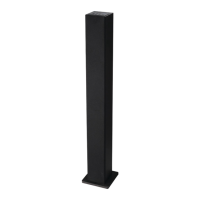
To turn the on
●
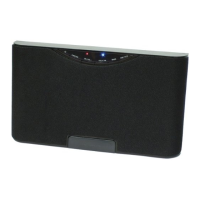
Connect the supplied power adapter to the DC IN jack. Then press the SOURCE/
button on the or press the
button on the remote control.
To turn the off
●
Press and hold the SOURCE/
button on the or press the
button on the
remote control.
NOTE: If the is not going to be used for a long period of time, disconnect the power
adapter.
AUX- IN 1(RCA) OPERATION
An external (auxiliary) audio source (i.e., TV/DVD/VCR, not included) can be connected to
the and heard through the speakers.
- RCA AUX IN connection:
1. Connect one end of the RCA audio cable (2-prong plug, white & red, included) to the
AUX- IN 1 jacks on the top of the .
2. Connect the other end (2-pr
ong plug, white & red) into the audio output jacks on external
auxiliary source.
3. Press the SOURCE/
button on the or press the SOURCE button on the
remote control repeatedly until the indicator turns
GREEN
.
4. Set the external audio player to play.
During playback:
●
Press the button on the remote control to turn the sound off, press again to resume.
●
Press the Volume +/- button on the or the VOL+/- button on the remote control to
adjust the volume level.
●
Press the Bass button on the remote control to adjust the bass level.
●
Press the Treble +/- button on the remote control to adjust the treble level.
●
Press the EQ button on the remote control to switch the sound mode between
POP/JAZZ/ ROCK/NORMAL.
AUX-IN 2 OPERATION
An external (auxiliary) audio source (i.e., personal CD or MP3 audio player, computer or
laptop, not included) can be connected to the and heard through the speakers.
- AUX IN connection:
1. Plug one end of the AUX IN 3.5mm jack cable (included) into the AUX-IN 2 on the right
side of the .
2. Plug the other end into the headphone or LINE/Audio output of the personal audio
player.
3. Press the SOURCE/
button on the or press the SOURCE button on the
remote control repeatedly until the indicator turns
ORANGE
.
4. Set your personal audio player to play.
u itn
u itn
u itn
u itn
u itn
u itn
u itn
u itn
u itn
u itn
uni t
uni t
/
CLASSIC
8



 To Next Page