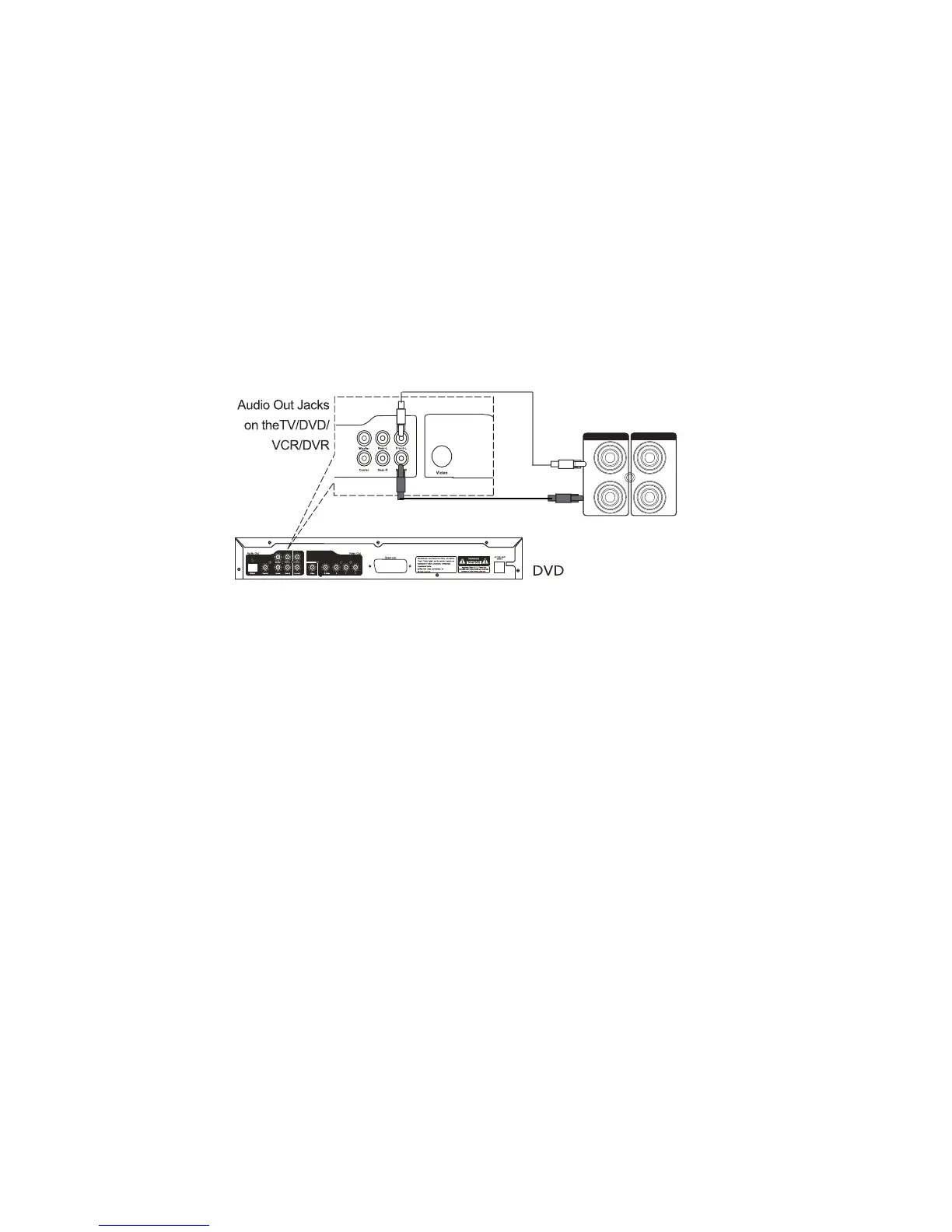
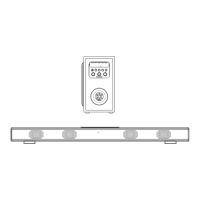
·TV/DVD/VCR
NOTE:
- During playback
·Press MUTE button to turn off the sound. Press again to resume the sound.
·Press VOLUME+/- buttons to adjust the volume level.
·Press BASS+/- buttons to adjust bass level.
·Press TREBLE+/-buttons to adjust treble level.
·Press EQ button to switch between POP/JAZZ/CLASSIC/ROCK/NORMAL.
8
RCA AUX IN
-RCA AUX IN sources may include
-RCA AUX IN connection
2. Press MODE button repeatedly until or
appears on the display.
AUX IN1 jack in the front of the unit.
1
or jack on the rear of the unit.
1 connection, make sure the AUX IN cable is not inserted into the
AUX 2
"AUX1" (for connection) (forAUX "AUX 2" AUX 21
connection)
R
L
AUX 2
R
L
AUX 1


 To Next Page