Setting Menu
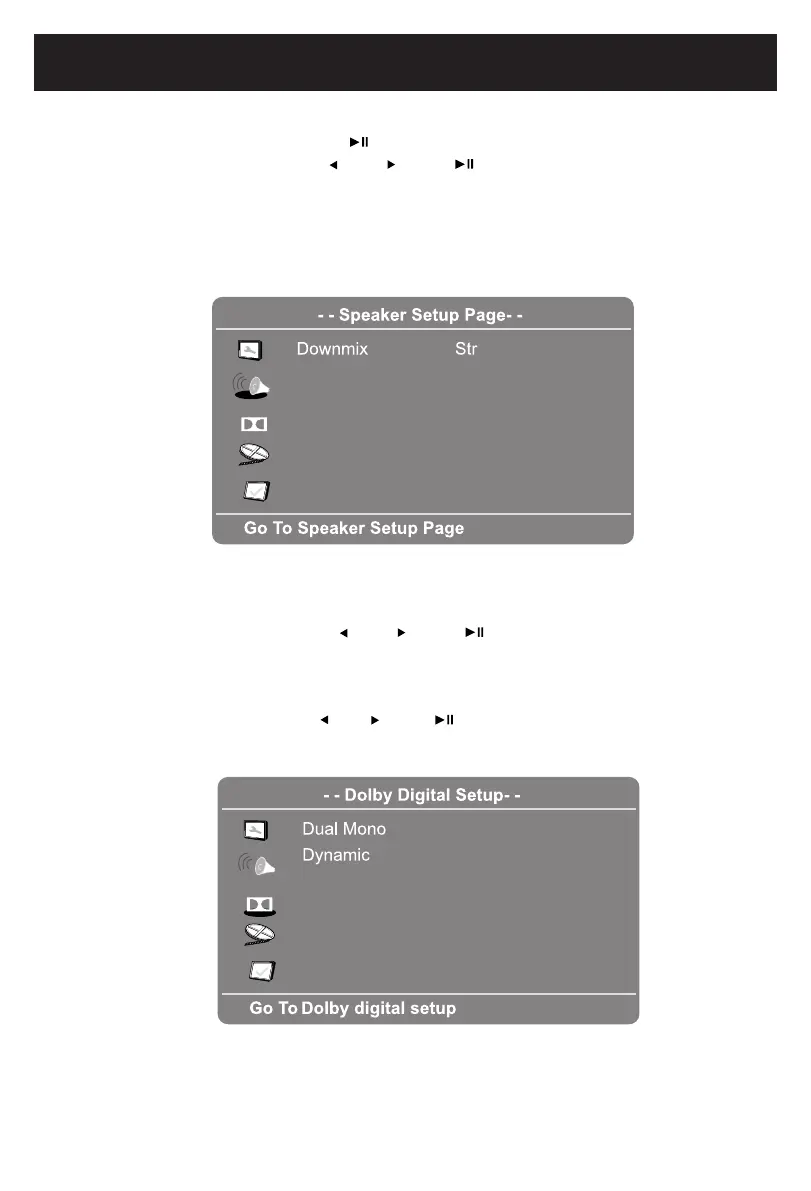
IN SPEAKER SETUP PAGE:
If Speaker Setup is selected, press the button,thesub-settingmenuwillappear.
1. IfDownmixisselected,usethe and buttonssetittoLt/Rt; Stereo.
• IfsettoLt/Rt,therearleftorrearrightchannelswillplayonbothLeftandRight
Speakers.
• IfsettoStereo,therearleftchannelwillplayonleftspeaker;therearrightchannel
will
play on right speaker.
IN DOLBY DIGITAL SETUP PAGE:
1. If Dual Mono is selected, use the and button to set it to Stereo,
L-Mono
(Play Left channel on all speakers), R-Mono (Play Right channel
on
all
speakers) or Mix-
Mono (Mixed Right and Leftchannelthenplaysonallspeakers)
asdesired.(Functions
dependontherecordingofthe disc).
2. If Dynamic is selected, use the and
desired or turn it off.
button to set the dynamic level
as
16
or
or
or
Dolby
Dolby







 To Next Page