Need help?
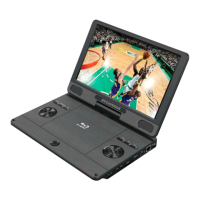
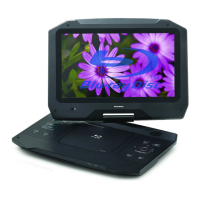
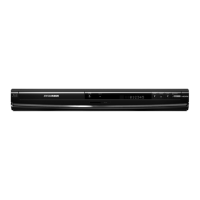
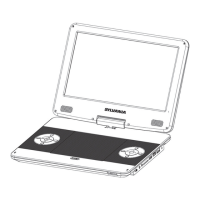
Do you have a question about the Sylvania SDVD1336 and is the answer not in the manual?
Important safety symbols and warnings about electric shock, moisture, and proper usage.
Essential guidelines for safe operation, including reading instructions, avoiding water, and proper servicing.
Warning about hazardous radiation exposure from improper control usage.
Lists trademarks and copyright information for various technologies and companies.
Detailed explanation of each button on the remote control and its function.
Instructions for connecting power, opening the player, inserting a disc, and starting playback.
Guidelines for effective remote control usage, including sensor alignment and range.
How to connect the player to a TV via HDMI and to a network via LAN.
Explains how to control video playback using remote control buttons.
How TOP MENU and POPUP buttons function for BD and DVD discs.
Details buttons for adjusting audio, subtitle, repeat, zoom, and bookmarks.
Steps for playing a Blu-ray disc, including menu navigation and features.
How to select Picture-in-Picture video and secondary audio tracks.
Explains BD-Live functions, interactive content, and internet connection requirements.
Describes remote control buttons for playing, pausing, stopping, and skipping music tracks.
Instructions for playing JPEG files as a slideshow and controlling its playback.
How to adjust slideshow timing and animation settings.
Steps to play music files simultaneously with a photo slideshow.
How to navigate and operate menus using the remote control buttons.
Configuration options for screen saver, auto playback, upgrades, and BUDA setup.
How to select languages and control playback features like captions.
Options for parental control, password change, and network connection settings.
Adjustments for TV screen, resolution, color space, and video processing.
Settings for HDMI audio mode and down sampling.
Configuration for speaker channels and audio settings like down sampling.
Instructions on how to clean discs using a microfiber cloth.
Details FCC rules, warnings, and guidelines for proper operation and interference.
Lists all supported disc formats and video/audio/photo file types.
Lists included accessories and details video/audio output specifications.
Information on USB usage, LED status, dimensions, weight, and charging/playback times.
Solutions for unresponsive remote controls and general picture/sound issues.
Troubleshooting steps for HDMI connection problems and discs not playing.
Resolving problems with playing data files and accessing BD-Live features.
 General
| Brand | Sylvania |
|---|---|
| Model | SDVD1336 |
| Category | Blu-ray Player |
| Language | English |

 To Next Page