EasyManua.ls Logo

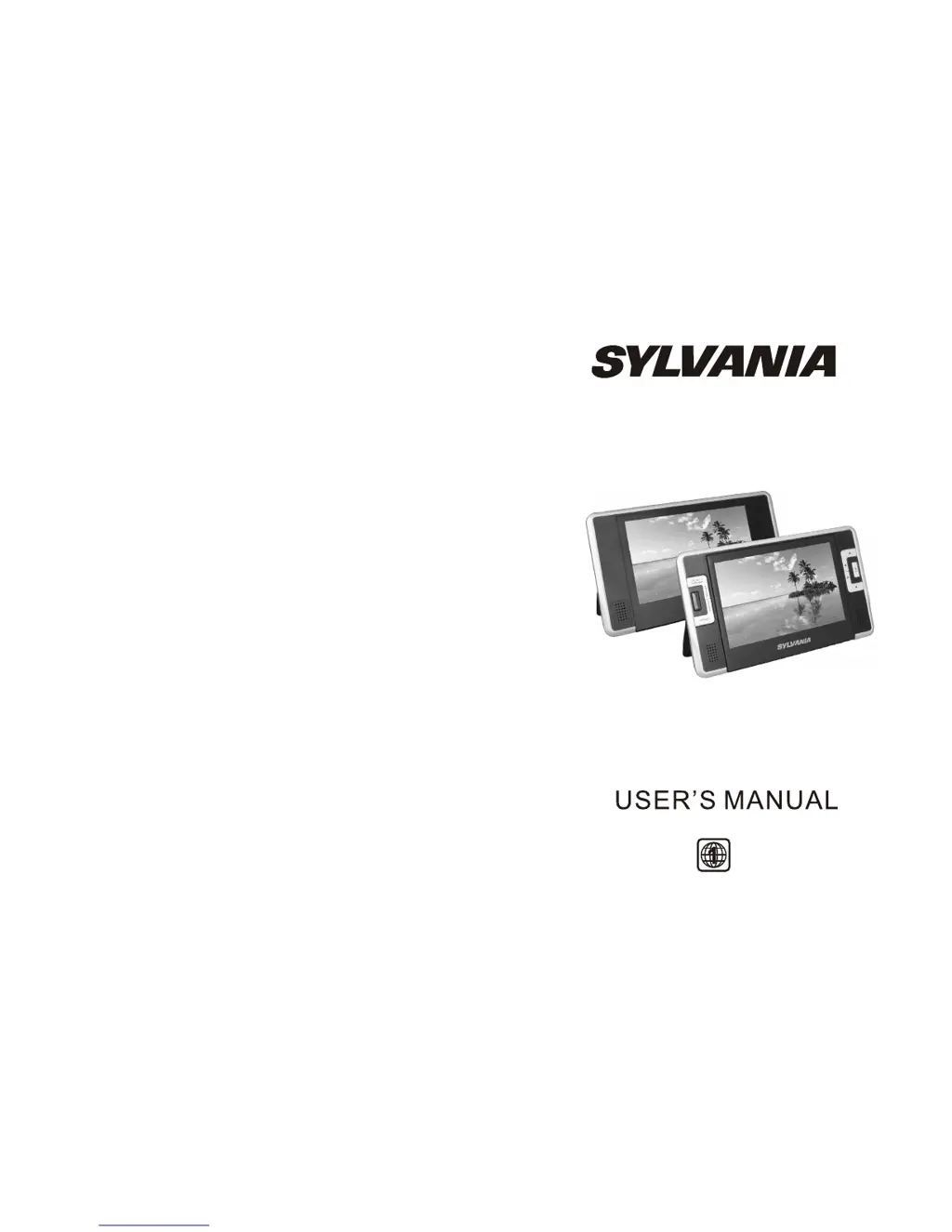
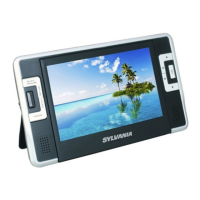
Sylvania SDVD8730 - User Manual

Sylvania SDVD8730
11 pages
Print Icon
To Next Page IconTo Next Page
Loading...
SDVD8730

Questions and Answers

  • Y
    yvaughnJul 26, 2025
    Why is the picture distorted on my Sylvania Portable DVD Player?
    • W
      Wesley MorrisonJul 26, 2025
      If the picture on your Sylvania Portable DVD Player is distorted, the disc might be damaged. Try using another disc. Also, it's normal for some distortion to appear during forward or reverse scan.
  • R
    Robert HarperAug 2, 2025
    How to fix sound issues on Sylvania SDVD8730 Portable DVD Player?
    • D
      Danielle EwingAug 2, 2025
      If you are experiencing no sound or distorted sound from your Sylvania Portable DVD Player, ensure the device is connected correctly and that all cables are securely inserted into the appropriate jacks.
  • T
    Timothy BaileyAug 10, 2025
    Why can't I fast forward on my Sylvania SDVD8730 Portable DVD Player?
    • K
      Kayla ParkerAug 10, 2025
      If you can't advance through the opening credits and warning information on your Sylvania Portable DVD Player, it's likely because the disc is programmed to prevent skipping this content.
  • B
    Brandon GrossAug 17, 2025
    What does the icon on my Sylvania Portable DVD Player mean?
    • U
      ubrownAug 17, 2025
      If an icon appears on the screen of your Sylvania Portable DVD Player, the feature or action you're trying to use cannot be completed at this time. This could be due to the disc's software restricting it, the disc's software not supporting the feature (e.g., angles), the feature not being available at the moment, or requesting a title or chapter number that is out of range.

Summary

Safety Precaution

Main Unit Controls

Monitor View

System Connection

Powering and Installation

Explains how to power the unit using AC/DC adapter or cigarette lighter adapter.

Connecting to the Monitor

Details how to connect the unit to an external LCD monitor.

Using SD;MMC Card

Instructions for inserting an SD or MMC card into the unit.

Using USB

Instructions for inserting a USB device into the unit.

The Remote Control

The Use of Remote Control

Basic Operation

Fast Forward and Fast Backward

Repeat Playing

Angle

Zoom In;Out

Playing JPG File

Playing MP3 Files

System Setup

General Setup Page

Configure display, angle mark, TV type, screen saver, and OSD language.

Video Setup Page

Adjust video output quality like brightness, contrast, hue, and saturation.

Password Setup Page

Set a password for parental control features.

Preference Page

Set preferred audio, subtitle, disc menu, and parental control languages.

Disc Menu

Select the menu language stored on the disc.

Parental Control

Set the parental control level for unsuitable disc scenes.

Reset Settings

Load factory settings for all configurations.

Specification

Troubleshooting

Straps Installation Guide

Sylvania SDVD8730 Specifications

General IconGeneral
BrandSylvania
ModelSDVD8730
CategoryPortable DVD Player
LanguageEnglish

Related product manuals