EasyManua.ls Logo

Sylvania SDVD8791 - User Manual

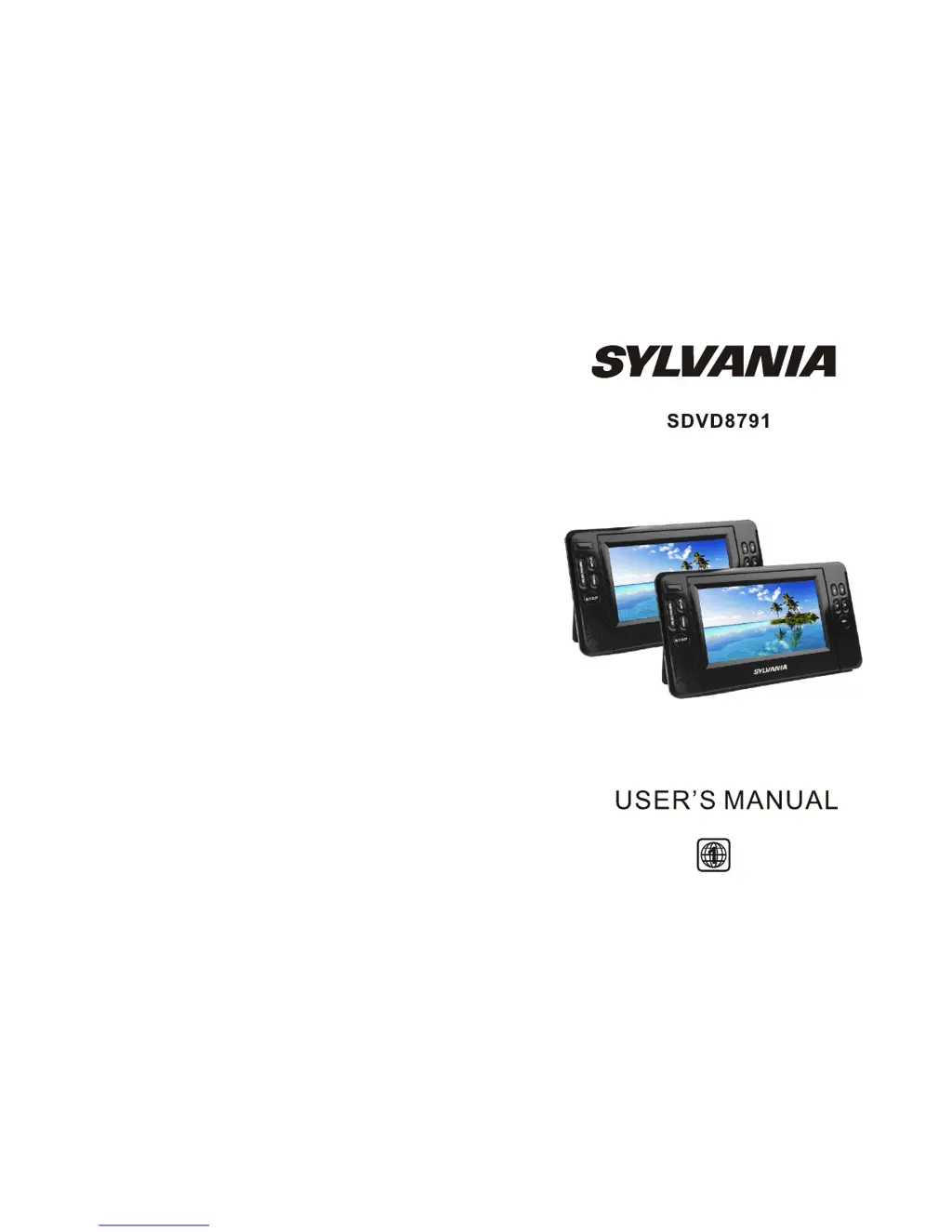
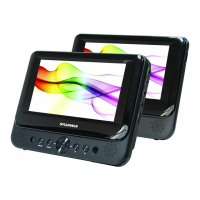
Sylvania SDVD8791
12 pages
Print Icon
To Next Page IconTo Next Page
Loading...
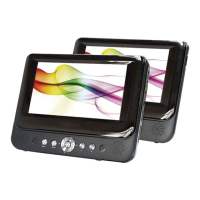
DVD PLAYER (A)
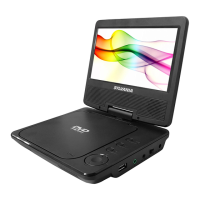
DVD PLAYER (B)

Questions and Answers

Summary

Safety Precautions

General Safety Warnings

Important warnings for safe operation, fire, and electric shock prevention, including reading the manual and avoiding water.

Remote Control Operations

Remote Control for A Unit

Explains the functions of the remote control for Unit A, detailing each button's purpose.

Remote Control for B Unit

Explains the functions of the remote control for Unit B, detailing each button's purpose.

Remote Control Usage

System Connection

Connecting Unit A to Unit B

Guide on how to connect Unit A to Unit B using the AV cable.

Power Connection

Instructions on how to connect the power supply to the units, including AC adapter and car lighter socket.

Connecting Power Adapters

Connecting DC Adaptor

Details on connecting the AC adapter to the unit's DC IN jack and the power outlet.

Connecting Additional Equipment

Basic Operation

Playing Discs (DVD, VCD, CD, MP3)

Steps for playing various types of discs on the player, including disc insertion and playback.

Unit A System Setup

General Setup Page

Configuration options for general settings like TV display, TV type, angle mark, and screen saver.

Unit A Preference Settings

Parental Control Setup

Setting parental control levels and password for content restriction.

Unit B System Setup

Panel Quality Setup

Password and Parental Control

Battery Management

Troubleshooting Common Issues

Unit A System Setup - Additional Sections

Unit A Preference Settings - Additional Sections

Unit B System Setup - Additional Sections

General Setup Page (Unit B)

General configuration options for Unit B, including TV display.

Panel Quality Setup - Additional Sections

Picture Quality Adjustments

Adjusting picture quality parameters like brightness, contrast, hue, and saturation.

Password and Parental Control - Additional Sections

Password Setup Page

Configuration for setting or changing the password for parental controls.

Parental Control Levels

Setting specific parental control levels for disc content.

Unit A Preference Settings - Further Sections

Battery Management - Continued

Troubleshooting Common Issues - Continued

Audio Problems

Solutions for problems related to no sound or distorted sound output.

Playback Advancement Restrictions

Explains why advancement through movie parts might be restricted by disc programming.

Picture Distortion Solutions

Addresses issues with picture distortion, suggesting checking discs or noting scan distortion.

Sylvania SDVD8791 Specifications

General IconGeneral
Screen Size7 inches
Battery LifeUp to 5 hours
Weight1.5 lbs
Swivel ScreenYes
Power SourceAC Adapter, Rechargeable Battery
Audio OutputStereo
Video OutputComposite Video
Included AccessoriesAC Adapter, Car Adapter, Remote Control, AV Cable
Supported FormatsDVD, CD, MP3, JPEG
Region CodeRegion 1
ConnectivityAV Output, Headphone Jack
Resolution800 x 480 pixels

Related product manuals