EasyManua.ls Logo

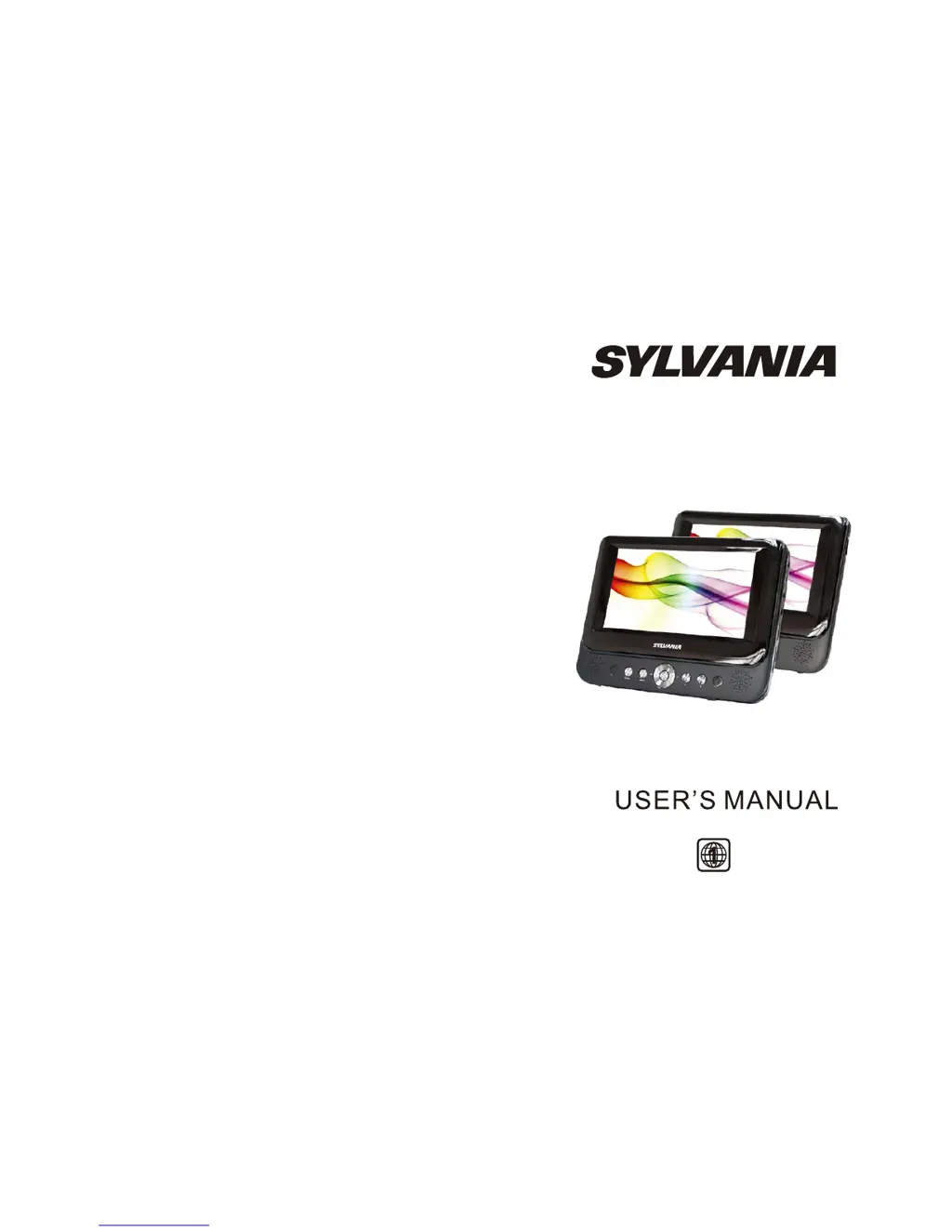
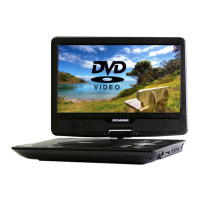
Sylvania SDVD9957 - User Manual

Sylvania SDVD9957
15 pages
Print Icon
To Next Page IconTo Next Page
Loading...
SDVD9957

Questions and Answers

  • S
    Sarah AndersonAug 10, 2025
    What to do if the picture is distorted on my Sylvania SDVD9957 Portable DVD Player?
    • A
      andrea60Aug 10, 2025
      If the picture is distorted, the disc might be damaged. Try playing another disc. Note that some distortion is normal during forward or reverse scan.
  • N
    Nathaniel FosterAug 16, 2025
    What to do if I have no sound or distorted sound on my Sylvania SDVD9957?
    • L
      lisa71Aug 16, 2025
      Ensure that the Sylvania Portable DVD Player is connected properly and that all cables are securely inserted into the appropriate jacks.
  • R
    Rachel CarterAug 22, 2025
    Why can't I advance through a movie on my Sylvania SDVD9957 Portable DVD Player?
    • M
      Margaret BautistaAug 22, 2025
      You may not be able to advance through the opening credits and warning information at the beginning of some movies because the disc is programmed to prevent this action.
  • J
    Jason KnightAug 28, 2025
    Why is there no forward or reverse scan on my Sylvania Portable DVD Player?
    • M
      Mr. Jimmy SullivanAug 28, 2025
      Some discs have sections that prohibit rapid scanning or chapter skipping. For example, you usually cannot skip through the warning information and credits at the beginning of a movie, as this part is often programmed to prevent skipping.
  • C
    Curtis PhillipsSep 2, 2025
    What to do if an icon appears on the screen of my Sylvania SDVD9957?
    • D
      Douglas CareySep 2, 2025
      The appearance of an icon on the screen indicates that the feature or action cannot be completed at this time. This could be due to several reasons: * The disc's software restricts it. * The disc's software doesn't support the feature (e.g., angles). * The feature is not available at the moment. * You've requested a title or chapter number that is out of range.

Summary

Safety Precaution

Main Unit Controls

System Connection and Powering

Powering and Installation

Instructions for connecting the device to a power source using AC/DC adapter or car cigarette lighter.

In Car Installation

Fitting the Headrest Mount

Steps to securely attach the headrest mount to the DVD player and vehicle headrest.

Headrest Mount Installation Details

Fitting to Headrest

Instructions for securing the headrest mount to the vehicle's headrest using straps and clips.

Fitting to Seat

Method for fitting the mount to seats without separated headrests.

Remote Control Functions

Using the Remote Control

Basic Operation

Playback Navigation

Zoom and Image Movement

System Setup Menu

General Setup

Configuring TV display, angle mark, OSD language, and screen saver.

Video Setup Options

Preference Setup

Troubleshooting Guide

Sylvania SDVD9957 Specifications

General IconGeneral
Screen Size9 inches
Battery LifeUp to 3 hours
Audio OutputStereo
Region CodeRegion 1
Resolution800 x 480 pixels
Supported FormatsDVD, CD, MP3, JPEG
ConnectivityAV output, headphone jack
Power SourceAC adapter, rechargeable battery
FeaturesBuilt-in speakers, swivel screen

Related product manuals