EasyManua.ls Logo

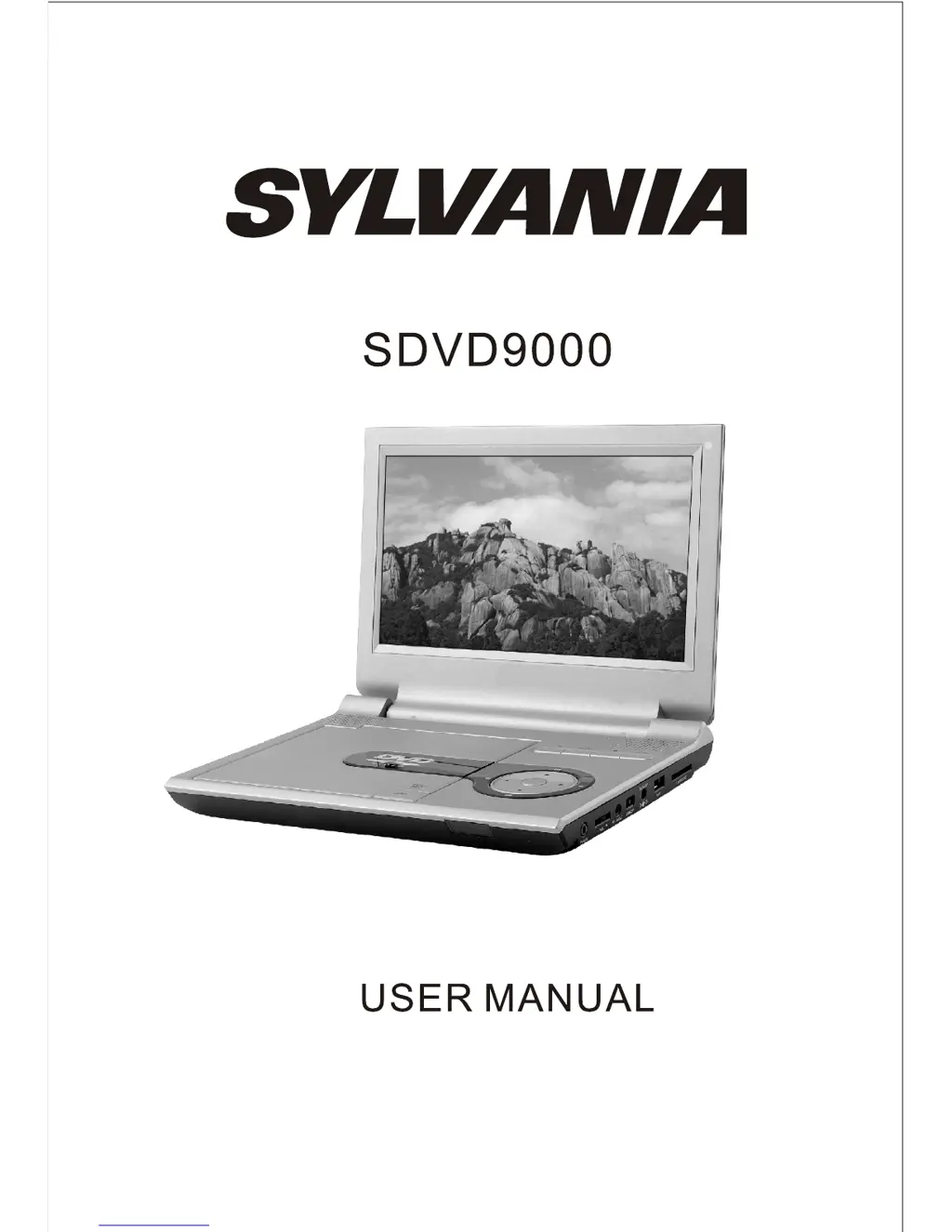
Sylvania SDVD9000 - User Manual

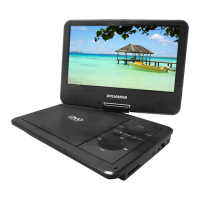
Sylvania SDVD9000
12 pages
Print Icon
To Next Page IconTo Next Page
Loading...

Other manuals for Sylvania SDVD9000

Questions and Answers

  • A
    Alex BaileyJul 26, 2025
    What to do if the picture is distorted on Sylvania SDVD9000 Portable DVD Player?
    • J
      jesse79Jul 26, 2025
      If the picture is distorted on your Sylvania Portable DVD Player, the disc might be damaged. Try another disc. Also, it is normal for some distortion to appear during forward or reverse scan.
  • L
    Lori GrimesAug 2, 2025
    Why can't I fast forward on my Sylvania SDVD9000?
    • K
      Kaitlyn FergusonAug 3, 2025
      You likely can't advance through the opening credits and warning information at the beginning of movies because the disc is programmed to prevent that action.
  • S
    Samantha CruzAug 10, 2025
    Why no forward or reverse scan on Sylvania SDVD9000 Portable DVD Player?
    • D
      Daniel NorrisAug 10, 2025
      Some discs have sections that prohibit rapid scanning or title and chapter skipping. For example, you usually can't skip through the warning information and credits at the beginning of a movie, as this part is often programmed to prohibit skipping.
  • B
    bpetersAug 17, 2025
    What does the icon mean on Sylvania SDVD9000 Portable DVD Player?
    • J
      Jill DickersonAug 17, 2025
      The feature or action cannot be completed because: 1. The disc's software restricts it. 2. The disc's software doesn't support the feature (e.g., angles). 3. The feature is not available at the moment. 4. You've requested a title or chapter number that is out of range.

Summary

Introduction

Important Safety Instructions

Crucial safety warnings and precautions for operating the DVD player to prevent hazards.

Main Features

The Remote Control

Details the functions of various buttons on the remote control for operating the DVD player.

Unit View

Basic Operation

Accessories

Powering and Installation

Connecting to TV or Another Monitor

Playing Disc

Playing JPG File

Instructions on how to play JPG files from a disc, including previewing and rotating.

Playing MP3 Files

Connecting with USB and SD;MMC;MS Card

USB Connectivity

Guide on connecting and playing files from a USB storage device.

SD;MMC;MS Card Connectivity

Instructions for using SD/MMC/MS memory cards with the player.

System Setup

General Setup

Configuration options for display, OSD language, and screen saver.

Video Setup

Allows adjustment of video quality and panel quality settings.

Password Setup

Enables setting or changing the password for parental controls or system access.

Preference Settings

Configure audio, subtitle, disc menu, and parental control settings.

Rechargeable Battery Use

Battery Recharge Precautions

Important warnings and guidelines for safely recharging the device's battery.

Battery Usage and Maintenance

Best practices for operating and maintaining the battery for optimal performance.

Specifications

Troubleshooting

No Sound or Distorted Sound

Solutions for issues related to audio output problems.

Picture Distortion

Troubleshooting steps for distorted video playback.

Playback Navigation Issues

Explains restrictions on advancing, scanning, or skipping movie segments.

Sylvania SDVD9000 Specifications

General IconGeneral
Screen Size9 inches
Dimensions9.5 x 7.5 x 1.5 inches
Built-in SpeakersYes
Headphone JackYes
AC AdapterYes
Car AdapterYes
Supported FormatsDVD, CD, JPEG
ConnectivityAV output
Power SourceAC adapter, rechargeable battery

Related product manuals