EasyManua.ls Logo

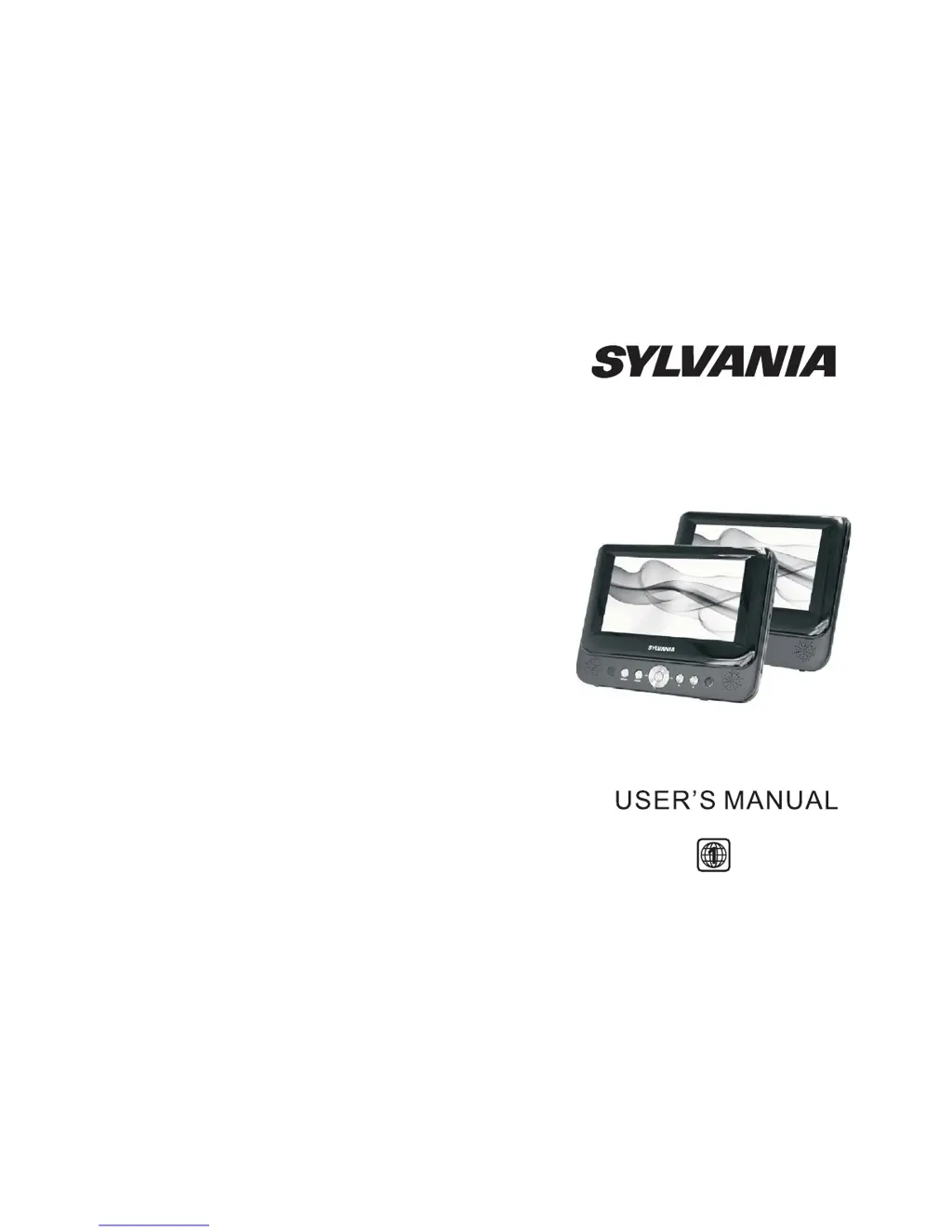
Sylvania SDVD8737 - User Manual

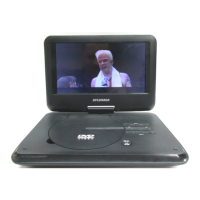
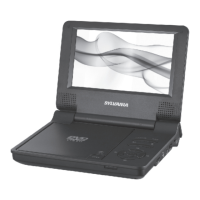
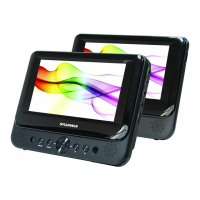
Sylvania SDVD8737
14 pages
Print Icon
To Next Page IconTo Next Page
Loading...
SDVD8737

Questions and Answers

  • D
    dcarterJul 26, 2025
    Why can't I fast forward on Sylvania Portable DVD Player?
    • H
      howelltamiJul 27, 2025
      If you can't advance through a movie on your Sylvania Portable DVD Player, it may be because the disc is programmed to prevent this action. For example, you usually can't skip the opening credits and warning information at the beginning of movies.
  • T
    Tina HallAug 5, 2025
    Why is there no forward or reverse scan on Sylvania SDVD8737?
    • T
      Todd JamesAug 5, 2025
      If forward or reverse scan isn't working on your Sylvania Portable DVD Player, it's possible that certain sections of the disc prohibit rapid scanning or chapter skipping. For instance, you usually cannot skip through the warning information and credits at the beginning of a movie.
  • M
    Matthew RodriguezAug 14, 2025
    What does the icon on my Sylvania Portable DVD Player mean?
    • J
      Janet SpencerAug 15, 2025
      If an icon appears on the screen of your Sylvania Portable DVD Player, the feature or action you are trying to perform cannot be completed at this time. This could be due to the disc's software restricting the action, the disc's software not supporting the feature (e.g., angles), the feature not being available at the moment, or requesting a title or chapter number that is out of range.

Summary

Safety Precaution

General Safety Precautions

Covers warnings about water, heat, cleaning, accessories, and disc types.

Main Unit Controls

System Connection

Powering and Installation

Connecting the unit to power sources using AC adapter or cigarette lighter.

Connecting to the Monitor

External Monitor Connection

How to connect the unit to an external LCD monitor for display.

In Car Installation

Headrest Mount Fitting

Steps to attach the player/monitor to a vehicle headrest using the provided mount.

The Remote Control

Basic Operation

Disc Playback

Guide for inserting and playing various disc formats.

System Setup

General Setup Page

Configuring TV display, angle marks, OSD language, and screen saver.

Video Setup Page

Adjusting TV type and video quality for AV output and panel.

Preference Page

Setting audio language, subtitle display, disc menu language, and parental controls.

Preference Setup Details

Troubleshooting

No Sound or Distorted Sound

Solutions for audio issues, ensuring proper connections.

Specifications

Sylvania SDVD8737 Specifications

General IconGeneral
Screen Size7 inches
Resolution480 x 234 pixels
Battery Life2.5 hours
Dimensions8.5 x 6.5 x 1.5 inches
ConnectivityAV output, headphone jack
Power SourceAC adapter, rechargeable battery
Region CodeRegion 1
Audio OutputStereo
Video OutputComposite video
Supported FormatsDVD, CD, JPEG
Weight1.5 lbs
Included AccessoriesAC adapter, AV cable

Related product manuals