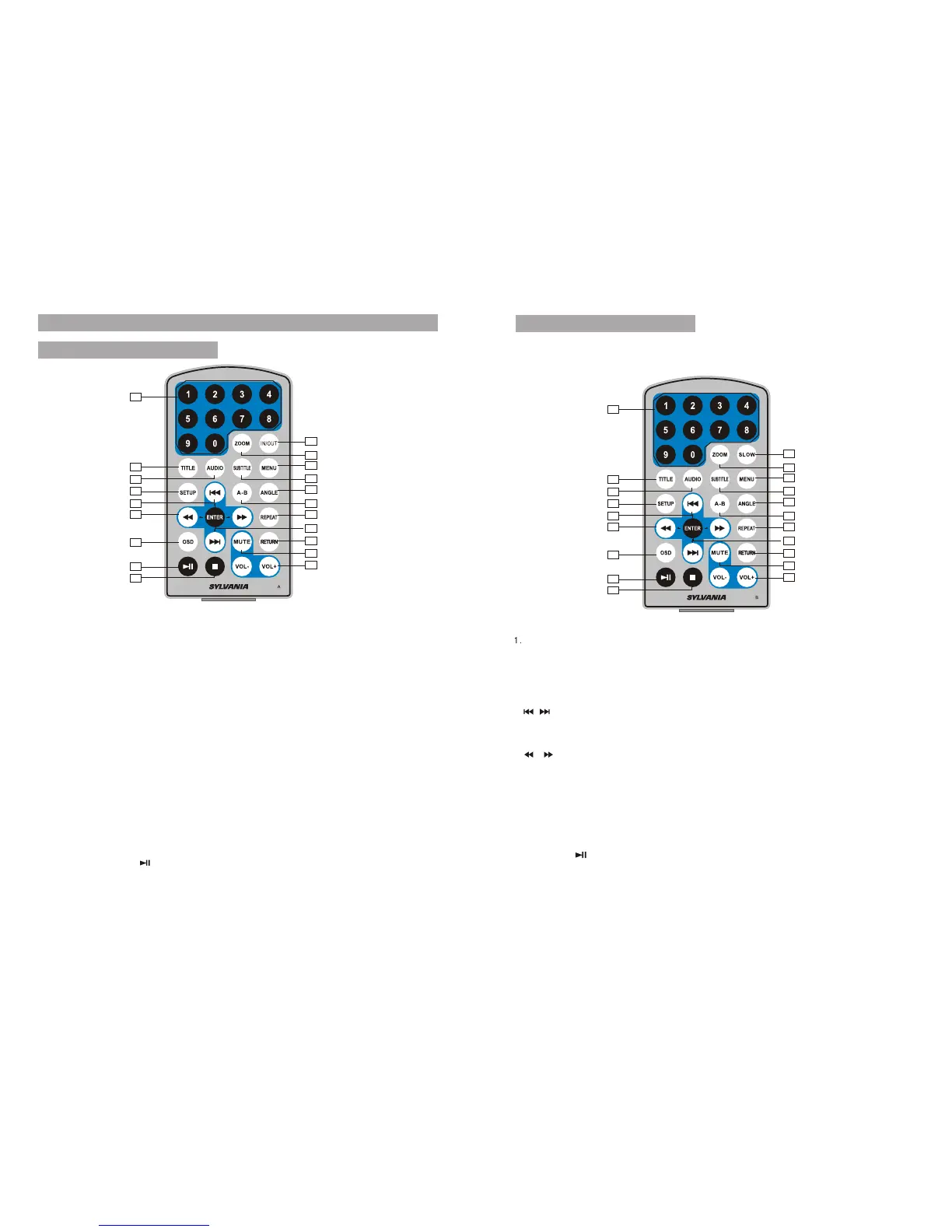
Number button
2.TITLE (To display title
information)
3.AUDIO(To select audio language)
4.SETUP(To go to or exit setup menu)
5. / button(To go to
Previous/next chapter or scene during
playing)
6. / button (To scan forward /backward
at 2,4,8,16 or 32 times)
7.OSD(To display disc information
during playing such as elapsed and
remaining)
8.Play/pause
9.STOP(press once to stop playback,
then press to resume playback
from the point where you stopped;
press stop button twice to stop playback
completely.
10.SLOW
11.ZOOM(To zoom in/out the image
during playback)
12.MENU(To enter or exit menu root)
13.SUBTITLE (To select subtitle
language when playing DVD disc)
14.ANGLE(To change viewing angle
when playing disc with multi-angle)
15.A-B(Repeat a specific portion from
point A to B, press it again to cancel
repeat playing)
16.REPEAT(To Repeat playing title,
chapter or track)
17.RETURN(To return to the main menu)
18.MUTE(To turn mute)
19.VOL+/-(To adjust the volume)
20.ENTER(To confirm)
1
2
3
4
5
6
7
8
9
10
11
12
13
14
15
16
17
18
19
20
4
The Remote Control
Remote control for A unit
5
Remote control for B unit
1
2
3
4
5
6
7
8
9
10
11
12
13
14
15
16
17
18
19
20
1. Number button
2. TITLE ( To display title information)
3. AUDIO (To select audio language)
4. SETUP (To go to or exit setup menu)
5. Previous/Next button (To go to
previous/next chapter or scene during
playing)
6. Fast forward/backward button (To
scan forward/backward at 2, 4, 8, 16,
or 32 times )
7. OSD ( To display disc information
during playing)
8. Play/Pause
9. Stop ( First time: Stop at the present
playing point; Press to continue to
play; press it again to stop playing)
10. IN/OUT ( To input or output signal)
11. Zoom ( To zoom in or zoom out the
scene when playing )
12. Menu (To enter or exit menu page)
13. Subtitle (To select subtitle language
when playing DVD disc)
14. Angle (To change viewing angle when
playing disc with multi-angle)
15. A-B (Repeat a specific portion from
point A to B, press it again to cancel
repeat playing)
16. Repeat (To repeat playing title,
chapter or track)
17. Return (To return to the main menu)
18. Mute ( To turn mute)
19. VOL +/- (To adjust the volume)
20. Enter ( To confirm)


 To Next Page