3
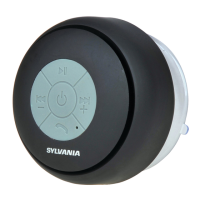
1. Long press “Power ON /OFF” button for 3 seconds, the
red and blue color indicator light will alternately ashing, this
speaker enters pairing mode.
2. Once you have activated Bluetooth on your device,
select the device name “Sylvania” from the list of available
Bluetooth devices.
If required, enter the password “0000” to conrm to nalize
pairing.
3. Press "Next / Volume UP" or "Previous / Volume DOWN"
to select the music track and volume control.
If you want to pause your music, press the "Play / Pause"
button once.


 To Next Page