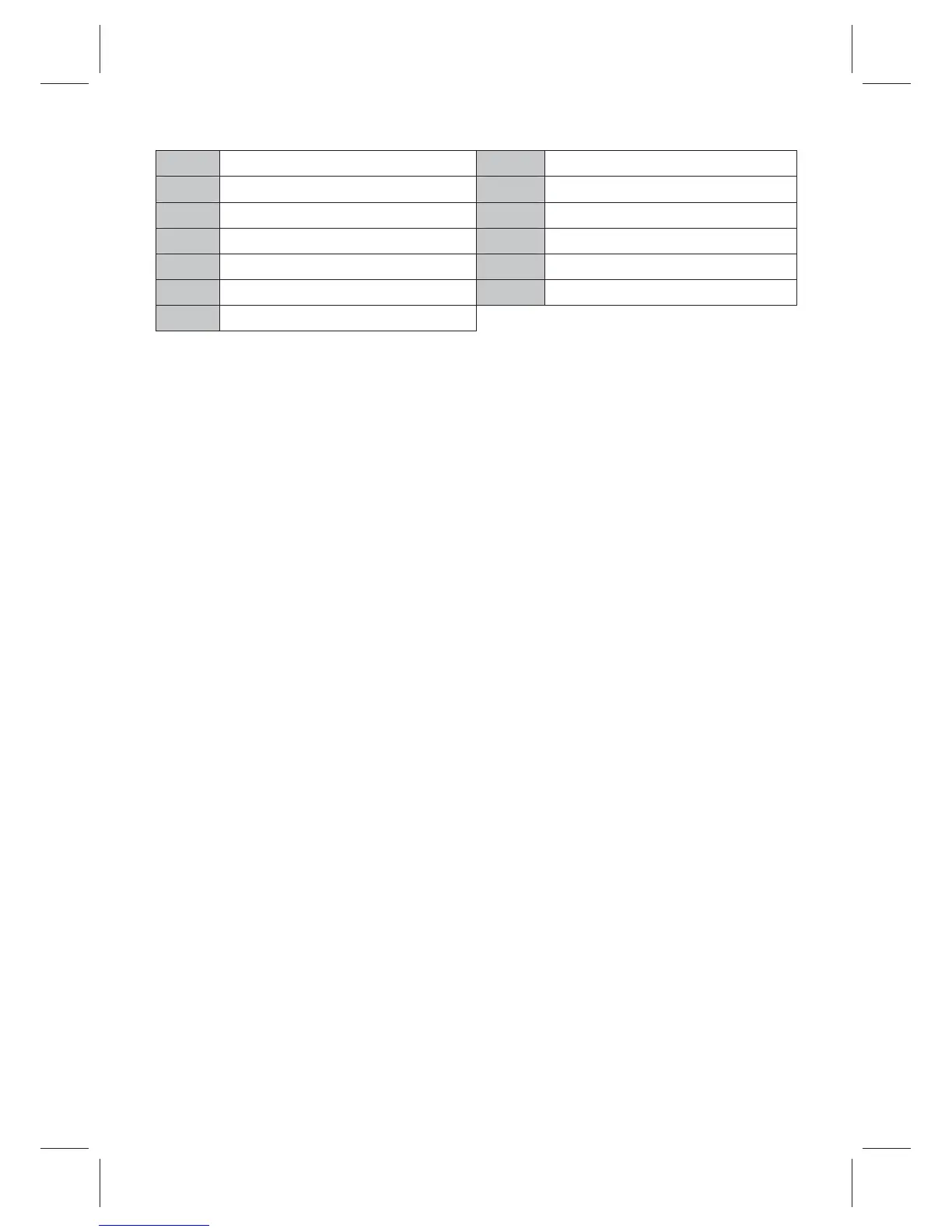
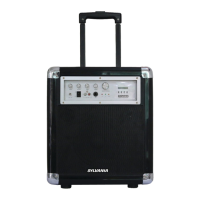
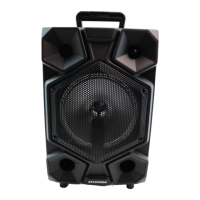
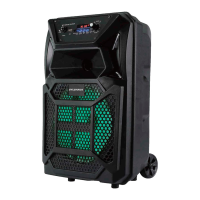
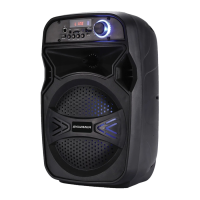
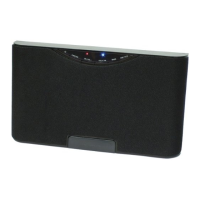
1 DCIN 8 ECHO
2 CHARGEINDICATOR 9 MAINVOLUME
3 AUXIN 10 POWERON/OFFSWITCH
4 LEDINDICATOR 11 SOURCEBUTTON
5 MICINPUT1 12 PLAY/PAUSEBUTTON
6 MICINPUT2 13 BUTTON
7 MICVOLUME
INSTRUCTIONSFORUSE
Chargingthe Speaker
Forbestresults,fullychargetheunitbeforeuse.
1. ConnecttheprovidedadaptertotheDCINofthespeakerandplugtheadapter
toawallport.
2. While charging,chargeindicatorturnsRED inPOWERON mode, and itwill
turn GREENwhen
fullycharged.
Note: Before using the unit forthe first time, please charge it for around 5 hours
or
until the charge
indicatorturnsGREEN.
Turnon/offtheSpeaker
Press POWERON/OFF SWITCHto ON position to turn on the speaker, or OFF
positiontoturnoffthe
speaker.
PairingyourdevicewiththeSpeaker
Your
canstream wirelessaudiofrom any Bluetooth
enabled
1. Turnonthespeaker.
2. BlueLEDlightwillbegintoblink.Thespeakerisnowinpairingmode.
3. TurnontheBluetoothonyourMobilePhoneorTabletorComputer.
4. ItwillsearchforavailableBluetoothdevices.
5. BluetoothTailgateSpeakerwouldappearas“ ”, inthelist
of
searcheddevices.
Selectitfromtheavailablelistofdevices.
6. Ifrequired,enterthepassword‘0000’toconfirmpairing.
7. Oncepairedsuccessfully,theBlueLEDwillstayon.
8.
LED ON/OFFPAIR,
Play your favorite song on the Bluetooth source device and music would
now
stream through
the
speaker.
9.
!
" ! ! #
device.
$%# ! " #
8


 To Next Page