- 10 - EN
9I03
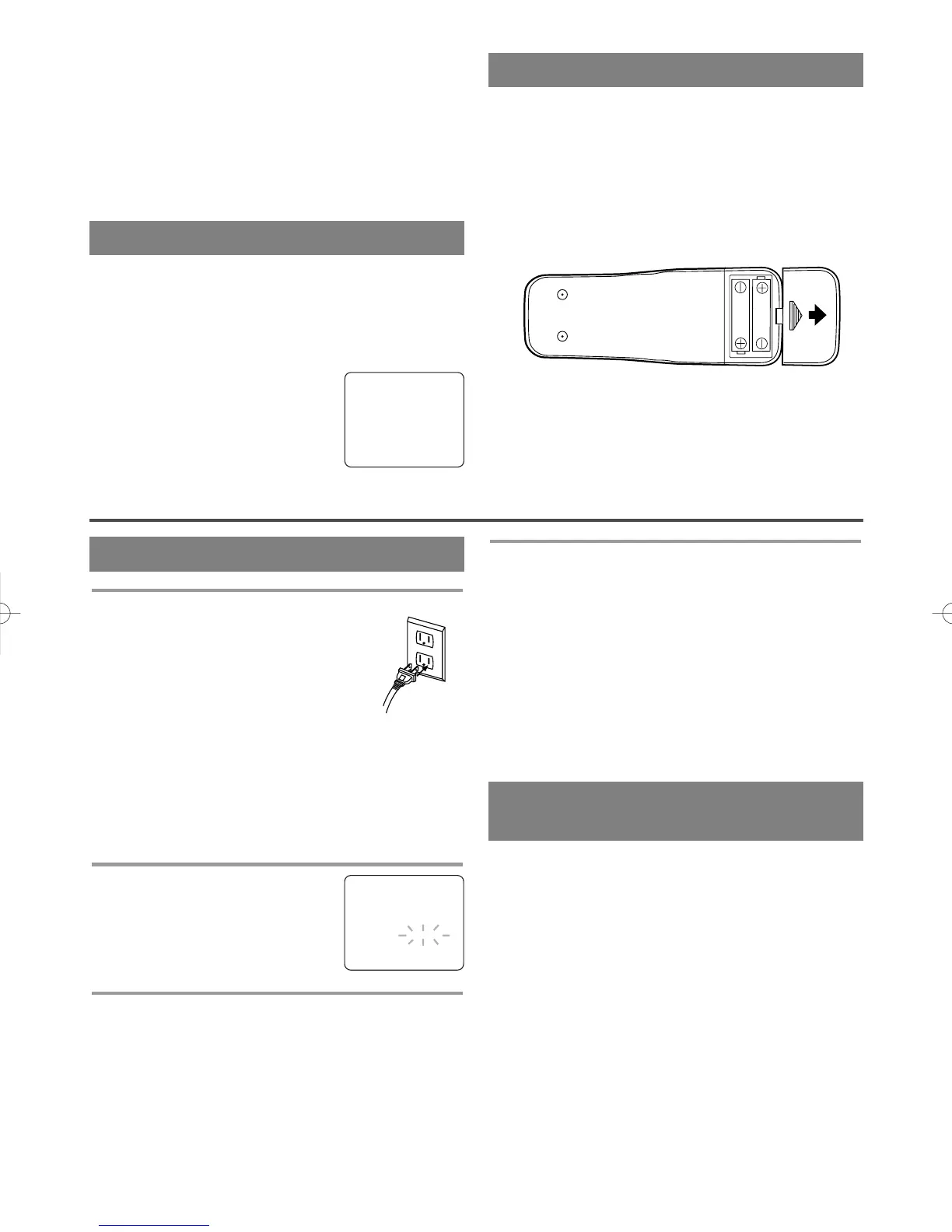
INSTALLING THE BATTERIES
1)Open the battery compartment cover by pressing
the cover on the remote unit in the direction of the
arrow.
2)Insert 2 “AA” penlight batteries into the battery
compartment in the direction indicated by the
polarity (+/-) markings.
3)Replace the cover.
SET UP FOR USE
FRONT A/V INPUT
When using an external input signal (another VCR,
video game or video camera), connect the player’s
audio/video output cables to the AUDIO IN/ VIDEO
IN jacks of your TV/VCR. Then press the CHAN-
NEL K or L button until “AUX” appears on the
screen.
NOTE: “AUX” is found below the
lowest memorized channel.
(Example: CH2)
TO RECORD A SCRAMBLED/UNSCRAMBLED
CHANNEL
1) Set the TV/VCR channel selector to the output
channel of the Cable Converter Box or Satellite
Box. (Example: CH3)
2) Select the channel to record from your Cable
Converter Box or Satellite Box.
AUX
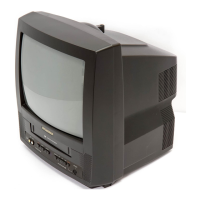
1 Plug in the TV/VCR power cord
Plug the TV/VCR power cord into a
standard AC outlet.
NOTE:
•
If some digits appear in the corner of
the screen, press the POWER button
without unplugging the power cord.
Make sure ...
•
Press the POWER button to turn on the TV/VCR.
NOTE: This function effects only the language on
the screen menu and not the audio source.
2 Select “LANGUAGE”
Press the MENU button on the
remote control.
Press the PLAY/
K or STOP/L but-
ton to point to “LANGUAGE”.
3 Select “ENGLISH”,“ESPAÑOL” or
“FRANÇAIS”
Select “ENGLISH”, “ESPAÑOL”= Spanish or
“FRANÇAIS”= French using the F.FWD/B or
REW/s button.
4 Exit the Language mode
Press the MENU button on the remote control to
return to TV mode.
NOTE: If for some reason the menu is in Spanish or
French, press the MENU button on the remote con-
trol, press the PLAY/K button to point to “IDIOMA
[ESPAÑOL]” or “LANGAGE [FRANÇAIS]”, then
press the F.FWD/B button, then press the MENU
button on the remote control.
– M E N U –
TIMER PROGRAMMING
PICTURE CONTROL
SETTING CLOCK
CHANNEL SET UP
USER’S SET UP
V-CHIP SET UP
B LANGUAGE [ENGLISH]
CAPTION [OFF]
ZERO RETURN
TIME SERARCH
INDEX SEARCH
SELECTING THE LANGUAGE
CLOCK SET UP
(AUTO / MANUAL)
The TV/VCR clock must be set correctly before timer
recording is possible. It is suggested that the clock be
set manually when first setting up the TV/VCR. Then,
set to [ON] the auto clock setting which will periodi-
cally correct the setting if necessary.
NOTE: If you cannot receive a station with time
signals, auto clock setting cannot be performed. Use
manual setting only.
MANUAL CLOCK SETTING
Make sure ...
•
The TV/VCR is turned on.









 To Next Page