EasyManua.ls Logo

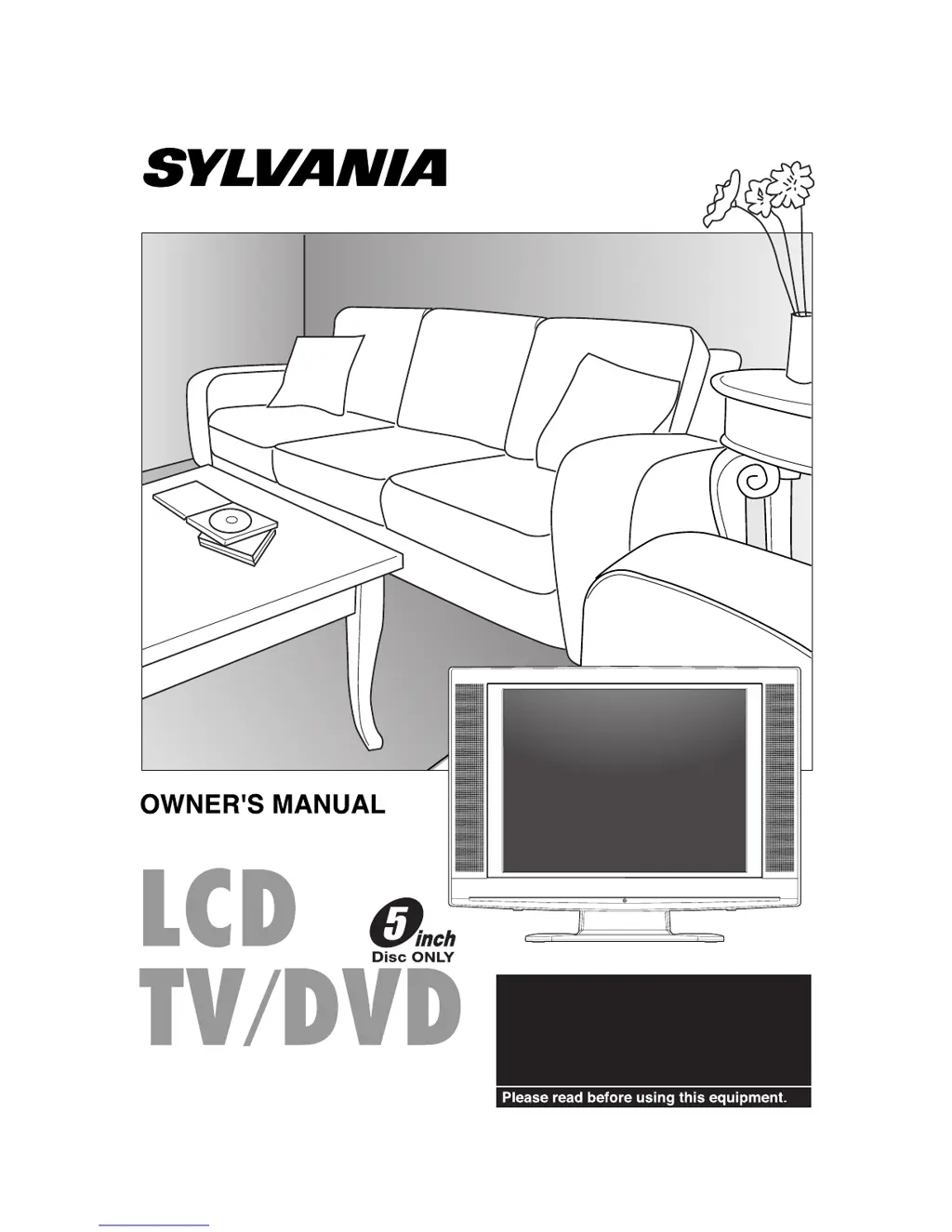
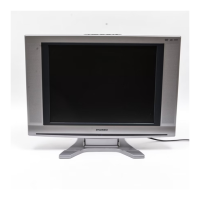
Sylvania 6620LDT - User Manual

Sylvania 6620LDT
44 pages
Print Icon
To Next Page IconTo Next Page
Loading...
If you need additional operating assistance
after reading this owner's manual or to order
replacement accessories, please call
TOLL FREE : 1-800-968-3429.
Or visit our WEB SITE at
http://www.SylvaniaConsumerElectronics.com
6620LDT (20 inch)

Other manuals for Sylvania 6620LDT

Questions and Answers

  • Y
    ymarshallAug 19, 2025
    How to fix Sylvania 6620LDT TV DVD Combo remote control not working?
    • A
      amberwilsonAug 19, 2025
      If your Sylvania TV DVD Combo remote control isn't working, make sure the power plug is connected to an AC outlet and check the batteries in the remote. Aim the remote directly at the sensor, removing any obstacles. Ensure you are within 23 feet (7m) of the unit. Also, verify that the correct mode is selected by pressing [SELECT].
  • W
    William KnightAug 21, 2025
    How to fix Sylvania 6620LDT TV DVD Combo with no power?
    • R
      Richard MartinAug 21, 2025
      If your Sylvania TV DVD Combo has no power, ensure the power plug is securely connected to an AC outlet and that the power is turned on.
  • J
    Jo CardenasAug 23, 2025
    Why is there no picture or sound on my Sylvania 6620LDT TV DVD Combo?
    • C
      Crystal SkinnerAug 25, 2025
      If your Sylvania TV DVD Combo shows no picture or sound, verify that the AC cord is connected to an AC outlet and check the antenna connection. Try pressing the [SELECT] button to choose TV mode and let the unit program its tuner memory.
  • M
    Marcus BellAug 26, 2025
    What to do if my Sylvania TV DVD Combo has no sound?
    • L
      Luis WhiteAug 26, 2025
      If your Sylvania TV DVD Combo displays no sound or poor sound, try adjusting the volume control on the remote or the main unit. Also, check if the sound is muted by pressing the [MUTE] button.
  • S
    Scott HuberAug 28, 2025
    How to fix no color on Sylvania 6620LDT TV DVD Combo?
    • M
      Maria ChurchAug 28, 2025
      If your Sylvania TV DVD Combo shows no color, try switching to a new channel to rule out station issues. Check if the antenna is properly connected to the jack on the back. If you're using an outside antenna, examine it for broken wires. Finally, adjust the “COLOR” control.
  • C
    Cindy CallahanAug 30, 2025
    How to improve weak picture on Sylvania 6620LDT TV DVD Combo?
    • C
      carol74Aug 30, 2025
      If you're experiencing a weak picture on your Sylvania TV DVD Combo, try changing the channel to see if it resolves the issue, indicating a possible station problem. Verify that the antenna is correctly connected to the jack at the back of the unit. If using an external antenna, check for any broken wires. You can also adjust the “CONTRAST” & “BRIGHTNESS” control.
  • M
    mathewsrobertSep 1, 2025
    Why is the reception poor on my Sylvania 6620LDT?
    • M
      Megan HarrisSep 1, 2025
      If you're getting poor reception or seeing ghosts in the picture on your Sylvania TV DVD Combo, try switching to a different channel to rule out station issues. Check that the antenna is connected to the jack on the back of the unit. If using an outside antenna, inspect for broken wires. Also, check for any local interference.
  • R
    Roger PerezSep 3, 2025
    Why does my Sylvania 6620LDT have sound but poor picture?
    • K
      Kara KramerSep 3, 2025
      If your Sylvania TV DVD Combo has sound but a poor picture, try changing the channel to see if the problem is with the broadcast. Check if the antenna is connected to the jack on the back of the unit and inspect an outside antenna for broken wires. Also, check for local interference. Adjust the “CONTRAST” & “BRIGHTNESS” control.
  • D
    Debra PetersSep 5, 2025
    Why is the picture distorted on my Sylvania 6620LDT TV DVD Combo?
    • J
      Joseph KellySep 5, 2025
      If the picture on your Sylvania TV DVD Combo is distorted or blurred, try switching to a new channel to rule out issues with the broadcast station. If you're using an outside antenna, check for any broken wires.
  • K
    Kayla LeeSep 8, 2025
    How to fix Sylvania 6620LDT TV DVD Combo picture rolling vertically?
    • M
      Mr. Juan GonzalesSep 8, 2025
      If your Sylvania TV DVD Combo has a picture that rolls vertically or shows lines/streaks, try changing the channel to see if the problem is with the broadcast. If using an outside antenna, check for broken wires. Also, check for local interference.

Summary

PRECAUTIONS

IMPORTANT SAFEGUARDS

Essential safety instructions for operating the appliance.

MOISTURE WARNING

FEATURES

OPERATING CONTROLS AND FUNCTIONS

Remote Control Overview

Explains the function of each button on the remote control.

PREPARATION FOR USE

Antenna;Cable Connection

Instructions for connecting the TV to an antenna or cable source.

EXTERNAL CONNECTION

TV SECTION

TV Operation and Settings

Covers initial setup and watching TV programs.

CHANNEL SET UP

PICTURE CONTROL

CLOSED CAPTION SYSTEM

V-CHIP SET UP

MPAA RATING SET UP

CHANGE ACCESS CODE

DVD SECTION

PLAYING A DISC

Basic Playback

Steps for starting and stopping DVD playback.

DISC MENU

TITLE MENU

RESUME PLAY

FAST FORWARD; FAST REVERSE

SLOW FORWARD; SLOW REVERSE

SEARCH FUNCTION

TIME SEARCH

SPECIAL PLAYBACK FUNCTION

Repeat Playback

Repeating tracks, chapters, titles, or the entire disc.

PROGRAM PLAYBACK

RANDOM PLAYBACK

CHANGING THE SETTINGS

CAMERA ANGLE

THE ON-SCREEN INFORMATION

CHANGING THE DVD SET UP ITEMS

AUDIO SETTINGS

PARENTAL CONTROL

INITIALIZE

TROUBLESHOOTING GUIDE

MAINTENANCE

SPECIFICATIONS

SYLVANIA LIMITED WARRANTY

Sylvania 6620LDT Specifications

General IconGeneral
DVD PlayerYes
Aspect Ratio16:9
HDMI Ports1
USB Port1
InputsHDMI, Component, Composite, RF
OutputsHeadphone jack

Related product manuals