EasyManua.ls Logo

Sylvania CD202SL8 - User Manual

Sylvania CD202SL8
42 pages
Print Icon
To Next Page IconTo Next Page
Loading...
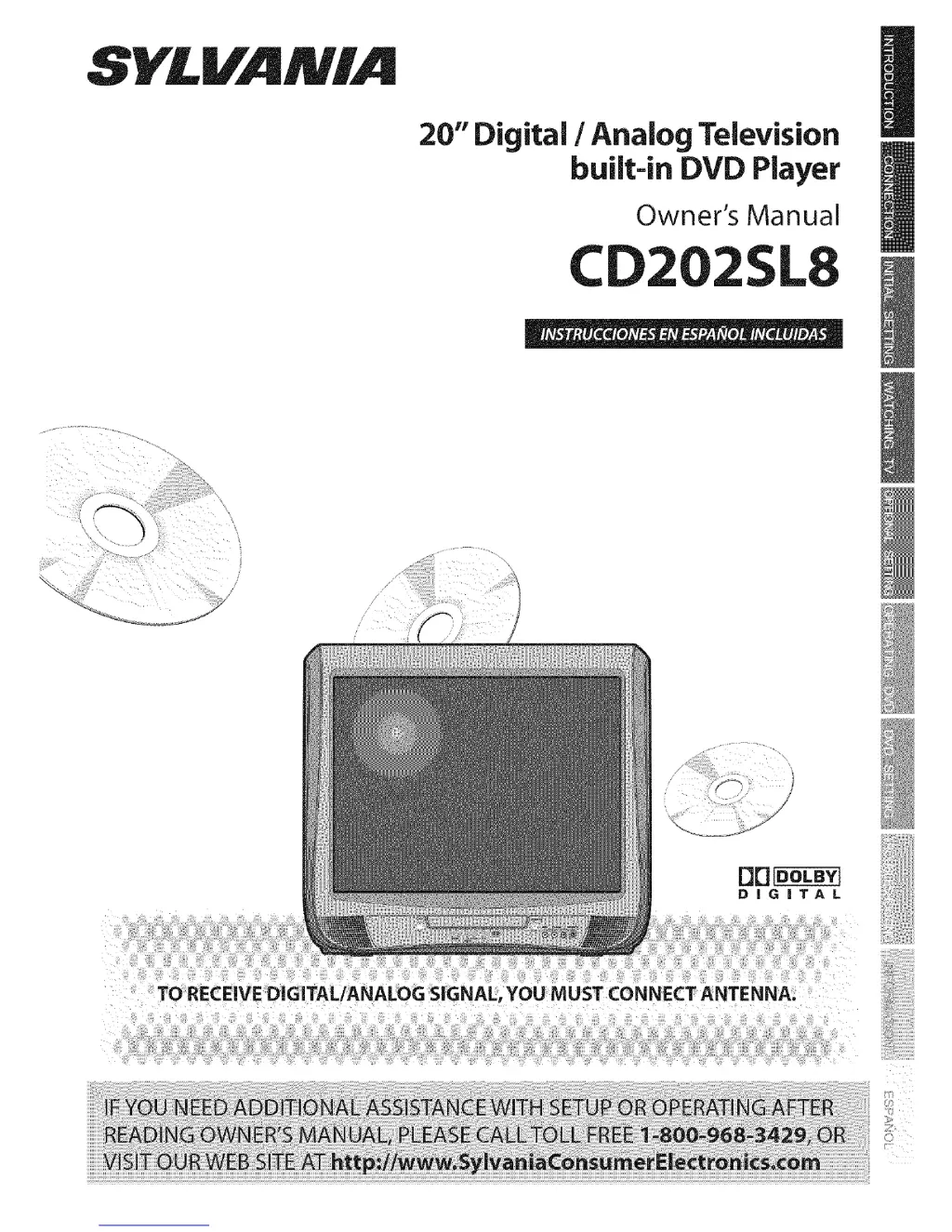
SYLVAMIA
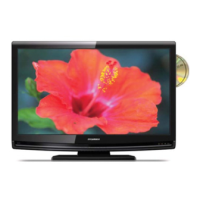
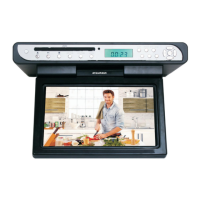
20" Digital / Analog Television
built-in DVD Player
Owner's Manual
CD2
TO RECEIVE DIGITAL/ANALOG SIGNAL, YOU MUST CONNECT ANTENNA.

Other manuals for Sylvania CD202SL8

Questions and Answers

  • K
    Kristina TorresAug 18, 2025
    What to do if Sylvania CD202SL8 has no picture or sound?
    • H
      howardritaAug 18, 2025
      If your Sylvania TV DVD Combo has no picture or sound, verify that the power is on and check the outlet connection. Also, check the antenna or cable connection to the main unit. If using an outside antenna, inspect the wire condition and connection. Try viewing other TV channels to rule out broadcasting station issues. Finally, try turning the power off, waiting about a minute, and then turning it back on.
  • M
    Meagan HendrixAug 20, 2025
    Why Sylvania TV DVD Combo has poor reception on some channels?
    • E
      Erika MeyerAug 20, 2025
      If your Sylvania TV DVD Combo has poor reception on some channels, start by checking the antenna or cable connection to the main unit. If you're using an outside antenna, make sure to check the wire condition and connection. Electrical interference from nearby appliances may affect picture quality. Try viewing other TV channels to see if the problem is limited to the broadcasting station.
  • K
    Karen PerryAug 23, 2025
    How to fix no reception of digital signals on Sylvania CD202SL8?
    • A
      Anthony SmithAug 23, 2025
      If you are not getting reception of digital signals on your Sylvania TV DVD Combo, make sure the auto channel scan has been completed. Auto channel scan must be completed when you set up the unit for the first time or move it to a location where previously unavailable channels are broadcast. If auto channel scan is interrupted and not completed, some channels will not be received. Make sure to complete it.
  • N
    Nicole TaylorAug 26, 2025
    How to fix no power on Sylvania CD202SL8 TV DVD Combo?
    • C
      Cameron HarringtonAug 26, 2025
      If your Sylvania TV DVD Combo has no power, ensure the power cord is properly plugged in. If a power failure occurred, unplug the power cord for 30 minutes to allow the unit to reset.
  • A
    Allen HenryAug 27, 2025
    How to fix no color on Sylvania CD202SL8?
    • D
      Darren NashAug 28, 2025
      If your Sylvania TV DVD Combo has no color, check the antenna or cable connection to the main unit. If you are using an outside antenna, check the wire condition and connection. Try viewing other TV channels. The problem might be limited to the broadcasting station. You can also adjust the 'COLOR' setting in the 'PICTURE' menu.
  • M
    Mr. Randy SmithAug 30, 2025
    Why Sylvania TV DVD Combo sound OK, picture poor?
    • C
      Christian NavarroAug 31, 2025
      If the sound on your Sylvania TV DVD Combo is OK, but the picture is poor, check the antenna or cable connection to the main unit. If using an outside antenna, check the wire condition and connection. Electrical interference from nearby appliances may affect picture quality, so adjust the 'CONTRAST' and 'BRIGHT' in the 'PICTURE' menu. You can also view other TV channels to see if the issue is with the broadcasting station.
  • H
    Hannah DavisSep 1, 2025
    What causes a weak picture on Sylvania TV DVD Combo?
    • K
      Kyle PittsSep 2, 2025
      If the picture on your Sylvania TV DVD Combo is weak, check the antenna or cable connection to the main unit. If an outside antenna is used, check the wire condition and connection. You can also adjust the 'CONTRAST' and 'BRIGHT' in the 'PICTURE' menu. Try viewing other TV channels, as the problem may be with the broadcasting station.
  • W
    wadejoseSep 4, 2025
    How to remove lines or streaks in picture on Sylvania CD202SL8 TV DVD Combo?
    • D
      Dean HuntSep 4, 2025
      If you see lines or streaks in the picture on your Sylvania TV DVD Combo, check the wire condition and connection of the outside antenna, if one is used. Electrical interference from nearby appliances may affect picture quality. Try viewing other TV channels, as the problem might be limited to the broadcasting station.
  • K
    Karen SmithSep 7, 2025
    How to get rid of ghosts in picture on Sylvania TV DVD Combo?
    • R
      Robert KingSep 7, 2025
      If you are seeing ghosts in the picture on your Sylvania TV DVD Combo, check the antenna or cable connection to the main unit. If using an outside antenna, check the wire condition and connection. Electrical interference from nearby appliances may affect picture quality. Try viewing other TV channels; the problem might be limited to the broadcasting station.
  • J
    Justin PierceSep 9, 2025
    Why are there bars on the TV screen of my Sylvania TV DVD Combo?
    • M
      Matthew RaymondSep 9, 2025
      If you see bars on the TV screen of your Sylvania TV DVD Combo when using an outside antenna, check the wire condition and connection. Electrical interference from nearby appliances may affect picture quality.

Summary

Safety and Precautions

Important Safeguards

Essential safety instructions for operating the appliance.

Electrical Shock and Fire Hazards

Warnings and precautions to prevent electrical hazards and fire.

Additional Safety Measures

Precautions against liquid entry, servicing hazards, and laser safety.

Product Features

TV Functions Overview

Features like DTV/TV/CATV, Auto Scan, V-Chip, and Closed Caption.

DVD Functions Overview

Features like Dolby Digital, playback modes, menus, and parental lock.

Remote Control and Unit Interface

Remote Control Operation

Detailed functions of each button on the remote control.

Control Panel Overview

Description of buttons and jacks on the front of the unit.

Rear Panel Connections

Identifies ports like AC power, antenna, and audio output.

Connection Guide

Initial Setup and Configuration

Initial Setup Procedure

Guided process for setting language and channels.

TV Viewing Operations

V-Chip Parental Control Setup

Blocking programs based on rating levels to restrict children's viewing.

DVD Operations and Settings

Basic DVD Playback

Inserting discs, playing, pausing, and using resume.

Troubleshooting and Support

Troubleshooting Guide

Solutions for common operational problems and symptoms.

Sylvania CD202SL8 Specifications

General IconGeneral
Screen Size20 inches
Display TypeLCD
DVD PlayerYes
Aspect Ratio4:3
TV TunerATSC/NTSC
InputsComposite
OutputsComposite

Related product manuals