[] Others
Youcanchangetheother functions.
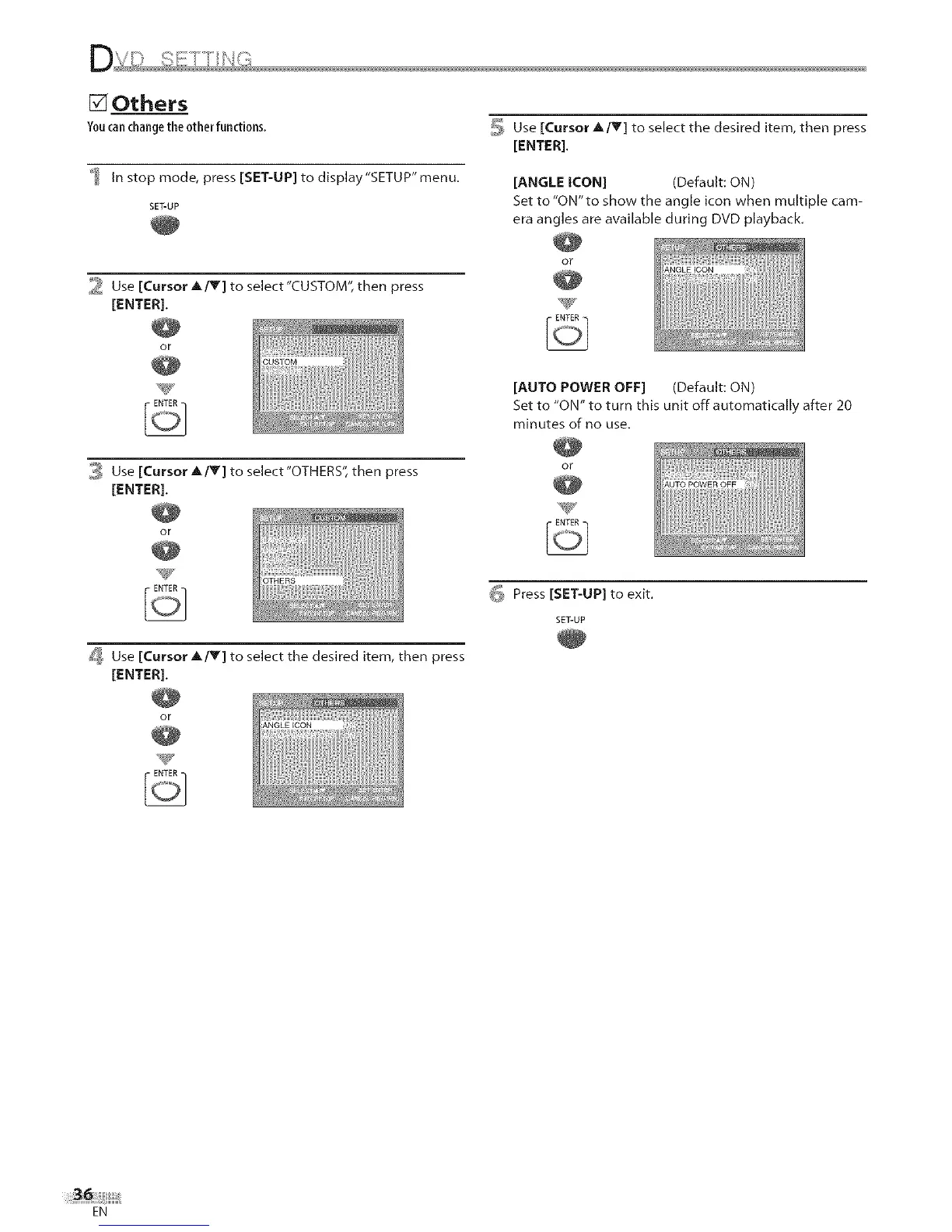
In stop mode, press [SET-UP] to display "SETUP" menu.
SET-UP
_ Use [Cursor A/T] to select"CUSTOM", then press
[ENTER],
OF
0,;I} Use [Cursor A/V] to select"OTHERS'; then press
[ENTER],
OF
_ Use [Cursor A/TI to select the desired item, then press
[ENTER].
OF
_, Use [Cursor A/V] to select the desired item, then press
[ENTER].
[ANGLE ICON] (Default: ON)
Set to "ON"to show the angle icon when multiple cam-
era angles are available during DVD playback.
OY
[AUTO POWER OFF] (Default: ON)
Set to "ON" to turn this unit off automatically after 20
minutes of no use.
OY
_ Press [SET-UP] to exit.
SET-UP
EN











 To Next Page