EasyManua.ls Logo

Sylvania CD202SL8 - User Manual

Sylvania CD202SL8
42 pages
Print Icon
To Next Page IconTo Next Page
Loading...
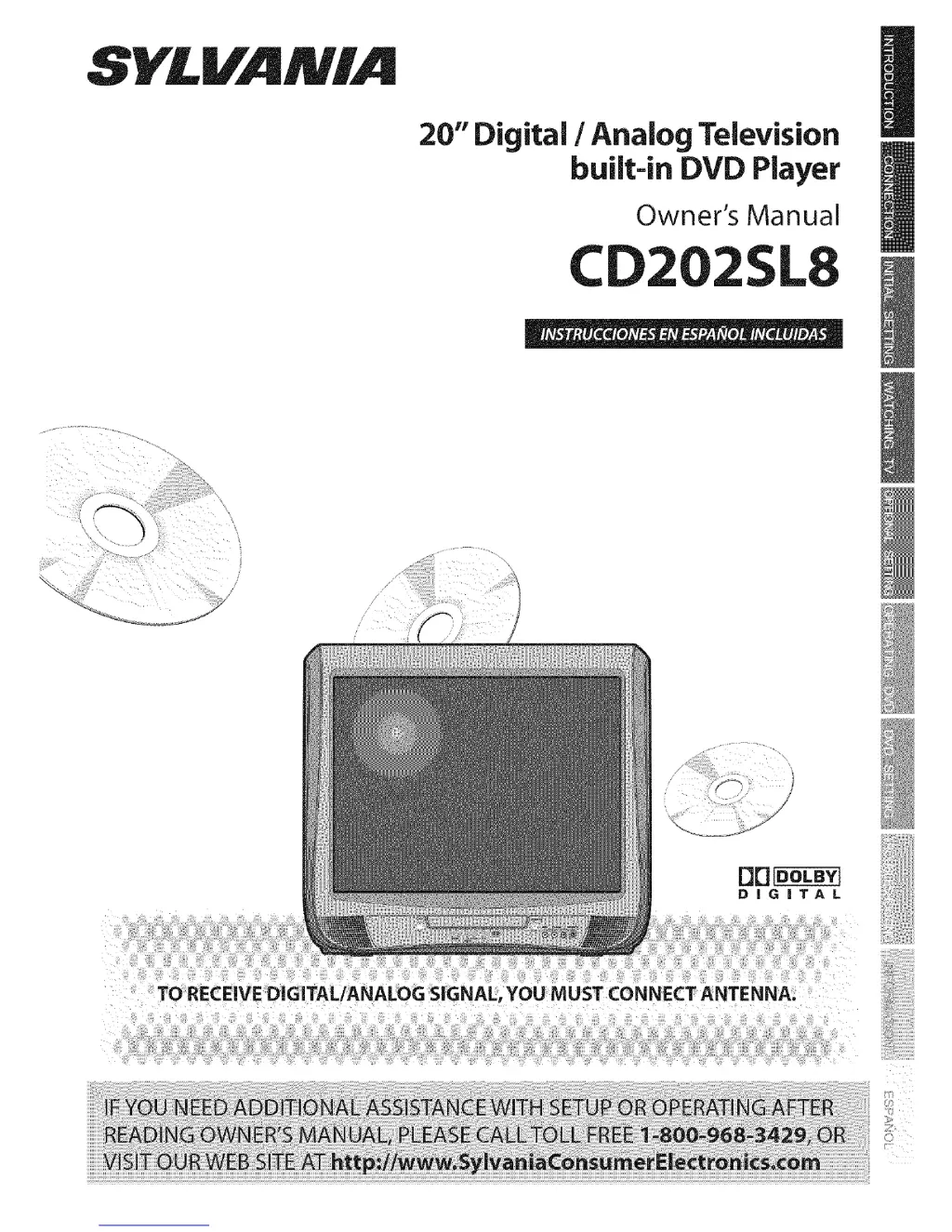
SYLVAMIA
20" Digital / Analog Television
built-in DVD Player
Owner's Manual
CD2
TO RECEIVE DIGITAL/ANALOG SIGNAL, YOU MUST CONNECT ANTENNA.

Other manuals for Sylvania CD202SL8

Questions and Answers

  • N
    nathan01Sep 12, 2025
    How to stop picture from rolling vertically on Sylvania TV DVD Combo?
    • B
      Barbara RomeroSep 12, 2025
      If the picture rolls vertically on your Sylvania TV DVD Combo, check the wire condition and connection of the outside antenna, if one is used. Electrical interference from nearby appliances may affect picture quality. Try viewing other TV channels, as the problem might be limited to the broadcasting station.
  • S
    Stephanie WatersSep 14, 2025
    How to fix different color marks on Sylvania TV DVD Combo screen?
    • S
      Scott WhiteSep 14, 2025
      If you notice different color marks on the screen of your Sylvania TV DVD Combo, move your TV away from nearby electric appliances. Turn off the power and wait 30 minutes before turning it back on. You can also view other TV channels, as the problem might be limited to the broadcasting station.

Summary

Safety and Precautions

Important Safeguards

Essential safety instructions for operating the appliance.

Electrical Shock and Fire Hazards

Warnings and precautions to prevent electrical hazards and fire.

Additional Safety Measures

Precautions against liquid entry, servicing hazards, and laser safety.

Product Features

TV Functions Overview

Features like DTV/TV/CATV, Auto Scan, V-Chip, and Closed Caption.

DVD Functions Overview

Features like Dolby Digital, playback modes, menus, and parental lock.

Remote Control and Unit Interface

Remote Control Operation

Detailed functions of each button on the remote control.

Control Panel Overview

Description of buttons and jacks on the front of the unit.

Rear Panel Connections

Identifies ports like AC power, antenna, and audio output.

Connection Guide

Initial Setup and Configuration

Initial Setup Procedure

Guided process for setting language and channels.

TV Viewing Operations

V-Chip Parental Control Setup

Blocking programs based on rating levels to restrict children's viewing.

DVD Operations and Settings

Basic DVD Playback

Inserting discs, playing, pausing, and using resume.

Troubleshooting and Support

Troubleshooting Guide

Solutions for common operational problems and symptoms.

Sylvania CD202SL8 Specifications

General IconGeneral
Screen Size20 inches
Display TypeLCD
DVD PlayerYes
Aspect Ratio4:3
TV TunerATSC/NTSC
InputsComposite
OutputsComposite

Related product manuals