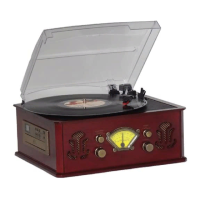
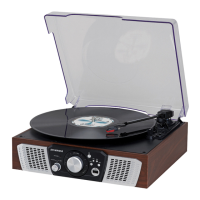
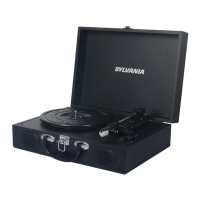
Gently open the dust cover.
1. Lift the dust cover all the way up until it stop, the cover will now stay open.
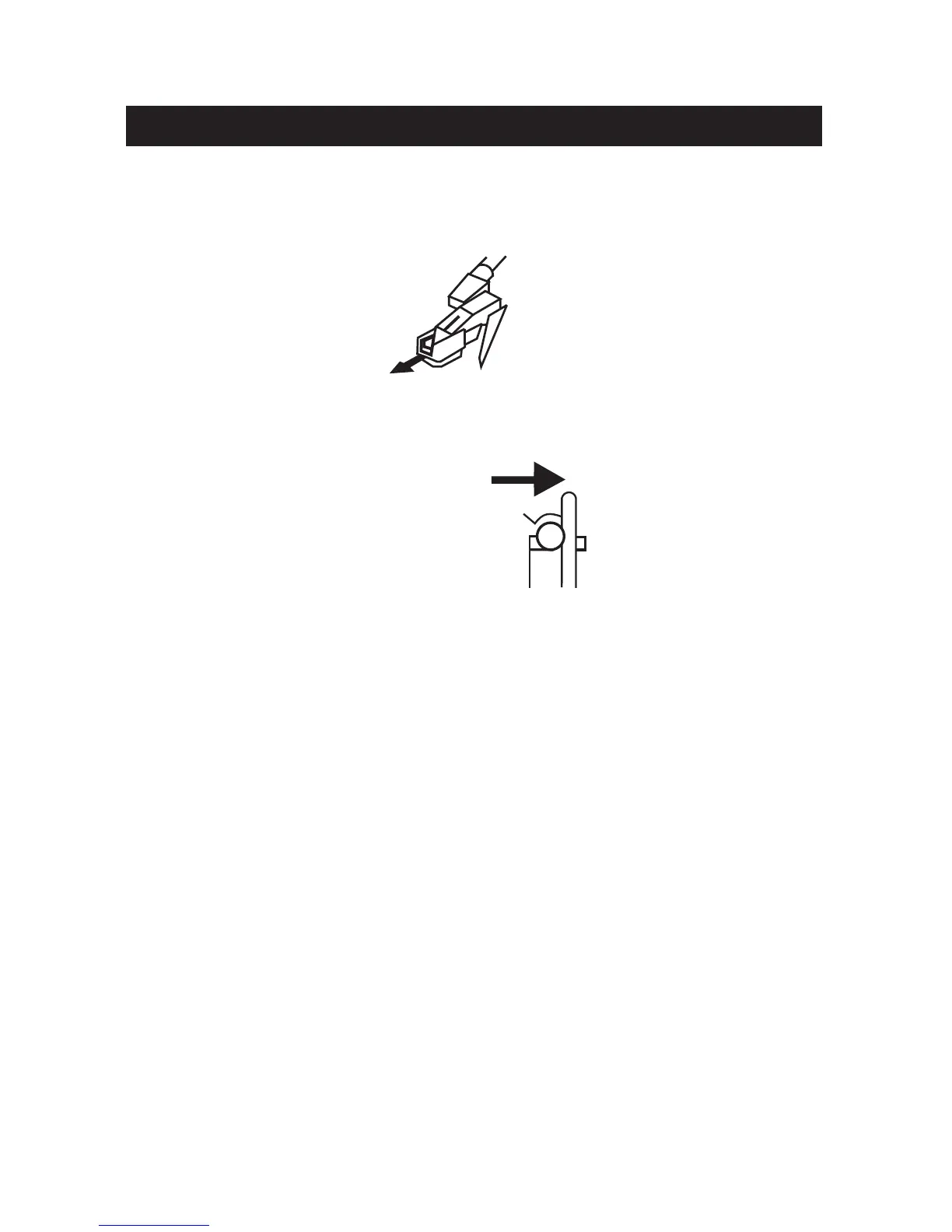
2. Remove white protective needle cover by gently pulling towards the front of the unit.
3. Release tone arm HOLD DOWN CLIP by gently pushing to the right. This will unlock
TONE ARM from its arm rest. Re-lock the HOLD DOWN CLIP when moving the unit to
another location.
Turntable Operation
1. Press and toggle the SOURCE button on the front of the unit to switch to PHONO
mode.
2. Set the SPEED SELECTOR to the correct speed (33, 45 or 78rpm).
3. Place the record on the turntable.
4. Move the TONE ARM to the desired starting point on the record. The record will start
playing.
5. Turn the VOLUME CONTROL to adjust the volume to the desired level.
6. Slide the AUTO STOP CONTROL SWITCH to choose the auto stop function.
7. At the end of the record, the TONE ARM will stop automatically. You must return the
TONE ARM to TONE ARM REST manually.
ADAPTER for 45 RPM (Accessory)
This adaptor allows you to play 45 RPM records.
1. Place the 45 RPM ADAPTER over the spindle.
2. Gently place your 45 RPM record onto the turntable.
3. Follow the steps under turntable operation to play you record.
PHONO Operation
8


 To Next Page