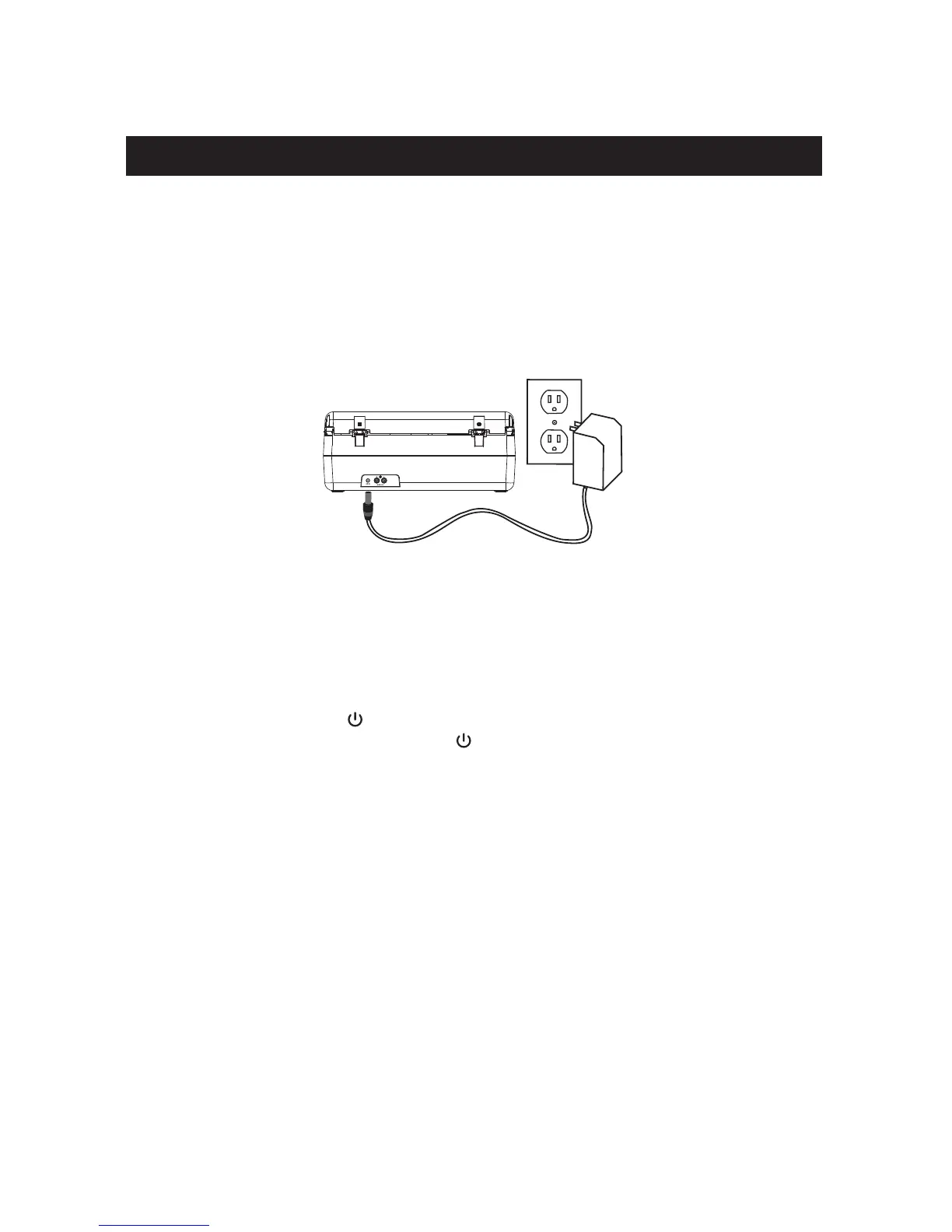
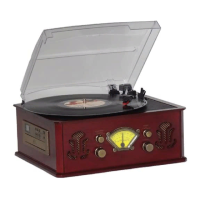
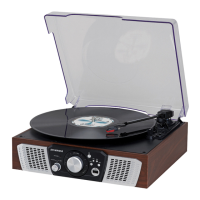
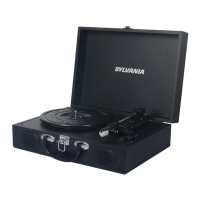
This unit operates using the supplied AC Adapter (Operate at 120V ~ 60Hz)
Connecting AC Adaptor
NOTE: Only use the supplied adapter.
1. Plug the AC adaptor into normal a power outlet socket.
2. Insert the DC plug of the AC adaptor cord into the DC IN Jack at the back of the unit.
Switching On for the first time
Plug into AC power by following instructions on the previous Connecting AC adaptor
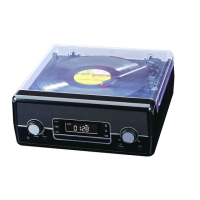
section. Press the POWER button to turn on the unit. The LCD Display will be lighted
up. To turn the unit off, press the POWER button again to turn the unit off.
Switching between different sources (Radio/CD/USB/PHONO/AUX)
After turning on the unit, press and toggle SOURCE button to switch different sound
sources.
Adjusting sound volume level
After turning on the unit, turn the VOLUME control to adjust the level of sound volume.
Power Source
4


 To Next Page