EasyManua.ls Logo

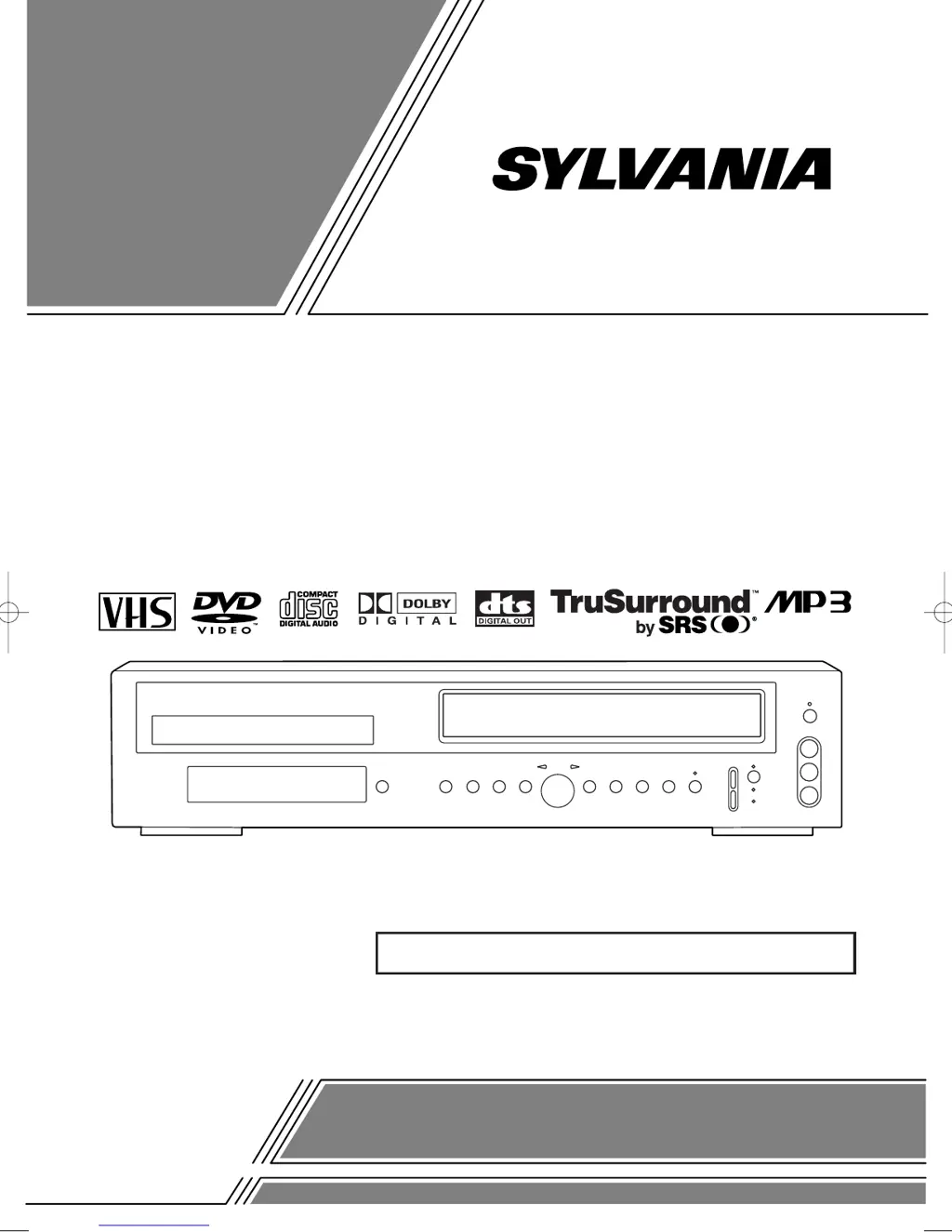
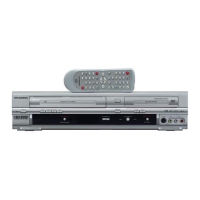
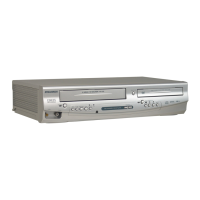
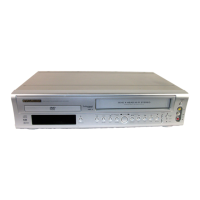
Sylvania SRD2900 - User Manual

Sylvania SRD2900
48 pages
Print Icon
To Next Page IconTo Next Page
Loading...
OWNER’S
MANUAL
If you need additional assistance for set-up or operating
after reading owner’s manual, please call
TOLL FREE : 1
-
800
-
968-3429
Please read before using this equipment.
INSTRUCCIONES EN ESPAÑOL INCLUIDAS.
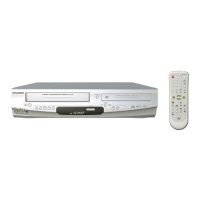
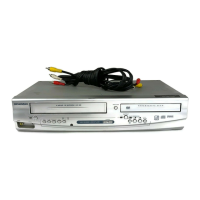
DVD PLAYER with VIDEO CASSETTE RECORDER
SRD2900
H9228UD.qxp 02.8.2 8:45 PM Page 1

Table of Contents

Questions and Answers

  • M
    Mr. Jeremy HerringSep 3, 2025
    How to fix timer recording on Sylvania SRD2900 DVD VCR Combo?
    • D
      Darrell HuberSep 3, 2025
      If timer recording is impossible on your Sylvania DVD VCR Combo, ensure the timer recording is set correctly, the power is off, and the VCR clock is set correctly.
  • T
    Thomas ArnoldSep 1, 2025
    What to do if I cannot eject tape from Sylvania SRD2900 DVD VCR Combo?
    • R
      Robert BurtonSep 1, 2025
      If you cannot remove the tape from your Sylvania DVD VCR Combo, check if the player is in VCR mode. If it's not, press the VCR button on the remote control to switch to VCR mode.
  • H
    hpaulAug 31, 2025
    Why can't I record on my Sylvania SRD2900?
    • G
      garciasamanthaAug 31, 2025
      If your Sylvania DVD VCR Combo will not go into record mode, ensure the tape has a safety tab; if not, cover the hole with cellophane tape. Also, make sure the player is in VCR mode by pressing the VCR button on the remote control so that the green VCR OUTPUT light is lit.
  • S
    Shelby HullAug 29, 2025
    How to fix TV programs not showing on Sylvania SRD2900 DVD VCR Combo?
    • C
      Carlos ArmstrongAug 29, 2025
      If TV programs cannot be seen normally on your Sylvania DVD VCR Combo, first re-check the ANT. IN and ANT. OUT connections. Then, press the VCR/TV button so that the VCR/TV indicator on the VCR disappears. Alternatively, press the VCR button on the remote to put it in VCR mode and check if the green VCR OUTPUT light is lit, then set it to the TV position by pressing the VCR/TV button until the VCR/TV light goes off.
  • J
    josephhughesAug 27, 2025
    How do I fix no picture on my Sylvania DVD VCR Combo?
    • K
      Kelly PetersAug 27, 2025
      If there is no picture on your Sylvania DVD VCR Combo, ensure the video cables are firmly connected. Verify that you have inserted a correct video disc that is compatible with the player. Press the DVD button on the remote control to ensure the DVD OUTPUT Light is lit, then try other DVD feature buttons.
  • J
    Jessica ChristensenAug 26, 2025
    Why won't my Sylvania DVD VCR Combo play the disc?
    • K
      Kristine RyanAug 27, 2025
      If your Sylvania DVD VCR Combo cannot play a disc, try the following: Ensure the disc is properly inserted with the label side up. Clean the disc. If parental lock is enabled, cancel it or change the control level.
  • B
    brenda05Aug 25, 2025
    What to do if my Sylvania SRD2900 remote control is not working?
    • J
      Jonathan TownsendAug 25, 2025
      If your Sylvania DVD VCR Combo is not responding to the remote control, please check these steps: * Make sure the power plug is connected to an AC outlet. * Check the batteries in the remote control. * Aim the remote control directly at the remote sensor, removing any obstacles. * Ensure you are within 7 meters of the player. * Verify the correct mode (DVD or VCR) is selected by pressing the corresponding button on the remote.
  • T
    Tara MitchellAug 23, 2025
    Why is there no sound on my Sylvania SRD2900 DVD VCR Combo?
    • M
      Marcus BurgessAug 23, 2025
      If there is no sound from your Sylvania DVD VCR Combo, make sure the audio cables are firmly connected. Also, check that the audio component is powered on, and verify both the audio output settings on the combo and the input settings on the audio component are correctly configured.

Summary

SAFETY AND PRECAUTIONS

Laser Safety Guidelines

Information regarding safe operation and potential hazards associated with the laser.

Important Safeguards and Warnings

Essential safety and operating instructions, plus electrical and fire hazard advice.

Handling and Servicing Precautions

Guidelines for safe handling, cleaning, servicing, and disc care.

GETTING STARTED AND SETUP

Product Information and Accessories

Notes on recycling, copyright, supplied accessories, and manual symbols.

Mode Switching and Connections

Switching between VCR/DVD modes and connecting the unit to external devices.

System Setup Procedures

Guide to channel, language, clock, display, and audio settings.

DVD FEATURES AND OPERATION

Audio and Sound Features

Dolby Digital, DTS, and TruSurround audio capabilities.

Playback Modes and Navigation

Using various playback options, search, repeat, and disc menus.

MP3 Playback and Disc Interaction

Playing MP3 files and managing language/subtitle options.

Parental Control and Display Settings

Setting parental locks and adjusting display preferences.

VCR FUNCTIONS

VCR Hardware and Automatic Features

Details on VCR hardware, auto head cleaner, power on, and tracking.

VCR Playback and Search

Playback modes like SQPB, auto repeat, index search, and time search.

Recording Setup and Special Features

Guide to OTR, Timer Recording, tape copying, and MTS system.

TROUBLESHOOTING AND SPECIFICATIONS

Troubleshooting Common Issues

A guide to identifying and resolving common operational problems with the unit.

Product Specifications

Technical details including power, dimensions, weight, and supported disc types.

Sylvania SRD2900 Specifications

General IconGeneral
TypeDVD VCR Combo
BrandSylvania
ModelSRD2900
Video FormatNTSC
Number of VCR Heads4
DVD PlayerYes
VCR PlayerYes
VCR FormatsVHS
Output Resolution480i
Audio OutputStereo
Remote ControlYes
Playable Media FormatDVD, VHS
DVD FormatsDVD-R, DVD-RW, DVD+R, DVD+RW
Video OutputComposite

Related product manuals