EasyManua.ls Logo

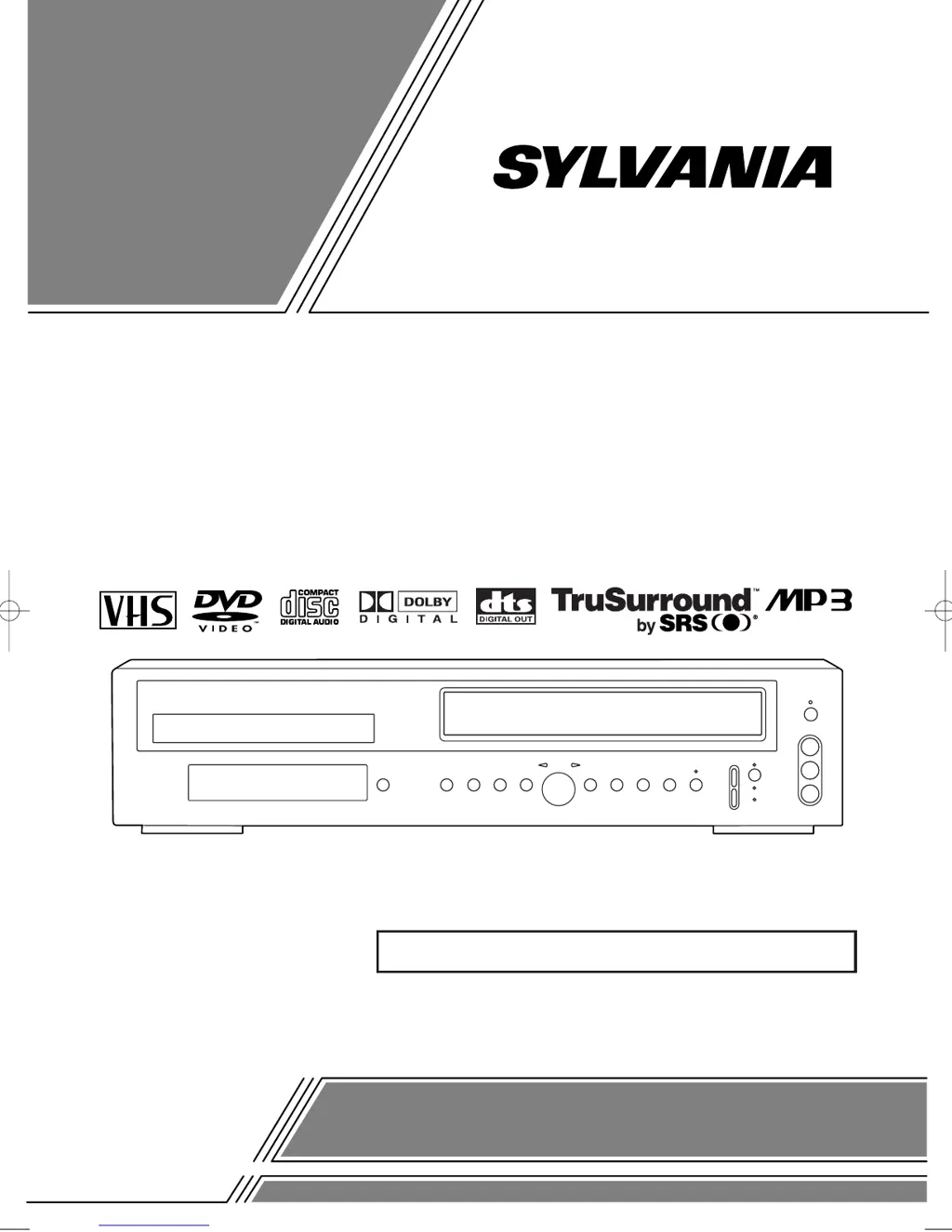
Sylvania SSD800 - User Manual

Sylvania SSD800
48 pages
Print Icon
To Next Page IconTo Next Page
Loading...
OWNER’S
MANUAL
If you need additional assistance for set-up or operating
after reading owner’s manual, please call
TOLL FREE : 1
-
800
-
968-3429
Please read before using this equipment.
INSTRUCCIONES EN ESPAÑOL INCLUIDAS.
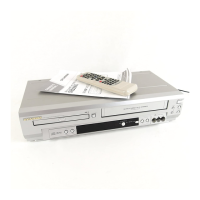
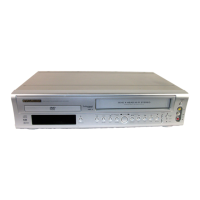
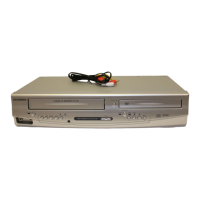
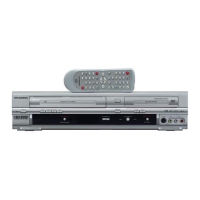
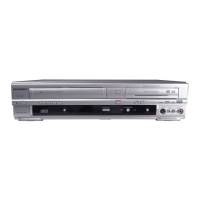
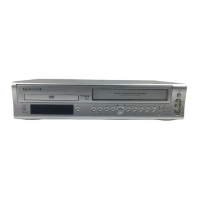
DVD PLAYER with VIDEO CASSETTE RECORDER
SSD800
H9229UD.qxp 02.7.31 2:24 PM Page 1

Table of Contents

Other manuals for Sylvania SSD800

Questions and Answers

Summary

LASER SAFETY

FCC WARNING

IMPORTANT SAFEGUARDS

Electrical Safety Precautions

Details measures to prevent electric shock and fire hazards related to power sources and usage.

Servicing and Damage Prevention

Instructs users to refer servicing to qualified personnel and outlines conditions requiring professional attention.

ABOUT THE DISCS

DISC TYPES

Explains the structure of data on DVD, Audio CD, and MP3 discs.

OPERATING CONTROLS AND FUNCTIONS

FRONT PANEL

Identifies and describes the buttons and indicators located on the front of the unit.

REMOTE CONTROL

Details the functions of each button on the remote control for operating the unit.

VCR;DVD SWITCHING

SWITCHING TO VCR MODE

Instructions on how to switch the unit's output mode to VCR.

SWITCHING TO DVD MODE

Instructions on how to switch the unit's output mode to DVD.

HOOKUPS

DVD;VCR TO TV CONNECTION

Provides step-by-step instructions for connecting the DVD/VCR to a television using RF cable.

SETTING THE CH3;CH4 SWITCH

Guides on adjusting the channel switch for optimal TV signal reception.

CONNECTING TO A TV

Illustrates how to connect the unit to a TV using A/V cables.

SETUP

AUTOMATIC CHANNEL SET UP

Describes the process for automatically scanning and storing available TV channels.

TO SELECT A DESIRED CHANNEL

Explains how to manually tune to specific TV channels using the remote control.

PLAYBACK FUNCTION

NORMAL PLAYBACK

Basic steps to start and stop playback of a VCR tape.

SEARCH FUNCTIONS

Explains how to use index and time search to locate specific parts of a tape.

RECORDING FUNCTION

OTR (One Touch Recording)

Details how to start and set recording duration using the OTR function.

TIMER RECORDING

Guides on setting up automatic recordings for future broadcasts via timer.

SPECIAL FEATURES

COPYING A VIDEO TAPE

Instructions for dubbing video tapes from one VCR to another.

MTS (Multi-Channel Television Sound) SYSTEM

Describes how to use the MTS system for selecting stereo, SAP, or bilingual audio during playback or recording.

PLAYING A DISC

PLAYING A DVD VIDEO OR AN AUDIO CD

Step-by-step guide to starting playback of DVD or Audio CD.

USING THE DVD MENUS

Explains how to navigate and use the on-screen menus found on DVD discs.

FAST FORWARD;REVERSE

PLAYING FROM A DESIRED TITLE OR A CHAPTER

REPEAT

PLAYING AN MP3 DISC

SETTINGS

CHANGING THE AUDIO LANGUAGE OR SOUND MODE

How to select desired audio language and sound mode for DVD playback.

CHANGING THE SUBTITLE LANGUAGE

BLACK LEVEL SETTINGS

DISPLAY SETTINGS

TV ASPECT

Adjusts the picture aspect ratio to match the connected TV screen.

AUDIO SETTINGS

Dolby Digital

Setting to output Dolby Digital surround sound when connected to a Dolby Digital decoder.

PARENTAL LOCK

CONTROL LEVELS

Explanation of different parental control levels and their effects on disc playback.

LANGUAGE CODE LIST

HANDLING PRECAUTIONS

DISC HANDLING

Guidelines for properly handling and cleaning discs to ensure optimal playback.

SPECIFICATIONS

Summary

LASER SAFETY

FCC WARNING

IMPORTANT SAFEGUARDS

Electrical Safety Precautions

Details measures to prevent electric shock and fire hazards related to power sources and usage.

Servicing and Damage Prevention

Instructs users to refer servicing to qualified personnel and outlines conditions requiring professional attention.

ABOUT THE DISCS

DISC TYPES

Explains the structure of data on DVD, Audio CD, and MP3 discs.

OPERATING CONTROLS AND FUNCTIONS

FRONT PANEL

Identifies and describes the buttons and indicators located on the front of the unit.

REMOTE CONTROL

Details the functions of each button on the remote control for operating the unit.

VCR;DVD SWITCHING

SWITCHING TO VCR MODE

Instructions on how to switch the unit's output mode to VCR.

SWITCHING TO DVD MODE

Instructions on how to switch the unit's output mode to DVD.

HOOKUPS

DVD;VCR TO TV CONNECTION

Provides step-by-step instructions for connecting the DVD/VCR to a television using RF cable.

SETTING THE CH3;CH4 SWITCH

Guides on adjusting the channel switch for optimal TV signal reception.

CONNECTING TO A TV

Illustrates how to connect the unit to a TV using A/V cables.

SETUP

AUTOMATIC CHANNEL SET UP

Describes the process for automatically scanning and storing available TV channels.

TO SELECT A DESIRED CHANNEL

Explains how to manually tune to specific TV channels using the remote control.

PLAYBACK FUNCTION

NORMAL PLAYBACK

Basic steps to start and stop playback of a VCR tape.

SEARCH FUNCTIONS

Explains how to use index and time search to locate specific parts of a tape.

RECORDING FUNCTION

OTR (One Touch Recording)

Details how to start and set recording duration using the OTR function.

TIMER RECORDING

Guides on setting up automatic recordings for future broadcasts via timer.

SPECIAL FEATURES

COPYING A VIDEO TAPE

Instructions for dubbing video tapes from one VCR to another.

MTS (Multi-Channel Television Sound) SYSTEM

Describes how to use the MTS system for selecting stereo, SAP, or bilingual audio during playback or recording.

PLAYING A DISC

PLAYING A DVD VIDEO OR AN AUDIO CD

Step-by-step guide to starting playback of DVD or Audio CD.

USING THE DVD MENUS

Explains how to navigate and use the on-screen menus found on DVD discs.

FAST FORWARD;REVERSE

PLAYING FROM A DESIRED TITLE OR A CHAPTER

REPEAT

PLAYING AN MP3 DISC

SETTINGS

CHANGING THE AUDIO LANGUAGE OR SOUND MODE

How to select desired audio language and sound mode for DVD playback.

CHANGING THE SUBTITLE LANGUAGE

BLACK LEVEL SETTINGS

DISPLAY SETTINGS

TV ASPECT

Adjusts the picture aspect ratio to match the connected TV screen.

AUDIO SETTINGS

Dolby Digital

Setting to output Dolby Digital surround sound when connected to a Dolby Digital decoder.

PARENTAL LOCK

CONTROL LEVELS

Explanation of different parental control levels and their effects on disc playback.

LANGUAGE CODE LIST

HANDLING PRECAUTIONS

DISC HANDLING

Guidelines for properly handling and cleaning discs to ensure optimal playback.

SPECIFICATIONS

Sylvania SSD800 Specifications

General IconGeneral
TypeDVD VCR Combo
Playable Media FormatDVD, CD, VHS
Recordable Media FormatVHS
Number of VCR Heads4
Remote ControlYes
DVD PlayerYes
VCR PlayerYes
VHS PlaybackYes
Output Resolution480p
ConnectivityComposite

Related product manuals