EasyManua.ls Logo

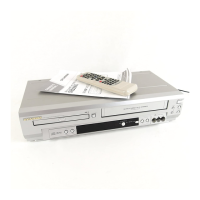
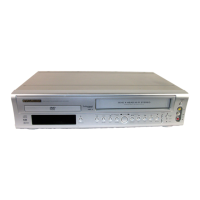
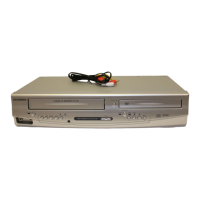
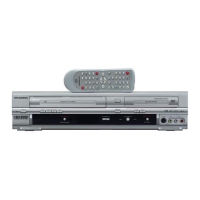
Sylvania SSD800 - User Manual

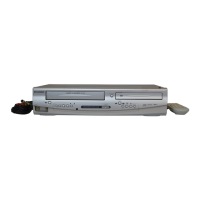
Sylvania SSD800
48 pages
Print Icon
To Next Page IconTo Next Page
Loading...
OWNER’S
MANUAL
If you need additional assistance for set-up or operating
after reading owner’s manual, please call
TOLL FREE : 1
-
800
-
968-3429
Please read before using this equipment.
INSTRUCCIONES EN ESPAÑOL INCLUIDAS.
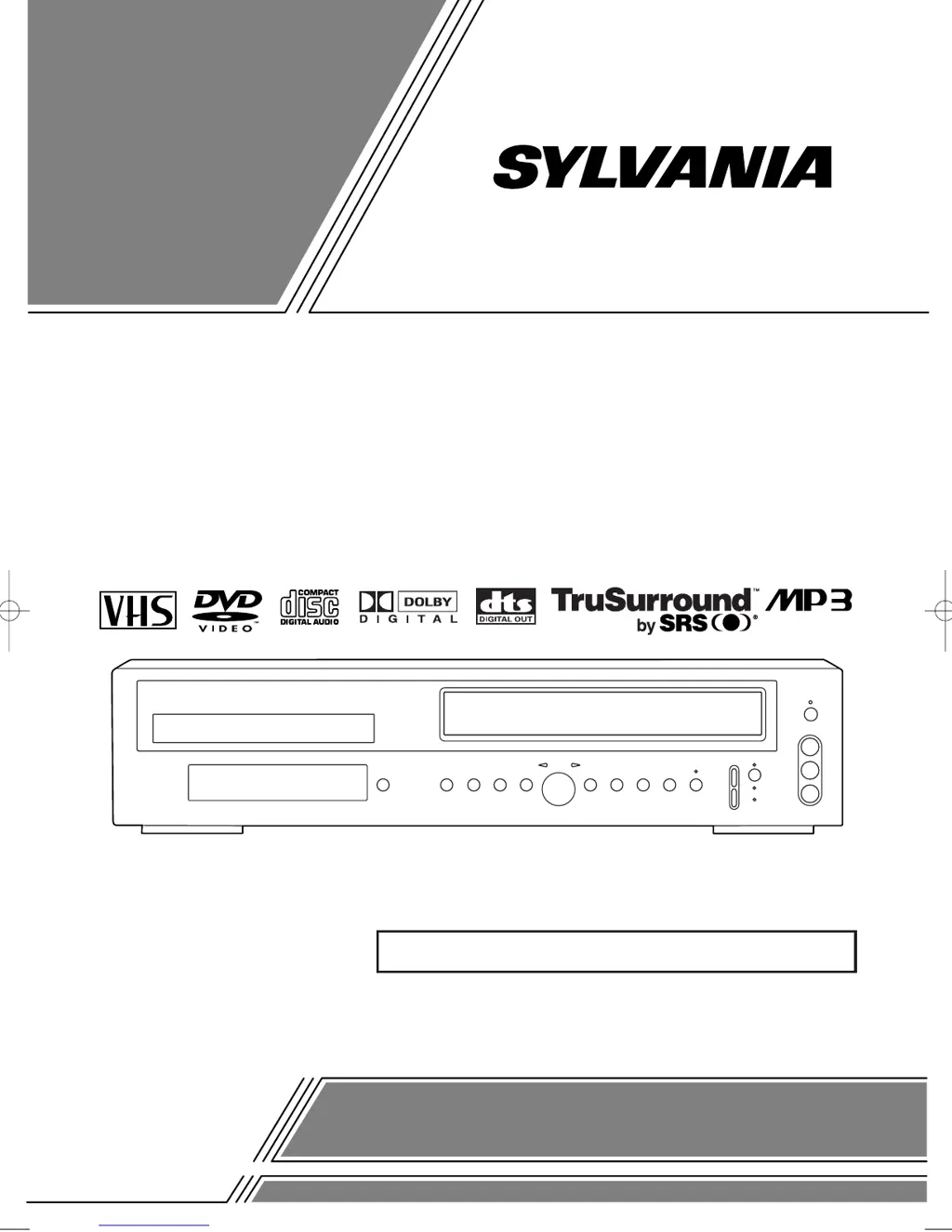
DVD PLAYER with VIDEO CASSETTE RECORDER
SSD800
H9229UD.qxp 02.7.31 2:24 PM Page 1

Table of Contents

Other manuals for Sylvania SSD800

Questions and Answers

  • S
    Scott ForbesAug 21, 2025
    What to do if Sylvania DVD VCR Combo remote control not working?
    • R
      rthompsonAug 21, 2025
      If the remote control for your Sylvania DVD VCR Combo isn't working, try these steps: 1. Check that the power plug is connected to an AC outlet. 2. Verify the batteries in the remote control are working. 3. Aim the remote directly at the remote sensor. 4. Remove any obstacles between the sensor and the remote. 5. Ensure you are within 7 meters of the player. 6. Check that the correct mode is selected by pressing the DVD or VCR button on the remote.
  • R
    Richard CombsSep 3, 2025
    Why Sylvania DVD VCR Combo cannot remove the tape?
    • G
      Gregory McbrideSep 3, 2025
      If you cannot remove the tape from your Sylvania DVD VCR Combo, check if the player is in VCR mode. If not, press the VCR button on the remote control to switch the mode.
  • B
    brandi72Sep 1, 2025
    Why Sylvania DVD VCR Combo disc cannot be played?
    • A
      Adam SchroederSep 1, 2025
      If your Sylvania DVD VCR Combo won't play a disc, first insert the disc. If it's already inserted, clean the disc and place it correctly with the label side up. Also, check if the parental lock is enabled and cancel it or change the control level if needed.
  • T
    Thomas FieldsAug 31, 2025
    Why Sylvania DVD VCR Combo timer recording is impossible?
    • F
      ferrellchristopherAug 31, 2025
      If timer recording is not working on your Sylvania DVD VCR Combo, ensure the timer recording is set correctly, the power is off, and the VCR clock is set correctly.
  • P
    Peter HuntAug 29, 2025
    What to do if Sylvania DVD VCR Combo has no sound?
    • J
      Joann WolfAug 29, 2025
      If there is no sound from your Sylvania DVD VCR Combo, make sure the audio cables are firmly connected. Turn on the power of the audio component, correct the audio output settings, and correct the input settings on the audio component.
  • E
    Edwin MooreAug 27, 2025
    How to fix Sylvania DVD VCR Combo no picture?
    • D
      Dana CookAug 27, 2025
      If your Sylvania DVD VCR Combo shows no picture, ensure the video cables are firmly connected. Insert a correct video disc that plays on this player. Press the DVD button on the remote control and check if the DVD OUTPUT Light is lit. Then try other DVD feature buttons.
  • L
    Latoya GrossAug 26, 2025
    Why Sylvania DVD VCR Combo cannot go into Record mode?
    • S
      Susan CollinsAug 27, 2025
      If your Sylvania DVD VCR Combo won't enter Record mode, make sure the tape has a safety tab. If needed, cover the hole with cellophane tape. Put the player in VCR mode by pressing the VCR button on the remote control so that the green VCR OUTPUT light is lit.
  • C
    corey32Aug 25, 2025
    Why Sylvania DVD VCR Combo TV programs cannot be seen normally?
    • H
      Heather MillerAug 25, 2025
      If TV programs are not displaying correctly on your Sylvania DVD VCR Combo, take these steps: * Check the ANT. IN and ANT. OUT connections. * Press the VCR/TV button so that the VCR/TV indicator on the VCR disappears. * Press the VCR button on the remote control to put it in the VCR mode and check if the green VCR OUTPUT light is lit. * Set it to the TV position by pressing the VCR/TV button, the VCR/TV light should go off.
  • S
    Shannon BurkeAug 23, 2025
    Why Sylvania DVD VCR Combo has no power?
    • R
      robinsonamyAug 23, 2025
      If your Sylvania DVD VCR Combo has no power, ensure the power plug is properly connected to an AC outlet and that the power is turned on.

Summary

LASER SAFETY

FCC WARNING

IMPORTANT SAFEGUARDS

Electrical Safety Precautions

Details measures to prevent electric shock and fire hazards related to power sources and usage.

Servicing and Damage Prevention

Instructs users to refer servicing to qualified personnel and outlines conditions requiring professional attention.

ABOUT THE DISCS

DISC TYPES

Explains the structure of data on DVD, Audio CD, and MP3 discs.

OPERATING CONTROLS AND FUNCTIONS

FRONT PANEL

Identifies and describes the buttons and indicators located on the front of the unit.

REMOTE CONTROL

Details the functions of each button on the remote control for operating the unit.

VCR;DVD SWITCHING

SWITCHING TO VCR MODE

Instructions on how to switch the unit's output mode to VCR.

SWITCHING TO DVD MODE

Instructions on how to switch the unit's output mode to DVD.

HOOKUPS

DVD;VCR TO TV CONNECTION

Provides step-by-step instructions for connecting the DVD/VCR to a television using RF cable.

SETTING THE CH3;CH4 SWITCH

Guides on adjusting the channel switch for optimal TV signal reception.

CONNECTING TO A TV

Illustrates how to connect the unit to a TV using A/V cables.

SETUP

AUTOMATIC CHANNEL SET UP

Describes the process for automatically scanning and storing available TV channels.

TO SELECT A DESIRED CHANNEL

Explains how to manually tune to specific TV channels using the remote control.

PLAYBACK FUNCTION

NORMAL PLAYBACK

Basic steps to start and stop playback of a VCR tape.

SEARCH FUNCTIONS

Explains how to use index and time search to locate specific parts of a tape.

RECORDING FUNCTION

OTR (One Touch Recording)

Details how to start and set recording duration using the OTR function.

TIMER RECORDING

Guides on setting up automatic recordings for future broadcasts via timer.

SPECIAL FEATURES

COPYING A VIDEO TAPE

Instructions for dubbing video tapes from one VCR to another.

MTS (Multi-Channel Television Sound) SYSTEM

Describes how to use the MTS system for selecting stereo, SAP, or bilingual audio during playback or recording.

PLAYING A DISC

PLAYING A DVD VIDEO OR AN AUDIO CD

Step-by-step guide to starting playback of DVD or Audio CD.

USING THE DVD MENUS

Explains how to navigate and use the on-screen menus found on DVD discs.

FAST FORWARD;REVERSE

PLAYING FROM A DESIRED TITLE OR A CHAPTER

REPEAT

PLAYING AN MP3 DISC

SETTINGS

CHANGING THE AUDIO LANGUAGE OR SOUND MODE

How to select desired audio language and sound mode for DVD playback.

CHANGING THE SUBTITLE LANGUAGE

BLACK LEVEL SETTINGS

DISPLAY SETTINGS

TV ASPECT

Adjusts the picture aspect ratio to match the connected TV screen.

AUDIO SETTINGS

Dolby Digital

Setting to output Dolby Digital surround sound when connected to a Dolby Digital decoder.

PARENTAL LOCK

CONTROL LEVELS

Explanation of different parental control levels and their effects on disc playback.

LANGUAGE CODE LIST

HANDLING PRECAUTIONS

DISC HANDLING

Guidelines for properly handling and cleaning discs to ensure optimal playback.

SPECIFICATIONS

Sylvania SSD800 Specifications

General IconGeneral
TypeDVD VCR Combo
Playable Media FormatDVD, CD, VHS
Recordable Media FormatVHS
Number of VCR Heads4
Remote ControlYes
DVD PlayerYes
VCR PlayerYes
VHS PlaybackYes
Output Resolution480p
ConnectivityComposite

Related product manuals