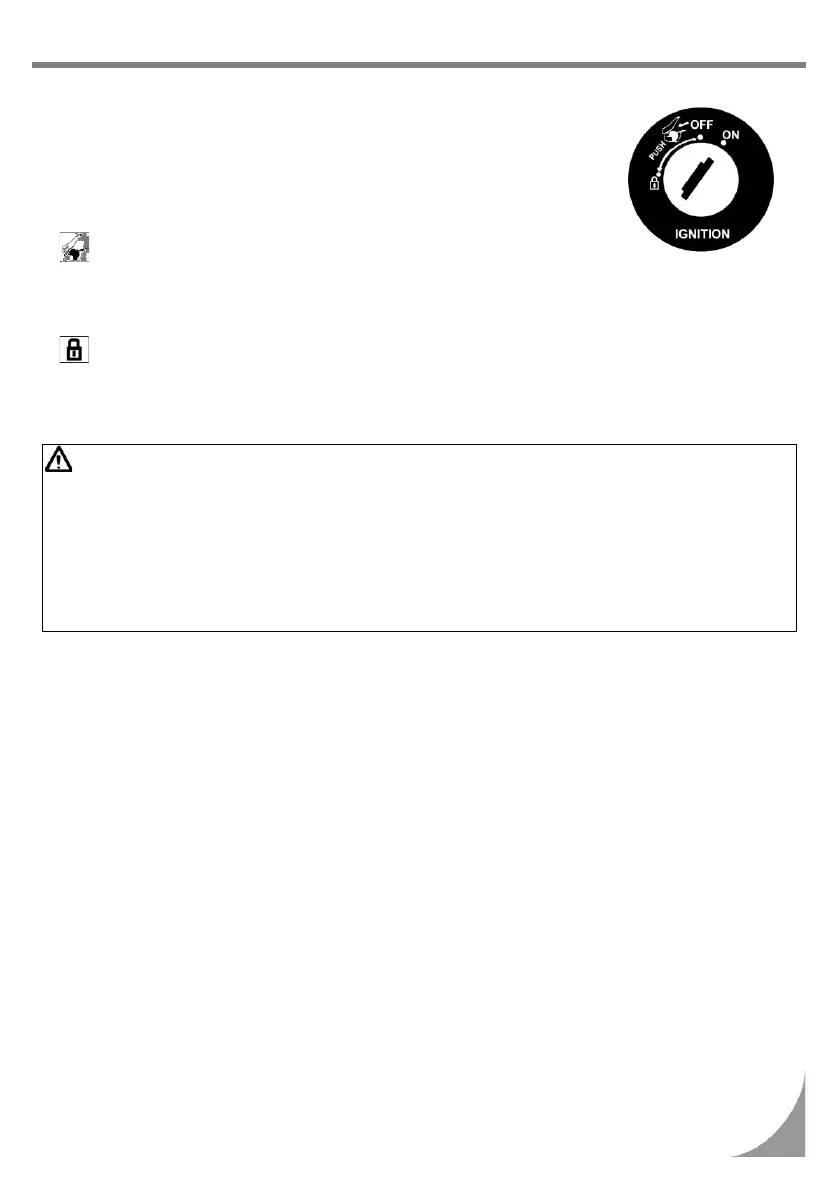
! OPERATION OF IGNITION SWITCH
“ON” position:
! Engine can be started in this position.
! Ignition switch key can not be removed.
“OFF” position:
! Engine is shut off and can not be started in this position.
! Ignition switch key can be removed.
position
! How to open : Insert your key into the ignition
switch, and turn it to the left.
! How to lock : Push the seat and it locks
automatically.
position:
! Turn the handle all the way to left, then press down the key and turn the key to the “LOCK”
position on the left.
! In this position, the handle is locked and the key can be removed.
! To unlock, simply turn the key from “LOCK” to “OFF”.
CAUTION:
! Never turn the ignition switch key when the scooter is running. Turning the key to either “OFF” or
“LOCK” position will shut off the electrical system and could result in loss of control or an accident.
! Only turn the ignition switch key to the “OFF” or “LOCK” position after the scooter has been completely
stopped.
! If the ignition switch key remains in the “ON” position for a prolonged period after the engine has been
stopped, the battery capacity will be reduced and this may affect the engines ability to start.
!
Lock the steering handle and remove the key before leaving the scooter. Do not leave the key in the
ignition switch when leaving the scooter.



 To Next Page