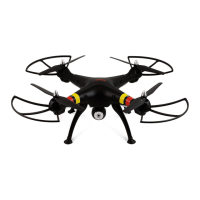
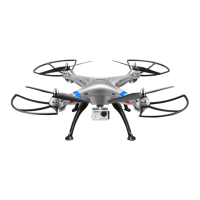
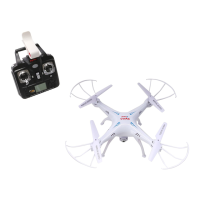
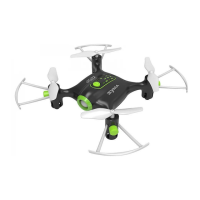
Thanks to the 6 axis gyroscope, you can throw
the quadcopter and push the throttle right up, it
will automatically level out and hover smoothly
in the sky, This can also be done when the
quadcopter isrolling.
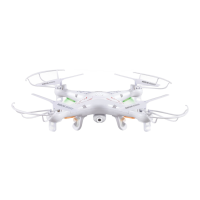
INSTALL CAMERA
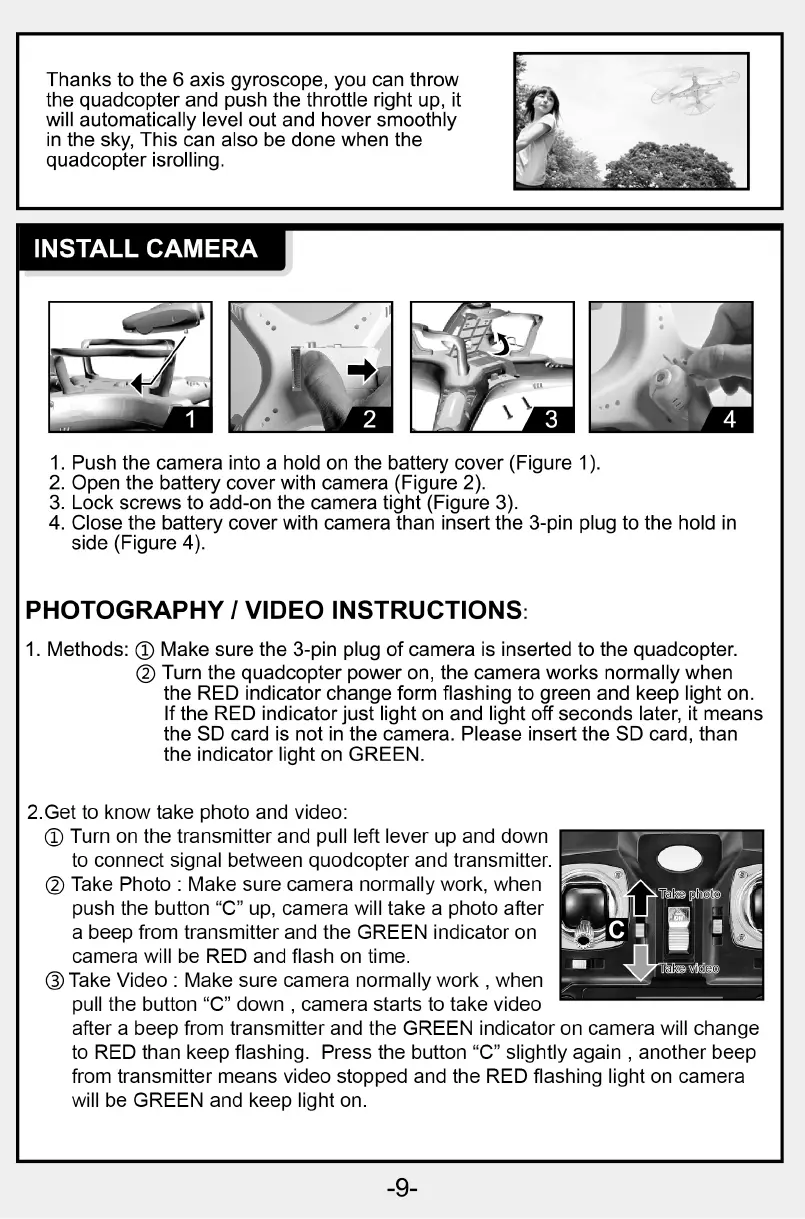
1. Push the camera into a hold on the battery cover (Figure 1).
2. Open the battery cover with camera (Figure 2).
3. Lock screws to add-on the camera tight (Figure 3).
4. Close the battery cover with camera than insert the 3-pin plug to the hold in
side (Figure 4).
PHOTOGRAPHY 1 VIDEO INSTRUCTIONS
1. Methods: @ Make sure the 3-pin plug of camera is inserted to the quadcopter.
@ Turn the quadcopter power on, the camera works normally when
the RED indicator change form flashing to green and keep light on.
If the RED indicator just light on and light off seconds later, it means
the SD card is not in the camera. Please insert the SD card, than
the indicator light on GREEN.
2.Get to know take photo and video:
@ Turn on the transmitter and pull left lever up and down
to connect signal between quodcopter and transmitter.
@ Take Photo : Make sure camera normally work, when
push the button "C" up, camera will take a photo after
a beep from transmitter and the GREEN indicator on
camera will be RED and flash on time.
O Take Video : Make sure camera normally work , when
pull the button "C" down , camera starts to take video
after a beep from transmitter and the GREEN indicator on camera will change
to RED than keep flashing. Press the button "C" slightly again , another beep
from transmitter means video stopped and the RED flashing light on camera
will be GREEN and keep light on.
-9-


 To Next Page