2-8
LS 5700/LS 5800 Product Reference Guide
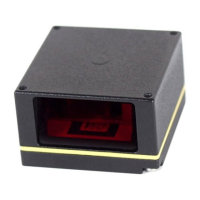
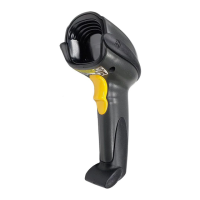
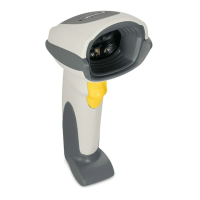
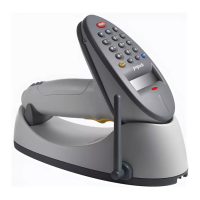
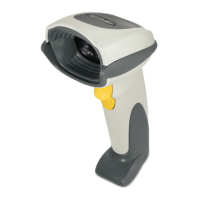
Connecting a Hand-Held Laser Scanner
Attach the hand-held laser scanner’s Synapse Adapter
cable to the Scanner port of the LS 5700/LS 5800 (primary
scanner). In most cases, the hand-held laser scanner
automatically configures itself at this point. If it does not,
follow the hand-held laser scanner’s Synapse setup
directions.
When the hand-held laser scanner is connected to the
Scanner port of the primary scanner, the hand-held scanner
auto-configures and inherits some of the primary scanner’s
decode parameters. Any changes to the primary scanner’s
settings are automatically reflected back to the hand-held
scanner. Programming bar codes are provided to:
• program only the hand-held laser scanner
• program only the LS 5700/LS 5800
• program both scanners simultaneously
If you are using a Symbol LS 2603MX, LS 3603MX, or
LS 3203 hand-held scanner, different bar codes are used
to set these programming modes. They begin on page 5-87.
Some hand-held scanners do not support these
programming modes. Parameter bar codes affect only these
scanners, not the primary scanner – regardless of the
programming mode selected.
When this type of hand-held scanner is connected, the only
way to program the primary scanner is to scan parameter
bar codes with the primary scanner.


 To Next Page