Order Entry System Manual
GTC Order Entry System (OES) Manual - http://www.general-trading.com/ - (201) 935 – 7717 - Page 12
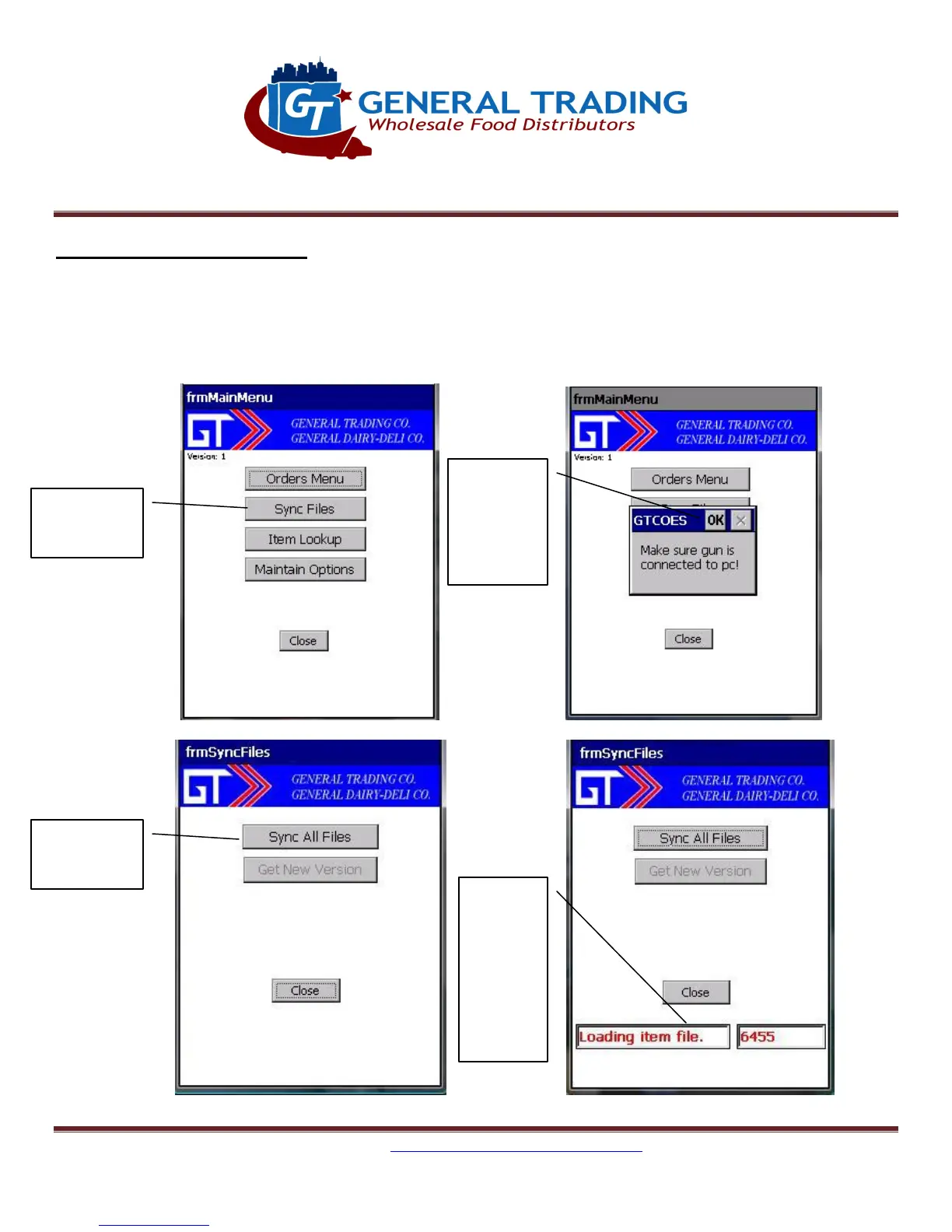
7. Sync Files: Sync All Files
Update GT files:
This should be done weekly and if not done after 7 days, it will not allow creation of new orders until
Sync is done. This updates item information to latest.
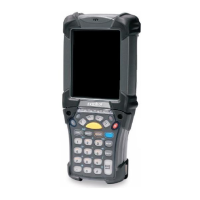
Figure 7.1 Figure 7.2
Figure 7.3
Figure 7.4
Sync Files
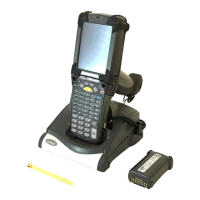
gun is in
cradle and
connected
to PC
status.
Wait
until
message
about
being
done
Sync All Files


 To Next Page