Order Entry System Manual
GTC Order Entry System (OES) Manual - http://www.general-trading.com/ - (201) 935 – 7717 - Page 14
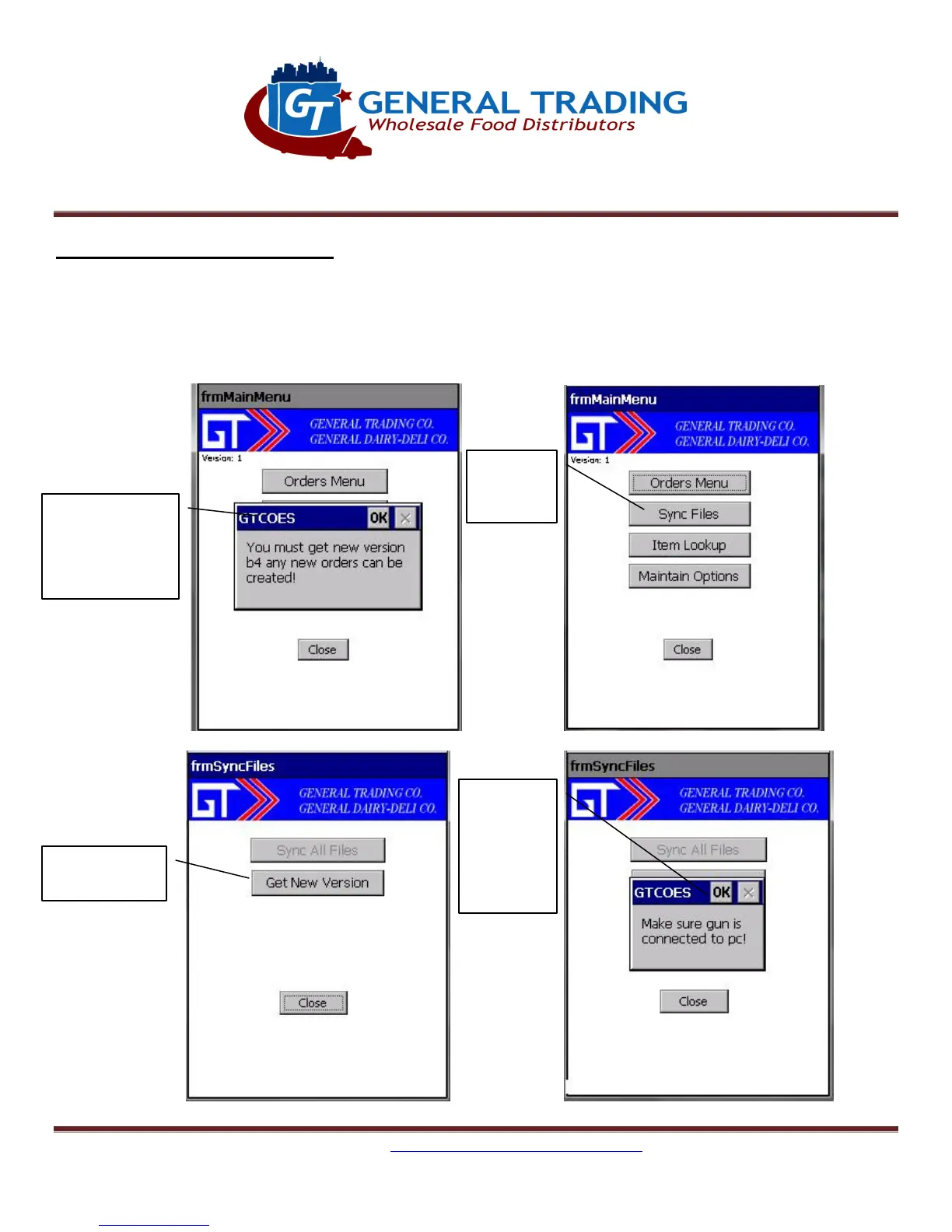
8. Sync Files: Get New Version
Get New Version of Program:
You will be prompted when this is needed to be done. Make sure all open orders are transmitted first
because this will delete all open and sent orders. When done, Sync Files immediately.
Figure 8.1
Figure 8.2
Figure 8.3 Figure 8.4
prompted to
get a new
version
Sync Files
New Version
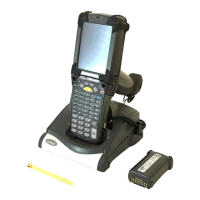
gun is in
cradle and
connected
to PC


 To Next Page