9
Reset Configuration to Defaults&Version Information
During usage,if you scan other setup barcode by mistake and the scanning
cannot perform as normal way, you can scan the initialization setup barcode
to revert.
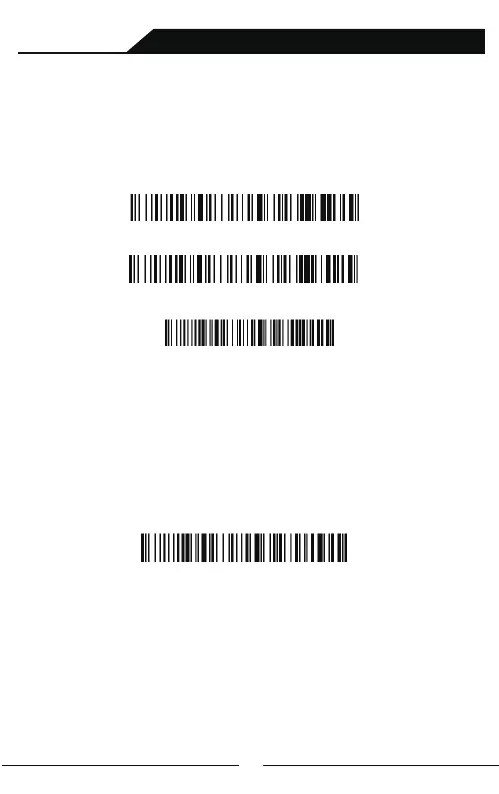
Reset Configuration to Defaults
Display Version Information
A: Start the scanner and long press for 8 seconds or scan “Bluetooth HID
Pairing Mode" to enter the pairing state.(blue light flicker).
Note: When the scanner enters the state of matching and it does not pair
with bluetooth successfully within 1 minute, there is 2 times long low
sound indicated failing match and return to scanning mode.
(Or trigger twice to revert to scanning mode)
Bluetooth HID Pairing Mode
Pair with PC terminals or other devices(including Android、
ios、win systems) with bluetooth:
Bluetooth Pairing:
B: Turn on Bluetooth in the device to detect bluetooth device named with
"Barcode Scanner HID". Click "Barcode Scanner HID" to enter pairing status.
If pair successfully, you will hear a beep.(blue light is always on)
Electric Quantity Display
Wireless Scanning and Payment All-in-One Device



 To Next Page