11
Note: When the scanner enters the state of matching and it does not detect
the receiver successfully within 1 minute, there is 2 times long low sound
indicated failing match and return to scanning mode.
(Or trigger twice to revert to scanning mode)
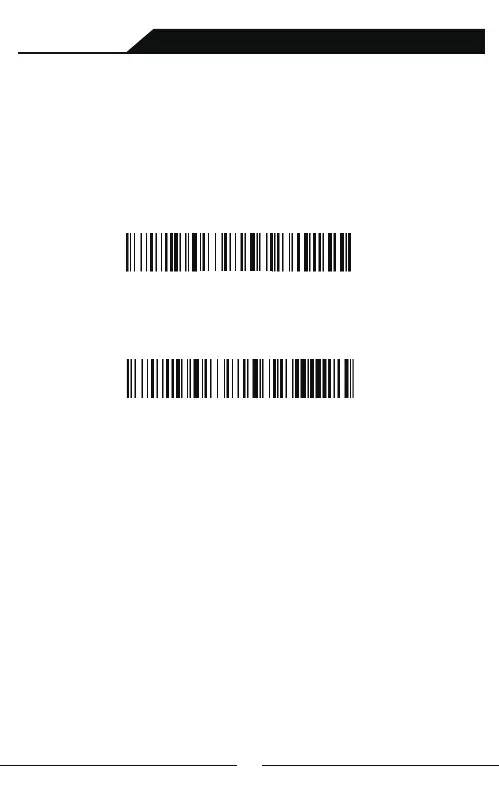
A:Scan“2.4GHz Wireless Mode”setup barcodes.
B:Scan “Compulsory Pair with Dongle Setup Barcode” so that enter into pairing
state.The blue light flickers quickly.
Compulsory Pair with Dongle Setup Barcode
C:Connect USB Type-C end with pedestal,and other side with PC .If there is a Di
sound it would connect successfully and the blue light is always on.
Pair with the devices without bluetooth(such as desktop computer)
via pedestal which is installed the receiver.Dongle pairing methods
as follows:
Pair with pedestal which is installed the 2.4G mini-receiver
Wireless Scanning and Payment All-in-One Device



 To Next Page