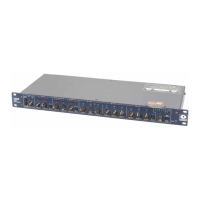
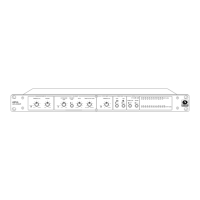
421m
7
Stereo Interconnect
To stereo-link two 421m’s, interconnect the STEREO LINK jacks found on the rear panels of the
units using a five-pin DIN male to DIN male patch cord (Symetrix p/n 037010). This looks like a
MIDI cable, and a MIDI cable may actually work if all five pins are actually connected to each
other.
Note: Although the stereo-interconnect cable looks like a MIDI cable, it isn t. There is nothing
remotely resembling MIDI inside or between two 421m's. If you connect either connector
to a MIDI device, it probably won t harm anything, but it definitely won t work.
Decide which unit is the master and which unit is the slave (using force only if absolutely neces-
sary) and set the front panel MASTER/SLAVE switches accordingly. In stereo-mode the slave
unit s controls are disabled and only the master unit controls affect operation. The following
diagram shows how to stereo-link two 421m’s.
Note: If there is no master unit connected via the Stereo Link connectors, the slave unit (any
unit with it’s MASTER/SLAVE switch in the OUT position) remains in bypass mode,
regardless of the setting of its bypass switch.


 To Next Page