duckee recovers after being ducked. Don't be meek with the knobs, most ducker applications
require 20+ dB of gain reduction to be effective.
7.5 The 425 as a Limiter
The peak limiter section of the 425 is a fast-acting (200µS), steep slope (20:1) limiter. Peak
limiters are generally used to stop signal peaks dead in their tracks. The peak limiter in the
425 has only one control: threshold. Set the control for occasional -3 dB gain reduction
indications (you can let it hit 6 dB once in a great while). If you allow more gain reduction
than 3-6 dB, that's ok, but
the results may be quite
audible (peak limiters are
designed to stop peaks, not
to sound pretty).
Exp.
Downward
-10
+2.5
40302520151050-5-20 -15
Linear
Compression
Limiting
10:1
4:1
1:1
t
u
p
t
u
O
Input
-10
10
0
-20
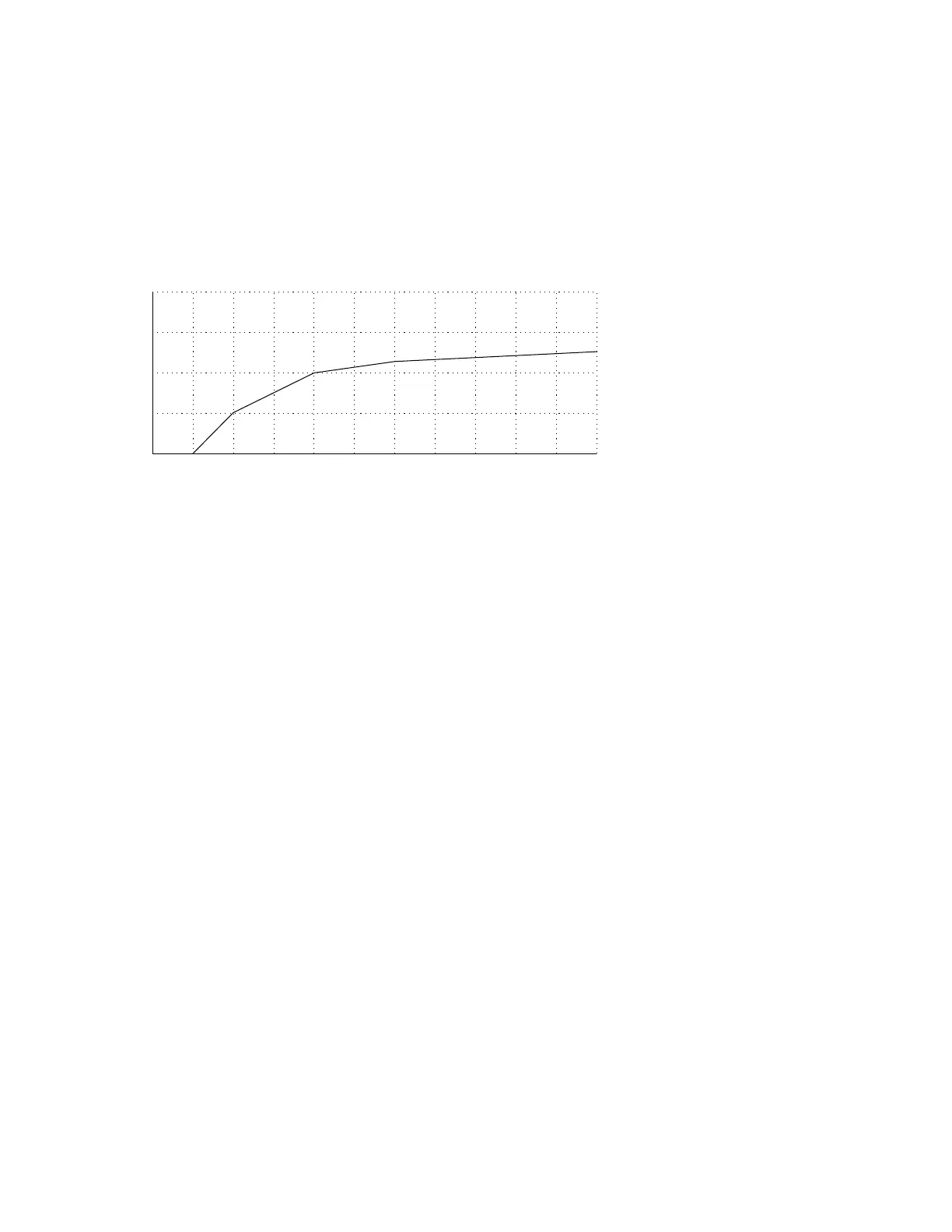
Figure 7-2. Simultaneous downward-expansion, compresion and limiting.
You can use the 425 as a
dual-threshold peak
limiter, with a gentle slope
for lower-level peaks and a
steep slope (20:1) for high-
level peaks by setting the
compressor ratio at 4:1,
compressor threshold at
0dB or higher, and limiter threshold high enough to catch the highest peaks (or at recording
media overload). The compressor catches most peaks, using a moderate ratio (which is more
ear-pleasing), while the limiter gives you the freedom from overload that only a peak limiter
can give.
7.6 The 425 as an Expander
As described before, the expander section of the 425 is a downward expander. When the input
signal falls below the threshold control setting, the 425 reacts by reducing the gain of the
VCA. This increases the dynamic range of the output signal (since the soft just got softer).
You can use the expander to reduce body noises picked up by an announce microphone, or to
reduce amp noise from a noisy guitar amp, or how about reducing the amount of room sound
in a guitar track that was recorded a little too loosely in a room that was a little too noisy? For
sound reinforcement, how about using the expander to tend an announce mic that needs to
be left on, but you really don't want it picking up every whisper in its vicinity.
Setup is easy, with no signal, adjust the
THRESHOLD control counter-clockwise until you begin
to see gain reduction on the expander's LED display, continuing until you hear the degree of
expansion that you want. When the signal is present, you may need to refine the setting so
that the expander doesn't reduce the gain during momentary pauses. You can slow things
down a bit via the
RELEASE control, which helps prevent expansion during momentary pauses.
7.7 Using the Expander and Compressor Simultaneously
There are times when you might want to expand and compress simultaneously. Now this isn't
a game of tug-of-war between the expander and compressor. How about a track that has too
much dynamic range and needs to be squashed to fit into the space available in your mix?
After squashing, you notice a lot of room noise, amp noise, etc. whenever the track is not
active. 425 to the rescue. Simply adjust the expander threshold to cause gain reduction
during the quiet parts of the track and you'll make those ugly noises disappear.
7-3
Rev 2.0, 10/29/93



 To Next Page