628
32
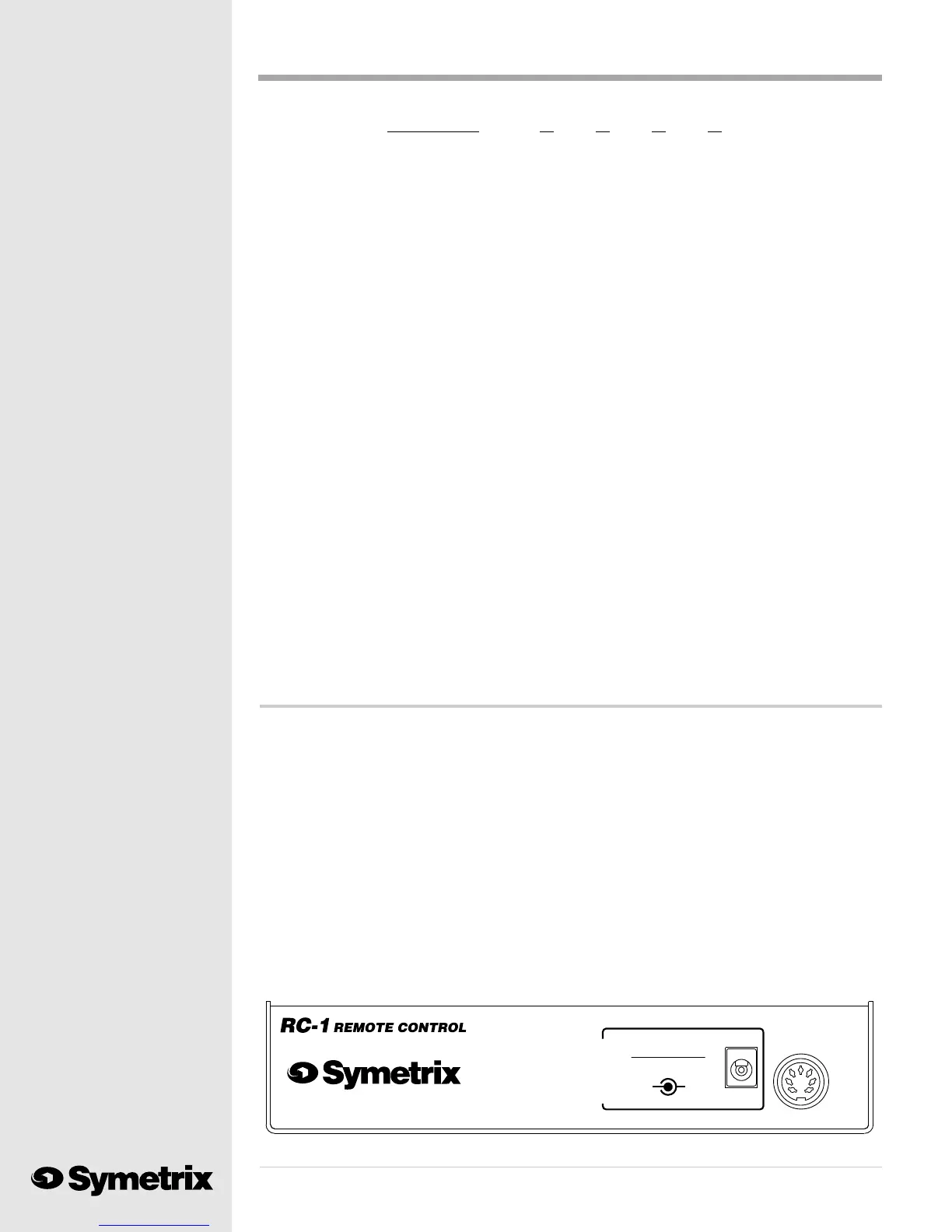
MIDI OUT
SYMETRIX 628
TIP + RING -
D.C. POLARITY
9 VOLTS D.C.
(NOT NEEDED
WHEN USED WITH
POWER SUPPLY.
SYMETRIX 628)
OPTIONAL EXTERNAL
MANUFACTURED IN THE USA BY
LYNNWOOD, WA
NO USER SERVICEABLE PARTS INSIDE.
POWER IN FROM
MIDI Channel J4 J3 J2 J1
1 0000
2 000X
3 00X0
4 00XX
50X00
60X0X
7 0 XX0
8 0 XXX
9 X000
10 X00X
11 X0 X0
12 X0 XX
13 XX0 0
14 XX0 X
15 XXX0
16 XXXX
To change your RC-1s MIDI identification, disconnect all connectors from the RC-1. Remove
the chassis bottom by taking out the screws in both sides of the RC-1. Lift the bottom cover off.
Locate J1, J2, J3 and J4 in the rear center of the circuit board. Solder together the jumpers marked
with an X in the table which correspond with the desired MIDI channel identification. Replace
the bottom cover and retaining screws.
Installation ...
After installing the 628 in its permanent position you may connect the RC-1. Position the RC-1 Remote
Control in a convenient, but secure location. Route the 25-foot cable between the two devices. Secure
the cable so that it is not a tripping hazard or located where it could be damaged by moving equipment
or furniture. Good news! Both ends of the cable are male; you cant install it backwards.
Plug the cable into the DIN socket on the rear of the RC-1. Next, connect the cable to the MIDI/
RC-1 IN socket on the rear of the 628. While youre there, please check that the MIDI CHAN-
NEL switch on the 628 is set for Channel 1.
You will notice that none of the LEDs on the RC-1 are lighted when it is first plugged in. This is
normal; the LEDs serve as tally lights indicating which button was pushed last. The LEDs do not
provide positive confirmation from the 628 that the program selected was loaded by the 628. The
RC-1 will not reflect a change in program selection made at the front panel of the 628. The LEDs
on the RC-1 serve as reminders of which button on the RC-1 the user pressed last.



 To Next Page