10
Quick Start Guide
6408 216th Street SW | Mountlake Terrace, WA 98043 USA
T +1.425.778.7728 F +1.425.778.7727 | www.symetrix.co
Hardware Connections
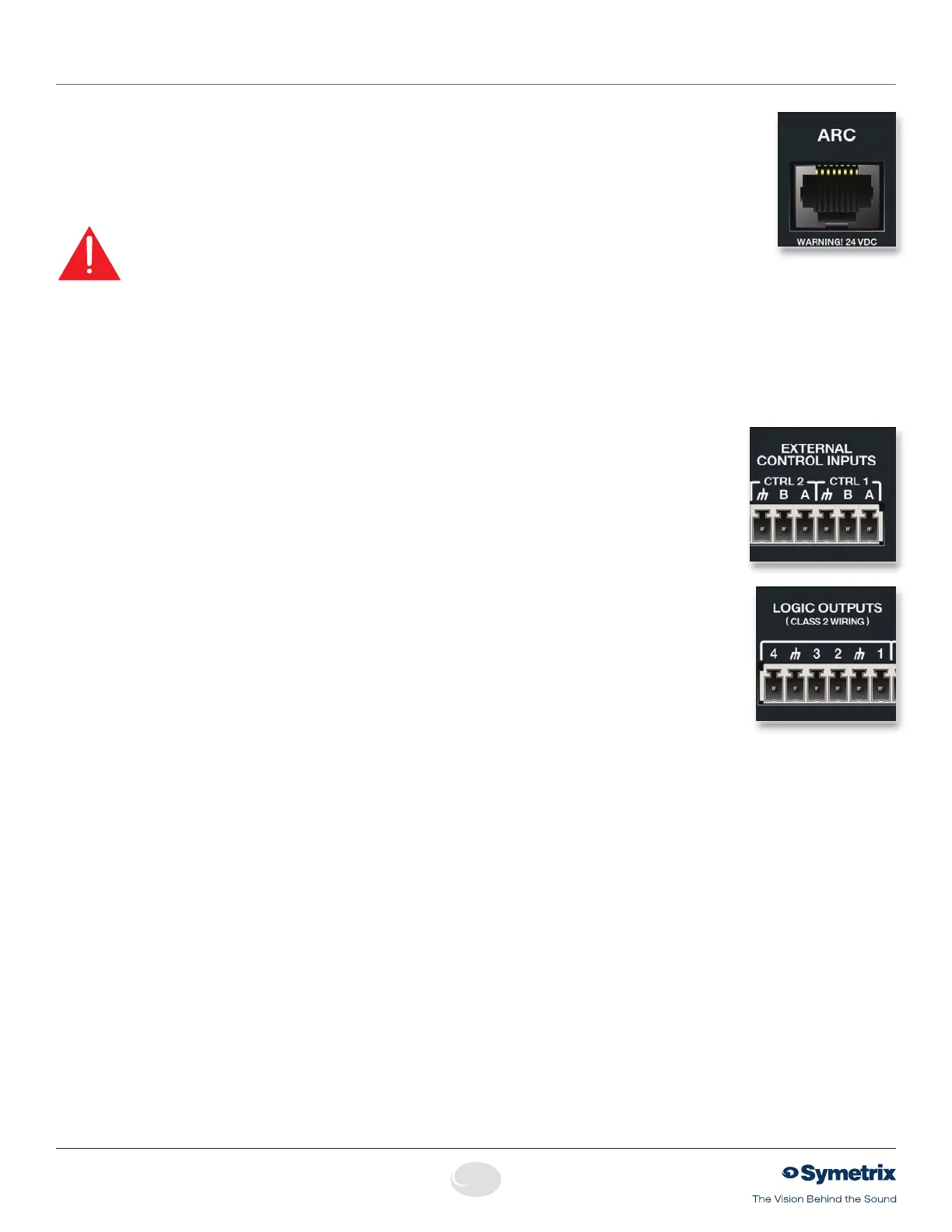
ARC Using a standard straight-through CAT5 cable terminated with RJ45
connectors or standard shielded twisted pair terminated with a terminal
block on one end, connect your ARC Wall Panels according to the
guidelines in the ARC Network Design section of the ARC’s documentation
or the Jupiter help file.
When an ARC Wall Panel network is connected to Jupiter, the green ARC
LEDonthefrontofthedevicewillbelitsolidgreen.
WARNING: When designing an ARC network, one must be careful
not to double
power any ARCs. If all pins on the CAT5 connections are
used, power can travel over the CAT5 cable and reach any ARC on that
particular chain. Power over CAT5 could potentially come from the ARC
that is powered locally and then daisy-chained via CAT5 to other ARCs or
directly from a particular ARC’s terminal block connections. In general, we
recommend using only one type of power connection on the ARCs, either
the RJ45s (with CAT5 cable) or the terminal blocks but not both.
CAUTION: DO NOT plug the RJ45 connectors of an ARC Wall Panel into
anyRJ45connectorlabeled“ETHERNET”,“COBRALINK”or“SYMLINK”
(See warning on page 4)
EXT CTRL 1 and 2
Using standard shielded twisted pair terminated with a terminal block
on one end, you may connect up to two contact closures or one
potentiometertoeachEXTERNALCONTROLinput.Congurationofthe
EXTERNALCONTROLinputsisdonewiththeExternalControllerWizard.
These ports may also be used to integrate with an alarm or emergency
system.
LOGIC OUTPUTS
Using standard shielded twisted pair terminated with a terminal block on
one end, you may connect up to four logic controlled devices such as
relays,LEDsorcameraswitchers.CongurationoftheLOGICOUTPUTS
is done with the External Controller Wizard. These ports may follow most
buttonsandLEDsinsoftware.


 To Next Page