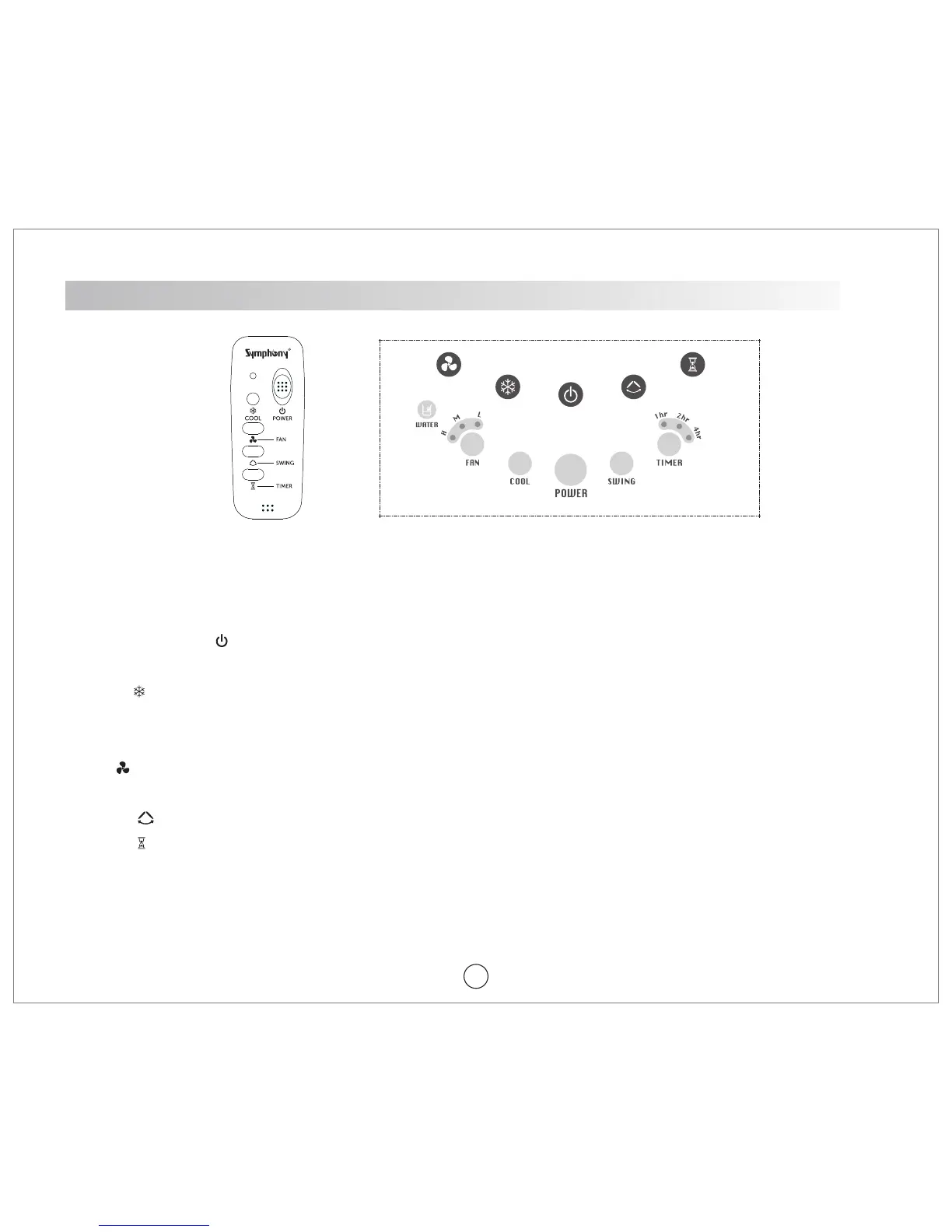
Remote Control & Control Panel may vary from model to model
Remote Control Control Panel
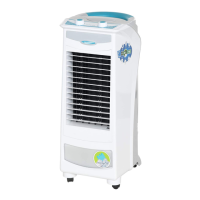
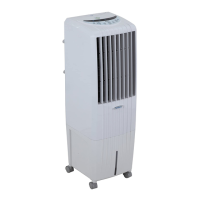
How to operate Remote Control models - H!Cool Smart i, DiET i Range & Winter i
1. POWER (ON/OFF) [ ]: Press the button to switch on/off the cooler. Icon will glow with blue at on position and
RED colour at off position
2. COOL [ ]: Press the button to switch ON/OFF the pump. Cool Icon will glow when switched On. The Pump will start
only when sufficient water is in the tank, indicated by water icon glowing in WHITE. Low water level will be indicated by
a buzzer for 5 seconds and water icon will start blinking in red colour.
3. FAN [ ] : When started, the fan icon will glow. Press the button for High, Medium and Low speeds. The selected speed
will be indicated by glowing LED.
4. SWING [ ] : Press button to switch on/off the swing function. Swing icon will glow when switched ON
5. TIMER [ ] : Press the button to set OFF timer from 1 - 7 hours in intervals of 1 hr. Timer icon will glow when timer is
switched ON and the glowing LEDs will indicate the total OFF time set.
7.
colour
SYSTEM RESTORE FUNCTION : Last setting is memorized for all the functions.
5


 To Next Page