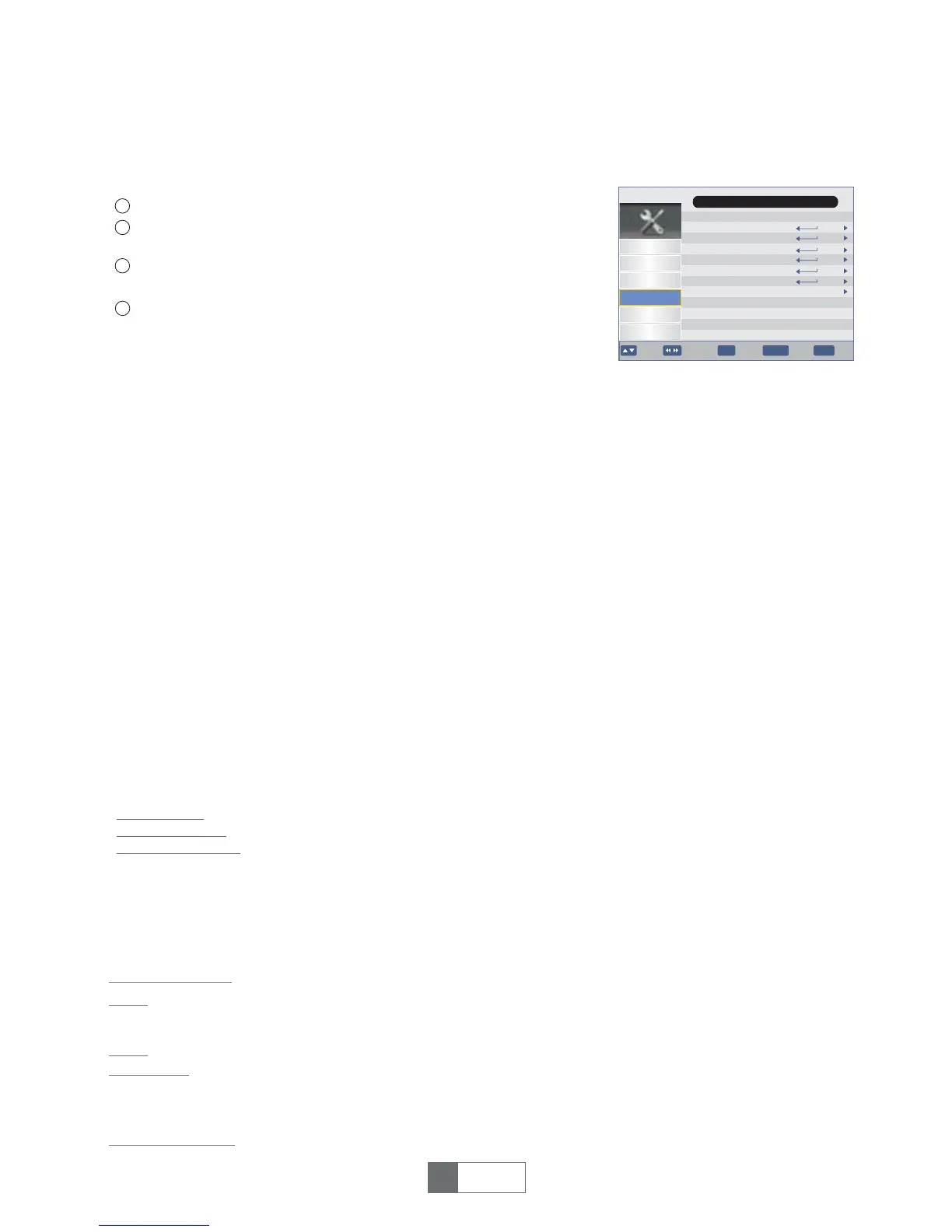
7 Setting
7.1 Setting Menu
Timers
Child Lock
Date Time
Factory Reset
Upgrade
Version
Auto Standy
Channel
Preference
Setting
AV
Game
Installation
Main Menu
4
1
2
3
Press the "MENU" button to enter main menu.
Press "UP"or "DOWN " button to highlight "Setting", press
"RIGHT" button to enter the Setting menu.
Press"UP"or"DOWN"cursorbutton tohighlightthedesireditem
andpress"OK"buttontoenterthesub-menu.
Press"EXIT"buttontoexit.
7.2 Timers
This menu allows us to set the program timer.
Youcanset27timers.
Press Red button to delete all timers
Press GREEN button to delete the highlighted timer
PressYELLOWbuttontoedittimer
Date:
Program Name:
Start Time:
End Time:
Duration:
Mode:
Type:
AD Record:
Subtitle Record:
Teletext Record:
7.3 Child Lock
You are asked to input a password(the default password is"0000").
Input the correct password by pressing numeric buttons.
Press"UP"or"DOWN"cursorbutton tohighlightthedesireditem
andpress"OK"buttontoenterthesub-menu.
Press "RIGHT" then numeric button to input date.
You can select a desired channel as the timer channel.
Press "RIGHT" then numeric button to input the start time.
You can see the end time information.
Press "RIGHT" then press numeric button to input the duration time.
Once/Daily/ Weekly/ Monthly
Recorder/Channel/ Standby/ On
On/ Off
On/Off
On/Off
System Lock:
Parental Rating:
Change Pin Code:
On/Off
0/4~18
To input old password
To input new password.
To confirm the new password.
Old Password
New Password
Confirm Password
1
English
8
3hr
7.4 Date Time
Date Time Mode:
This menu is valid only when selected "Auto"
in Date Time Mode menu .
The GMT offset range is "Auto/-12:00 ~ +12:00", increasing
half hour progressively.
Date:
Time:
Time Zone:
Day Light Saving:
Theoptionsare:Auto/Manual
Press"OK"thennumericbuttontoinputthetime.
Date" and "Time" menus are valid only when selected
"Manual" in Date Time Mode menu.
Press"OK"thennumericbuttontoinputthedate.
Theoptionsare:Off/On
OK
EXIT
Move Enter
Exit
BACK
BackPage+-


 To Next Page