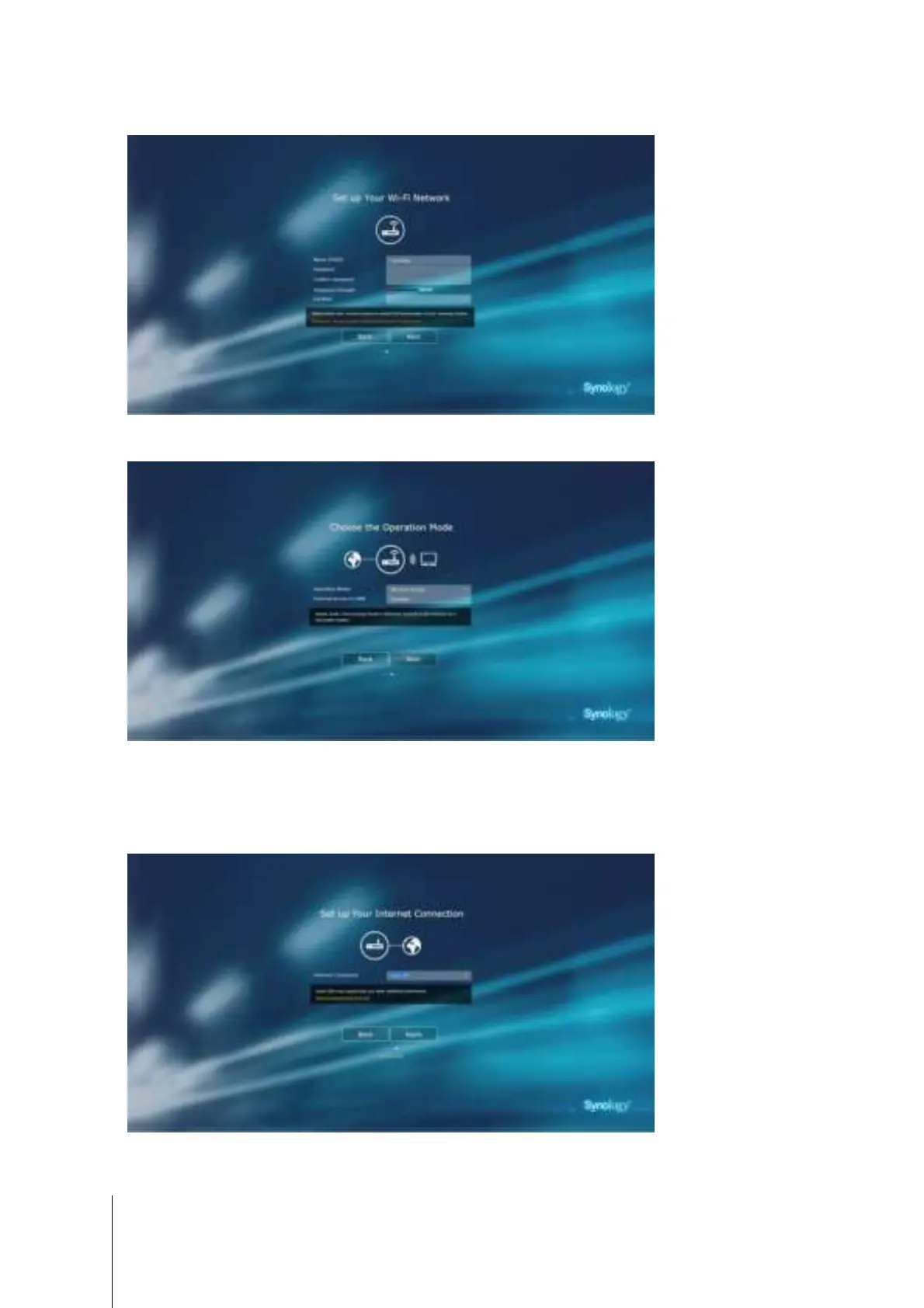
5 Fill in the information to set up the Wi-Fi network. Click Next to continue.
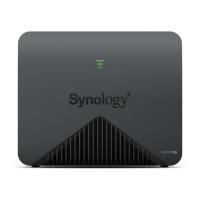
6 Set up the operation mode. When choosing the
Wireless Router mode, you can also enable External
access to SRM
so that only external access via the HTTP(S) port (e.g. 8000/8001) can reach SRM.
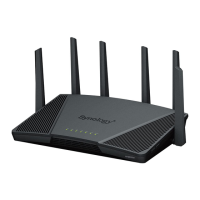
7 Choose an Internet connection type:
• PPPoE: Choose this option if you have obtained PPPoE credentials from the ISP.
• Manual IP: Choose this option if you have obtained an available IP address for use.
• Auto IP: Choose this option if you rely on an ISP modem for automatic IP assignment.
12
Chapter 2: Hardware Setup


 To Next Page