Set up Synology Router Manager (SRM)
1 Use a computer or wireless device connected to your RT6600ax's local network. If you use a wireless device,
scan and join the Wi-Fi network (SSID: Synology_(Serial); Password: synology).
2 Open a web browser, and enter either URL into the address bar:
•
http://router.synology.com
•
http://192.168.1.1:8000
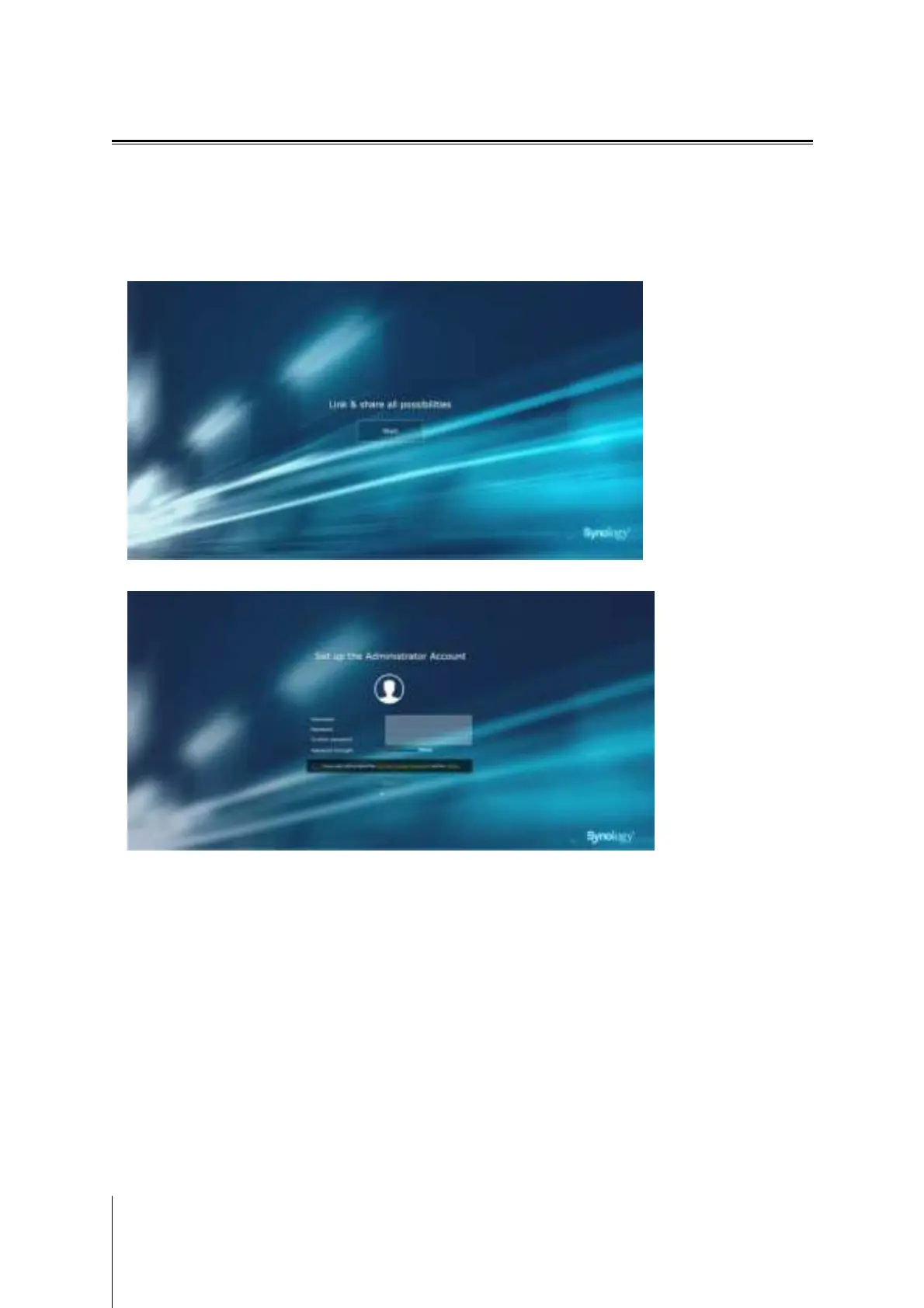
3 Once connected, click
Start to launch the SRM Setup Wizard.
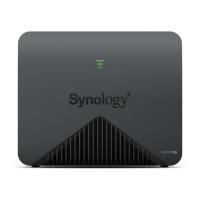
4 Fill in the information to set up the administrator account. Click
Next to continue.
11
Chapter 2: Hardware Setup


 To Next Page