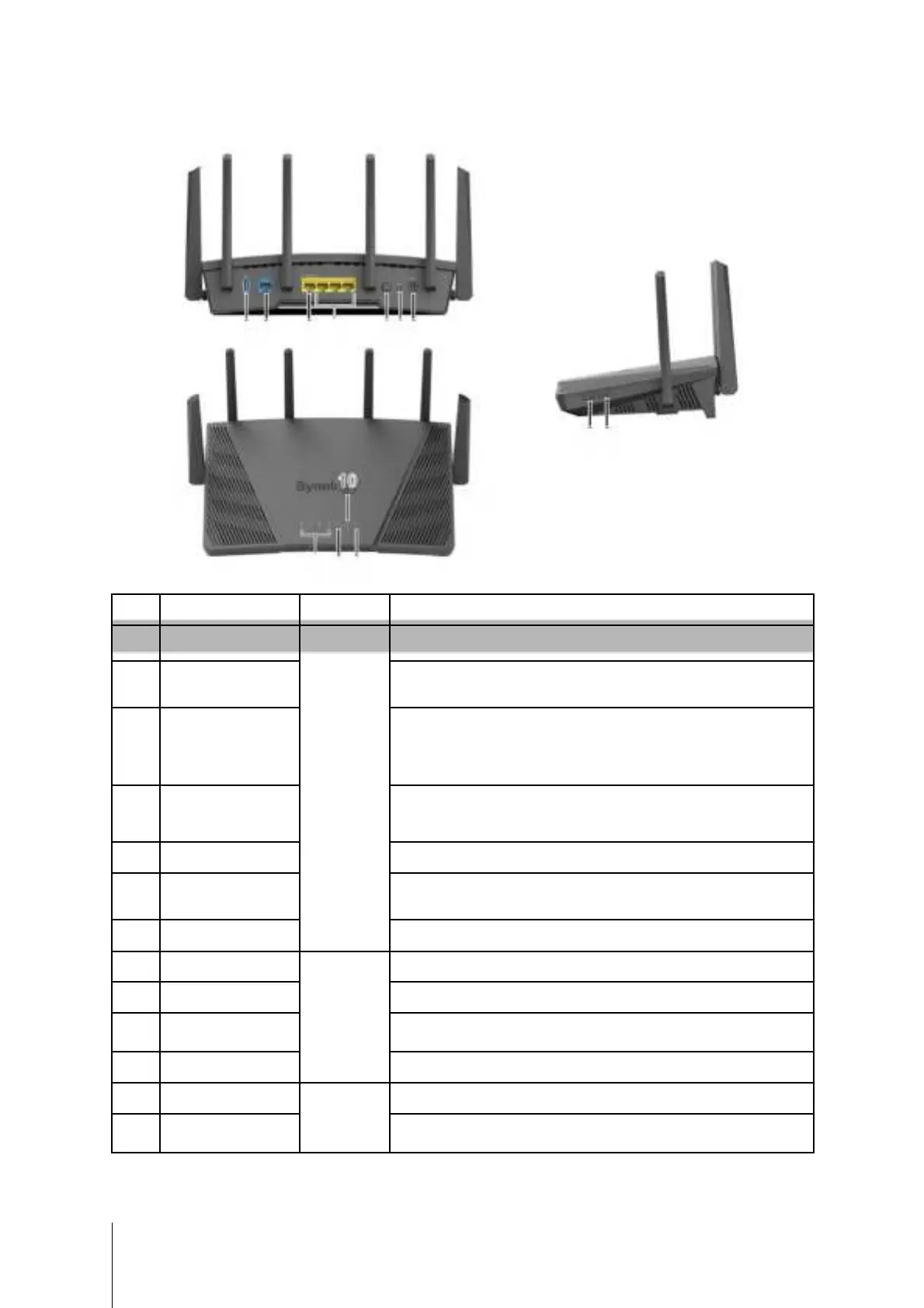
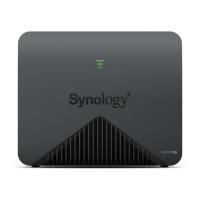
Synology RT6600ax at a Glance
1213
10
Connect an external drive, USB printer, or other types of USB
Connect a network cable from the ISP modem into this port to
establish WAN connection.
1. Connect a network cable from the ISP modem into this port to
establish WAN connection.
2. Connect network cables into these ports to establish LAN
Connect network cables into these ports to establish LAN
Press to power on/off the Synology Router.
Press and hold for four seconds (Soft Reset) or for ten seconds
Connect the AC power adapter here.
Displays the status of LAN connection.
Displays the status of WAN connection.
Displays the status of Wi-Fi connection.
Displays the status of the system.
Press to turn on/off the Wi-Fi network.
4
Chapter 1: Before You Start


 To Next Page