SWITCH
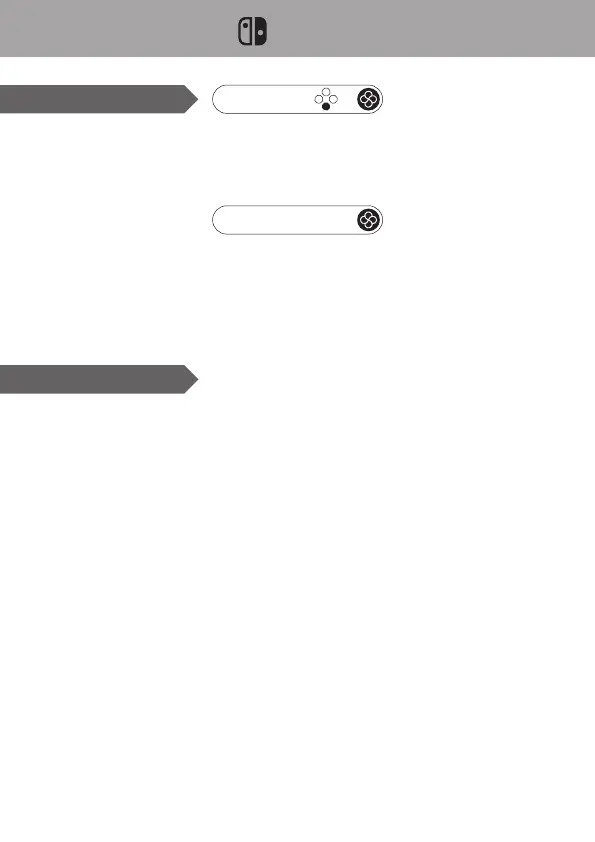
Bluetooth Connection
Wired Connection
➀ Set Wired Communication to On.
➁ Connect the controller to the dock with USB cable
➀ Turn on Switch, select “Controller”, “Change Grip/Order”.
➁ Hold the south button and Home button for 2 seconds (the light turns from red to white).
Release and wait.
➂ Once succeed, the light stays red.
+
Pair
General Link: Press Home button (if this console is the one been Bluetooth connected last
time). In case Switch in sleep, it will be waked up automatically.
Link by Mode: Press the south button + Home button (if this console is the one been
Bluetooth connected by Switch mode last time). In case Switch in sleep, it will be waked up
automatically.
Link / Wakeup



 To Next Page