Bluetooth Connection
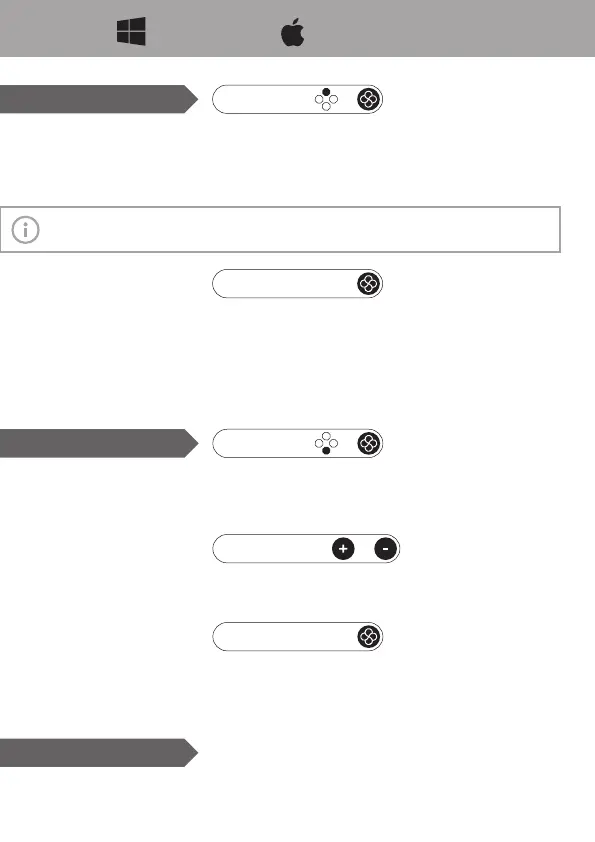
➀ Turn on Blueooth, select to add a device.
➁ Hold the north button and Home button for 2 seconds (the light turns from blue to white).
➂ Pair the device “Xbox Wireless Controller”.
➃ Once succeed, the light stays blue.
WINDOWS APPLE DEVICES
Information:
Switch mode also applies, by which motion control is enabled in Steam.
+
Pair
• Connect via USB. Recognized as “ Xbox 360 Controller for Windows”.
• Connect via USB while holding Capture Button. Recognized as Switch Pro Controller.
Wired Connection
Link
General Link: Press Home button, if this device is the one been Bluetooth connected last
time.
Link by Mode: Press the north button + Home button, if this device is the one been
Bluetooth connected by Xbox mode last time. Or, press the south button + Home in case of
Switch mode.
+
2.4G Connection
➀ Hold the south button and Home button for 2 seconds (the light turns from red to white).
➁ Plug the receiver into the USB port.
➂ Once succeed, the light stays red. Works as Xbox 360 controller by default.
Pair
Hold “+”and “-”button for 3 seconds, so to select the next mode by the sequence: Xbox 360
(default) -> Switch -> Android.
+
Select Mode
Same as Switch Link/Wakeup.
In case the receiver was replugged, the controller will be linked by the default mode, please
select again if you need.
Link



 To Next Page