TROUBLESHOOTING
Sysmex KX-21 Operator’s Manual -- Revised October 1998 7-1
1. INTRODUCTION
If the running instrument develops any symptom that you suspect to be a trouble, check it
making reference to "2. WHEN YOU SUSPECT A TROUBLE" which begins from the next
page. When there is not any item that confirms to the trouble in question or if "Action" fails
to eliminate the symptom, contact your Sysmex service representative for assistance.
When a trouble occurs, the instrument displays an error message on the LCD screen. When
there occurs an error unique to a sample analyzed, analysis data is displayed with a flag.
This chapter describes the cause of a trouble on which an error message is displayed, along
with actions that the customer can take in checking and repairing.
HELP Function
When a trouble has occurred, the warning alarm sounds and an error message is displayed
on the screen. By pressing [HELP] key on the panel keyboard, you can stop the alarm and
change over to the HELP screen that shows what action to take against the error.
Supplementary explanation for that function is given here.
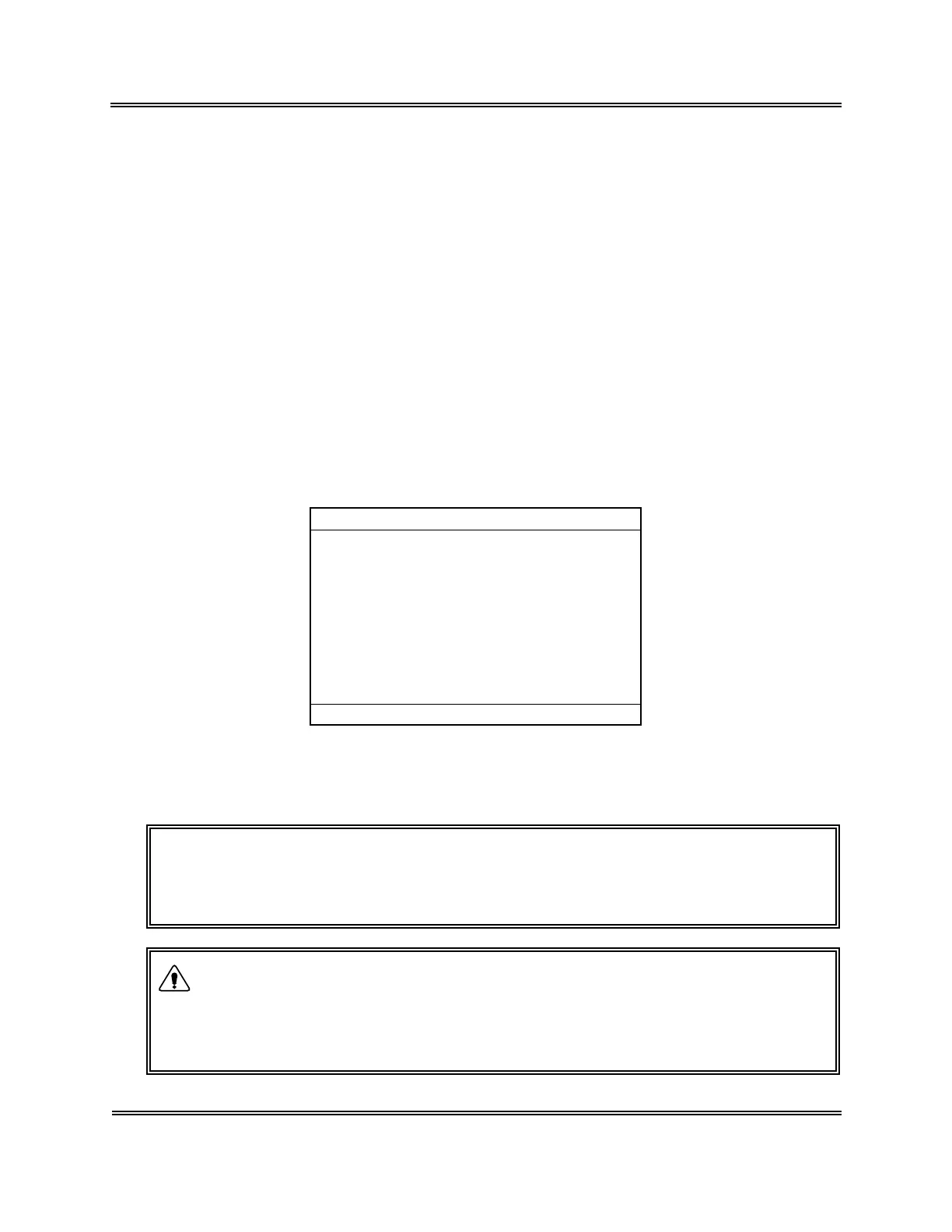
In the event multiple errors occur at the same time, press [HELP] key. The errors that have
occurred are listed in the order from higher priority.
*
Help
*
Multiple errors occurred.
Pressure/Vac Error
Rinse Motor Error
Waste Not Draining
Sampling Error
Room Temp. High
Press[HELP] for more information.
Figure 7-1-1: Help Screen (Error List)
Press [HELP] key again. The screen changes to the HELP screen for the error listed at top.
NOTE: • When you contact your Sysmex service representative, inform him of
"ERR CODE" given on the HELP screen. By doing so, you can inform
him of the instrument's status easier and more correctly.
• When you repair in accordance with TROUBLESHOOTING, be sure
to turn the power OFF except when you have to confirm displays and
instructions on the screen.
If you repair with the power turned ON, you have a risk of electric
shock hazard and you may give a permanent damage to electric parts.
WARNING


 To Next Page
 Loading...




