INTRODUCTION
Sysmex KX-21 Operator’s Manual -- Revised October 1998 1-3
3. OPTION UNITS
This instrument offers several option units to ensure its efficient operation. The options that
can be used with the KX-21 are:
• Serial interface: Outputs analysis data and QC data to the host computer. Ordering
Information: OUTPUT UNIT NO. 1 KX-21 (Part No. 973-4531-1)
4. OUTLINE OF OPERATION
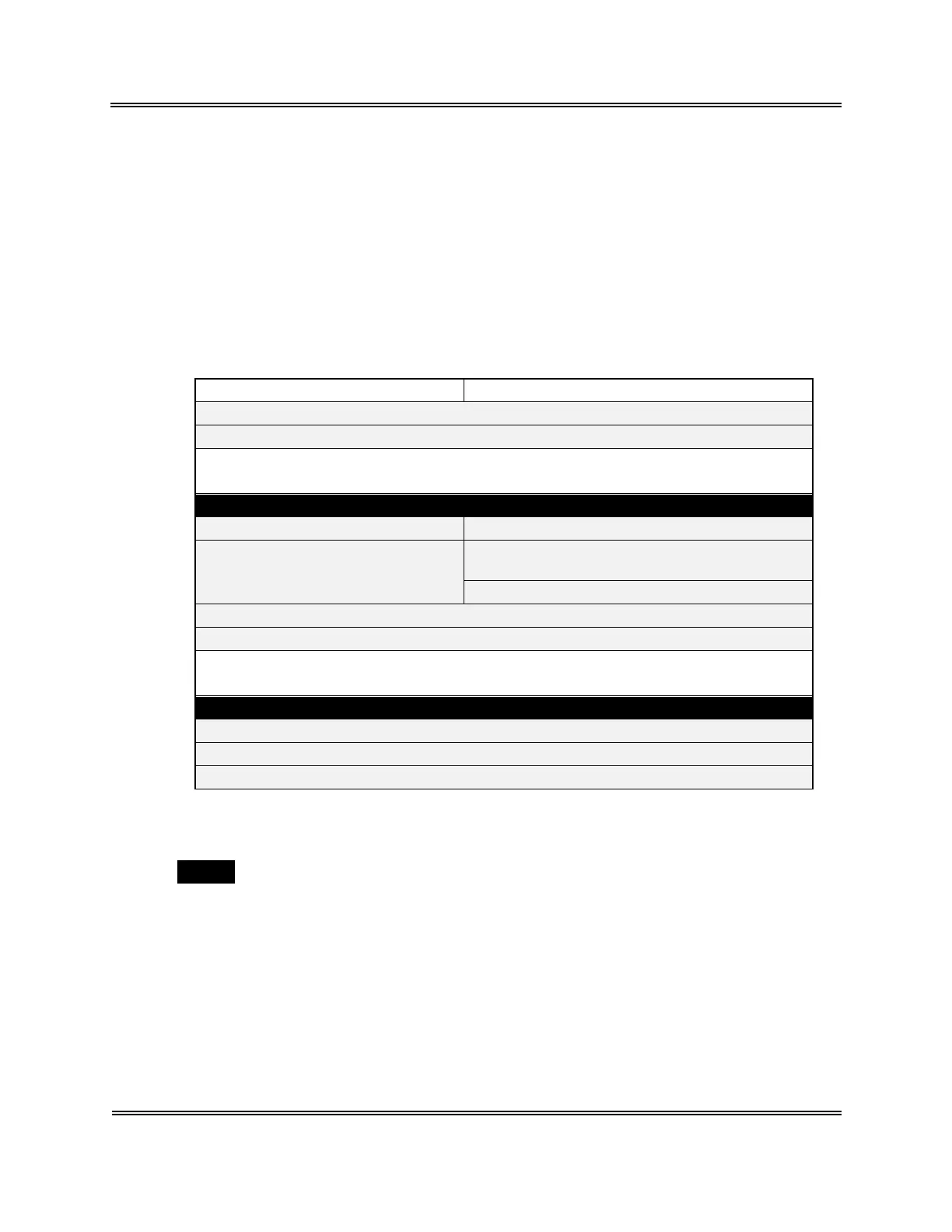
Two analysis modes are available with the KX-21: whole blood mode and pre-diluted mode.
Analysis procedures in these modes are listed below.
Whole blood mode Pre-diluted mode
Check before turnin
ON the power.
Turn ON the power.
• Self-check
• Back
round check
Read
Select whole blood mode. Select pre-diluted mode.
Set sample No. Prepare anal
sis samples in pre-diluted mode
1:26 dilution
.
Set sample No.
Set sample to the sample probe.
Press the start switch.
• Execute anal
sis.
• End anal
sis.
Read
Check after anal
sis.
Execute shutdown.
Turn off the power.
Table 1-4-1: Outline of Operation
• The work by an operator is shown in shaded cells.
• : "Ready" is displayed on the LCD screen. In this state, various operations
including analysis, settings, and data processing can be performed.
5. AUTOMATIC STOP FUNCTION OF PNEUMATIC UNIT
The KX-21, when left non-operating for 15 minutes, automatically stops the pneumatic unit.
This function saves power consumption and extends component service life. In addition,
with this function, analysis-ready status can be resumed faster than by turning on the power.
It is also possible to manually stop the pneumatic unit through the Select Menu screen.
Ready
Sysmex KX-21 Operator’s Manual -- Revised January 2000



 To Next Page