TROUBLESHOOTING
7-34 Sysmex KX-21 Operator’s Manual -- Revised October 1998
4. STATUS DISPLAY
The unit has the Status Display screen by which you can confirm the status of the instrument.
The Status Display screen displays in real time a currently-running sequence,
pressure/vacuum readings, sensor status, and solenoid valve operating status. You can also
confirm on the screen HGB Converted value, cycle Nos. after performing the last
maintenance, and currently-registered cycle No.
(1) Press [SELECT] key on the Analysis screen. The Select Menu screen appears.
(2) Using [ ] key or [ ] key, move the cursor to select "7: Maintenance."
(3) Press [ENTER] key. The Maintenance Menu screen appears.
*
Maintenance
*
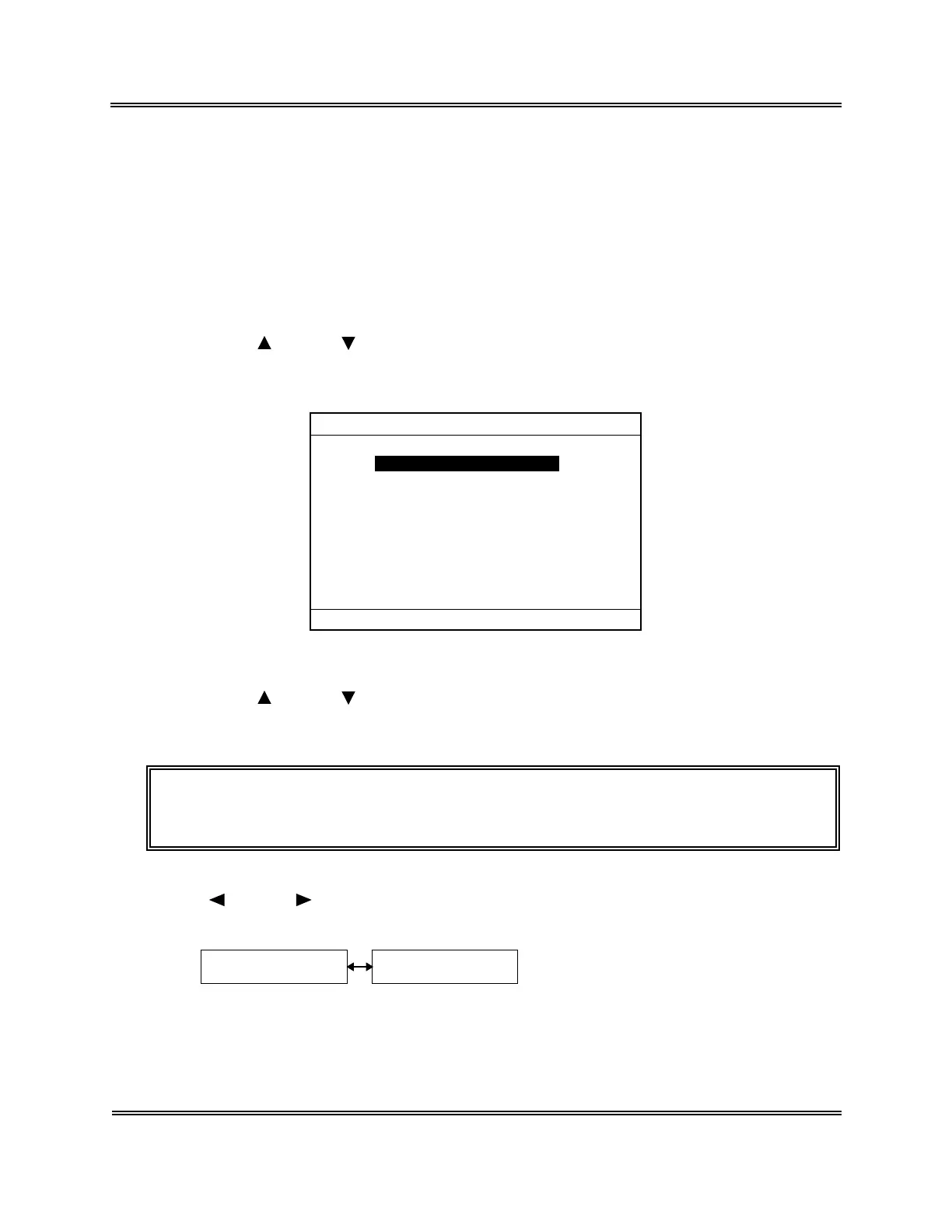
1:Clean W.Chamber
2:Clean Transducer
3:Reset SRV Counter
4:Drain TD Chamber
5:Status Display
Figure 7-4-1: Maintenance Menu Screen
(4) Using [ ] key or [ ] key, move the cursor to select "5: Status Display."
(5) Press [ENTER] key. The Status Display screen appears.
NOTE: • On the Menu screen, each menu can be selected directly by entering a
numeral from the numeric keys.
The Status Display screen comprises two pages; you can turn over the pages using
[ ] key or [ ] key.
P1. Status Display
Screen 1
P2. Status Display
Screen 2
Figure 7-4-2: Page Selection in Status Display Screen



 To Next Page